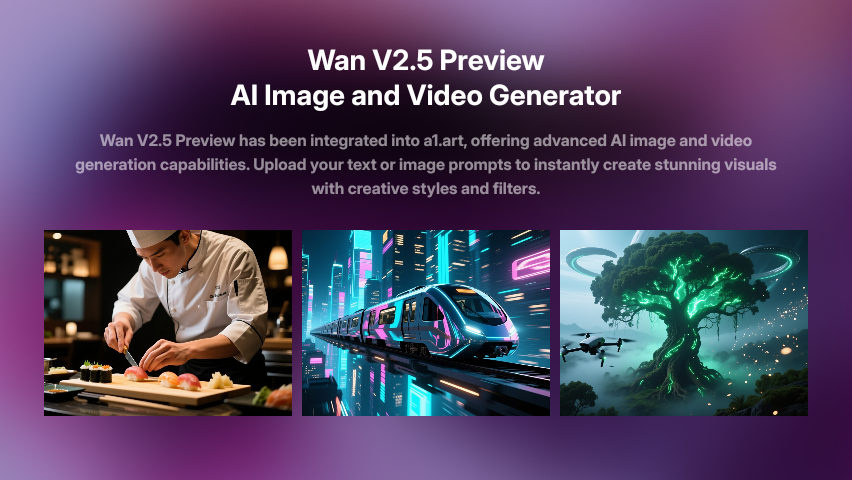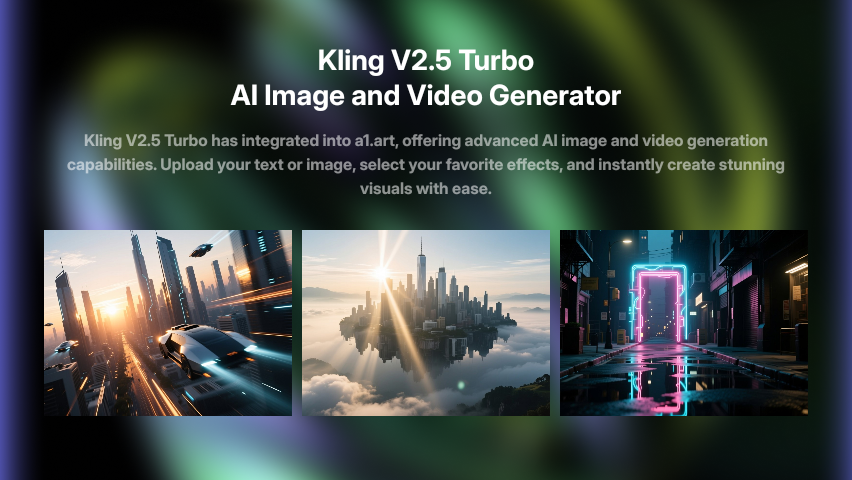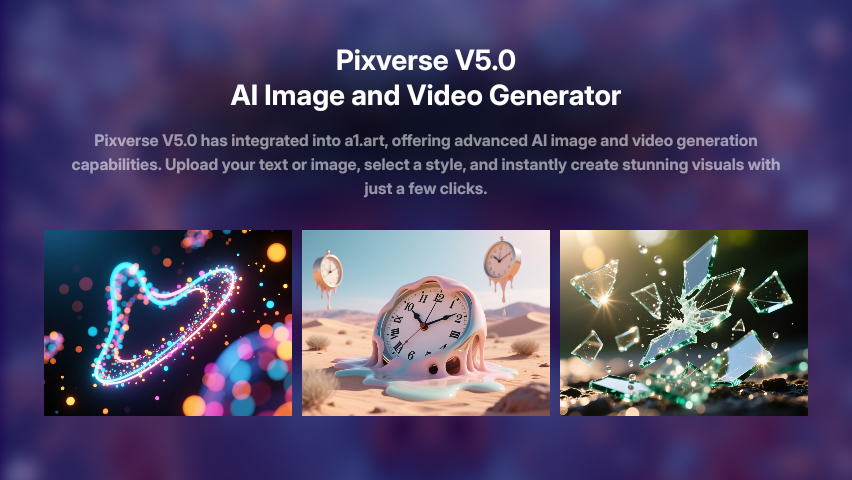
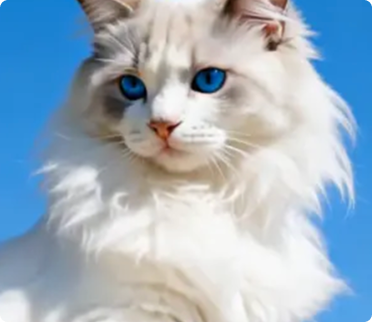
Explore Veo Trends with Video Filter
Turn your ideas into high-quality videos in just seconds using Veo.
Veo Trends
Couple Video
🔞 NSFW
Face Swap
Dance
3D Cartoon
Festival
Sports
Baby
Pet
Veo Image and Video Generator Key Features
Generate professional videos in moments with veo AI technology.
Instant Visual Magic
Veo quickly generates high-quality images and videos from your text or image inputs. Just upload your idea, and Veo will instantly create professional-grade visuals tailored to your vision.
Flexible Creative Options
Choose from a variety of styles and effects to customize your creations. Veo supports realistic, artistic, and cinematic outputs, giving you endless possibilities for visual storytelling.
Effortless User Experience
No complex steps required. Upload your prompt or photo, click Generate, and Veo will deliver impressive results in seconds. It’s designed for both beginners and experienced creators.
How to Use Veo AI Video Model on a1.art?
Step into the future of AI video creation with Veo on a1.art.
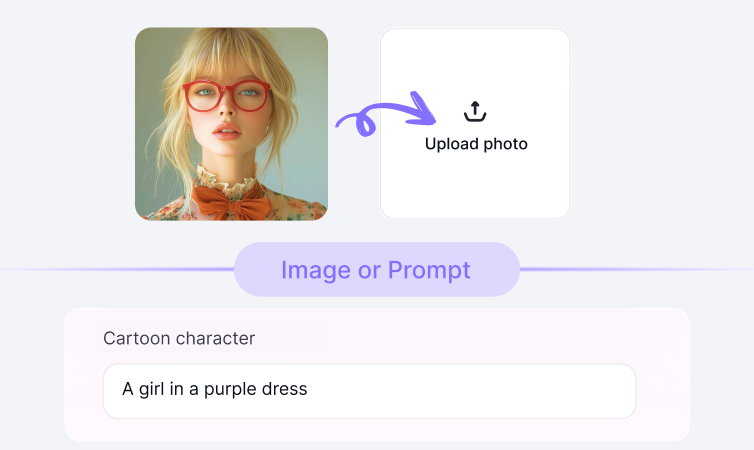
Step1.
Upload your prompt or image using Veo on a1.art.
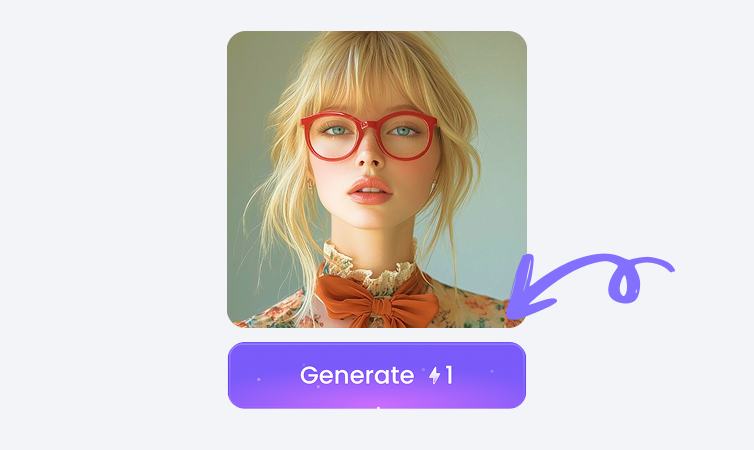
Step2.
Click the Generate button. You’ll get your AI image or video in just a few seconds.
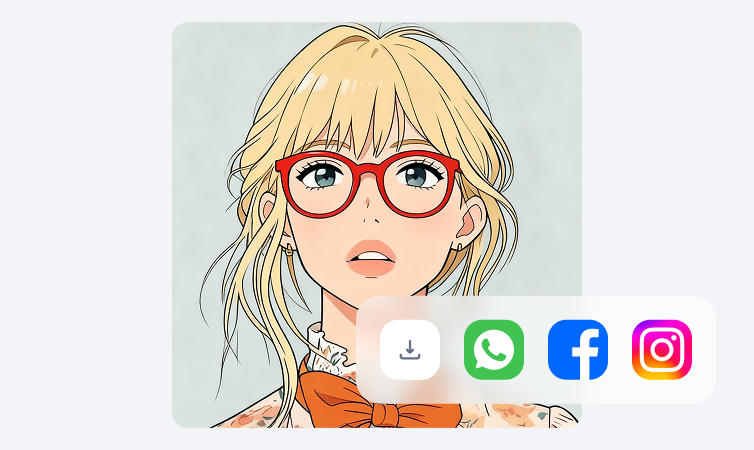
Step3.
Download your creation and share it on your social media platforms.
YouTube Videos on Veo Model
Bring imagination to life using the power of Veo on a1.art.
FAQ about Veo on a1.art
Produce short films, ads, or reels quickly using Veo technology.
What can I create with Veo?
You can generate AI-powered images and videos from text prompts or uploaded photos. Veo is perfect for portraits, landscapes, animations, and more.
How do I use Veo?
Simply upload your text or image, select your desired style, and click Generate. Veo will process your input and return your creation in moments.
Is Veo free to use?
Yes, you can try Veo for free on a1.art. Some advanced features may require credits or a subscription plan.
Can Veo create videos?
Absolutely! Veo supports both image and video generation. You can create dynamic videos from text or images, or apply filters to enhance your visuals.
Who can benefit from Veo?
Veo is ideal for artists, designers, marketers, and anyone interested in exploring AI-generated creativity. It’s user-friendly and powerful enough for professionals and hobbyists alike.
Trending Models
Find other trending models that users like best.