
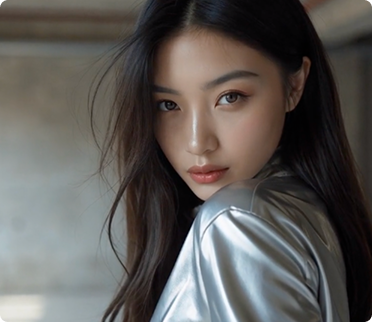
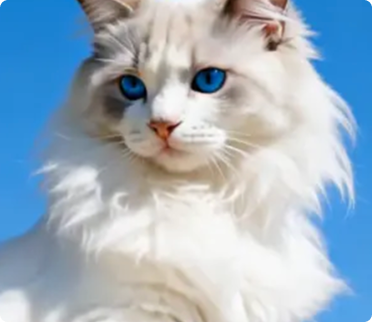
Explore Upscale Trends with Video Filter
Turn your ideas into high-quality videos in just seconds using Upscale.
Upscale Trends
Couple Video
🔞 NSFW
Face Swap
Dance
3D Cartoon
Festival
Sports
Baby
Pet
Upscale Image and Video Generator Key Features
Generate professional videos in moments with upscale AI technology.
Enhance Your Visuals
Upscale allows you to instantly improve the resolution and quality of your images or videos. Whether it's enhancing details in portraits, landscapes, or animations, Upscale delivers professional-grade results.
Effortless Integration
Seamlessly integrate Upscale into your workflow on a1.art. Upload your content, choose from a variety of filters, and generate enhanced visuals in seconds without any technical hassle.
Creative Flexibility
Upscale supports both image and video enhancement. You can upscale photos, create cinematic videos, or refine animations with just a few clicks, giving you endless creative possibilities.
How to Use Upscale AI Video Model on a1.art?
Step into the future of AI video creation with Upscale on a1.art.
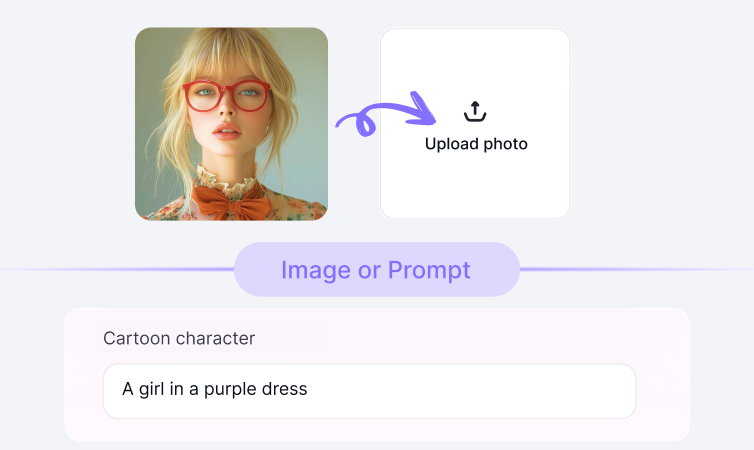
Step1.
Upload your prompt or image using Upscale on a1.art.
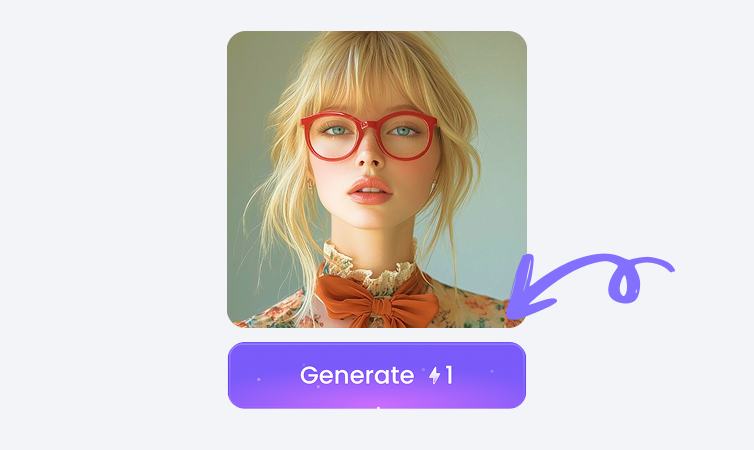
Step2.
Click the Generate button. You’ll get your AI image or video in just a few seconds.
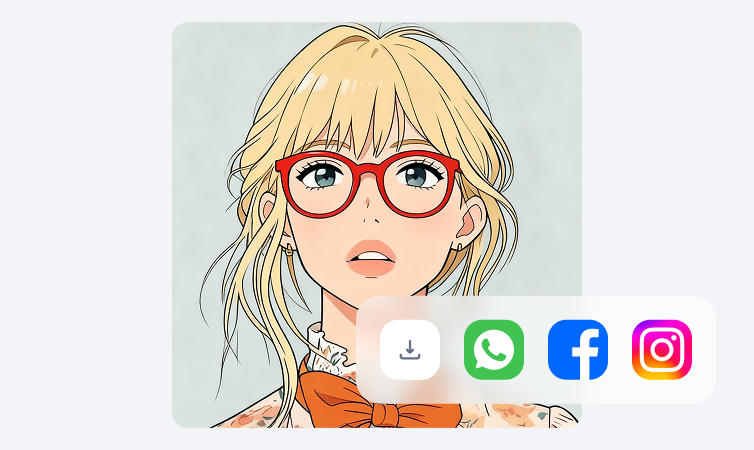
Step3.
Download your creation and share it on your social media platforms.
YouTube Videos on Upscale Model
Bring imagination to life using the power of Upscale on a1.art.
FAQ about Upscale on a1.art
Produce short films, ads, or reels quickly using Upscale technology.
What can I do with Upscale?
Upscale lets you enhance the resolution and quality of your images and videos. It works for photos, animations, and more, making them look sharper and more professional.
How do I use Upscale?
Upload your image or video to a1.art, select your desired effects, and click Generate. Upscale will instantly process and deliver enhanced visuals.
Is Upscale free to use?
Yes, you can try Upscale for free on a1.art. Some advanced features may require credits or a subscription plan.
Can Upscale work with videos?
Absolutely! Upscale supports both image and video enhancement, allowing you to refine animations, clips, or cinematic sequences.
Who can benefit from Upscale?
Artists, designers, filmmakers, and anyone interested in visual creativity can use Upscale to elevate their projects with minimal effort.
Trending Models
Find other trending models that users like best.