
Explore Remove Video Background Trends with Video Filter
Turn your ideas into high-quality videos in just seconds using Remove Video Background.
Remove Video Background Trends
Couple Video
🔞 NSFW
Face Swap
Dance
3D Cartoon
Festival
Sports
Baby
Pet
Remove Video Background Image and Video Generator Key Features
Generate professional videos in moments with remove-video-background AI technology.
Effortless Background Removal
Simply upload your video, and the Remove Video Background model will automatically detect and remove the background. Focus on your subject without spending hours editing.
High-Quality Output
The model ensures clean, crisp results with no artifacts. Preserve the details of your subject while achieving a seamless, professional look.
Versatile Use Cases
Perfect for creators, marketers, and designers. Use it to create engaging social media content, product demos, tutorials, or any video where a clean background is essential.
How to Use Remove Video Background AI Video Model on a1.art?
Step into the future of AI video creation with Remove Video Background on a1.art.
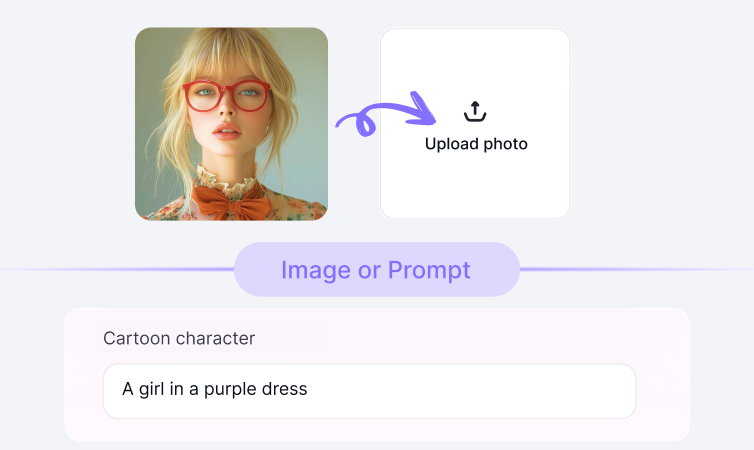
Step1.
Upload your prompt or image using Remove Video Background on a1.art.

Step2.
Click the Generate button. You’ll get your AI image or video in just a few seconds.

Step3.
Download your creation and share it on your social media platforms.
YouTube Videos on Remove Video Background Model
Bring imagination to life using the power of Remove Video Background on a1.art.
FAQ about Remove Video Background on a1.art
Produce short films, ads, or reels quickly using Remove Video Background technology.
What can I use the Remove Video Background model for?
You can use it to remove backgrounds from videos for social media posts, marketing materials, presentations, or any project where a clean, focused subject is needed.
How do I use the Remove Video Background model?
Upload your video to a1.art, select the Remove Video Background option, and let the AI handle the rest. It’s fast, easy, and requires no technical skills.
Is the Remove Video Background model free to use?
Yes, you can try it for free on a1.art. Some advanced features or higher-quality outputs may require credits or a subscription plan.
Can I use this model for both images and videos?
Currently, the Remove Video Background model is optimized for videos. For image background removal, explore other tools available on a1.art.
Who should use the Remove Video Background model?
This tool is ideal for content creators, marketers, educators, and anyone looking to enhance their video content with a clean, professional look.
Trending Models
Find other trending models that users like best.