

Making photorealistic portraits with AI usually means endless trial and error. Have you spent hours writing prompts for AI image generators, only to get wonky limbs, fake plastic-looking skin or unnatural lighting that ruins your vision? It’s annoying when your creative ideas fall flat because AI struggles with fine hair strands, depth of field and natural light reflections. Luckily, well-structured prompts fix this problem. With optimized use of a1.art, creators can reliably produce lifelike AI portrait shots with solid composition, precise lighting and sophisticated fashion styling.
This article shares ready-to-use prompt templates, realistic scene settings and practical tips to turn basic ideas into stunning visuals. Whether you want high-fashion editorial photos, golden hour street portraits or casual lifestyle shots, these structured formulas help you achieve professional results. We also compare different rendering platforms, including benchmark data and workflow advice, to keep your final images sharp and authentic.
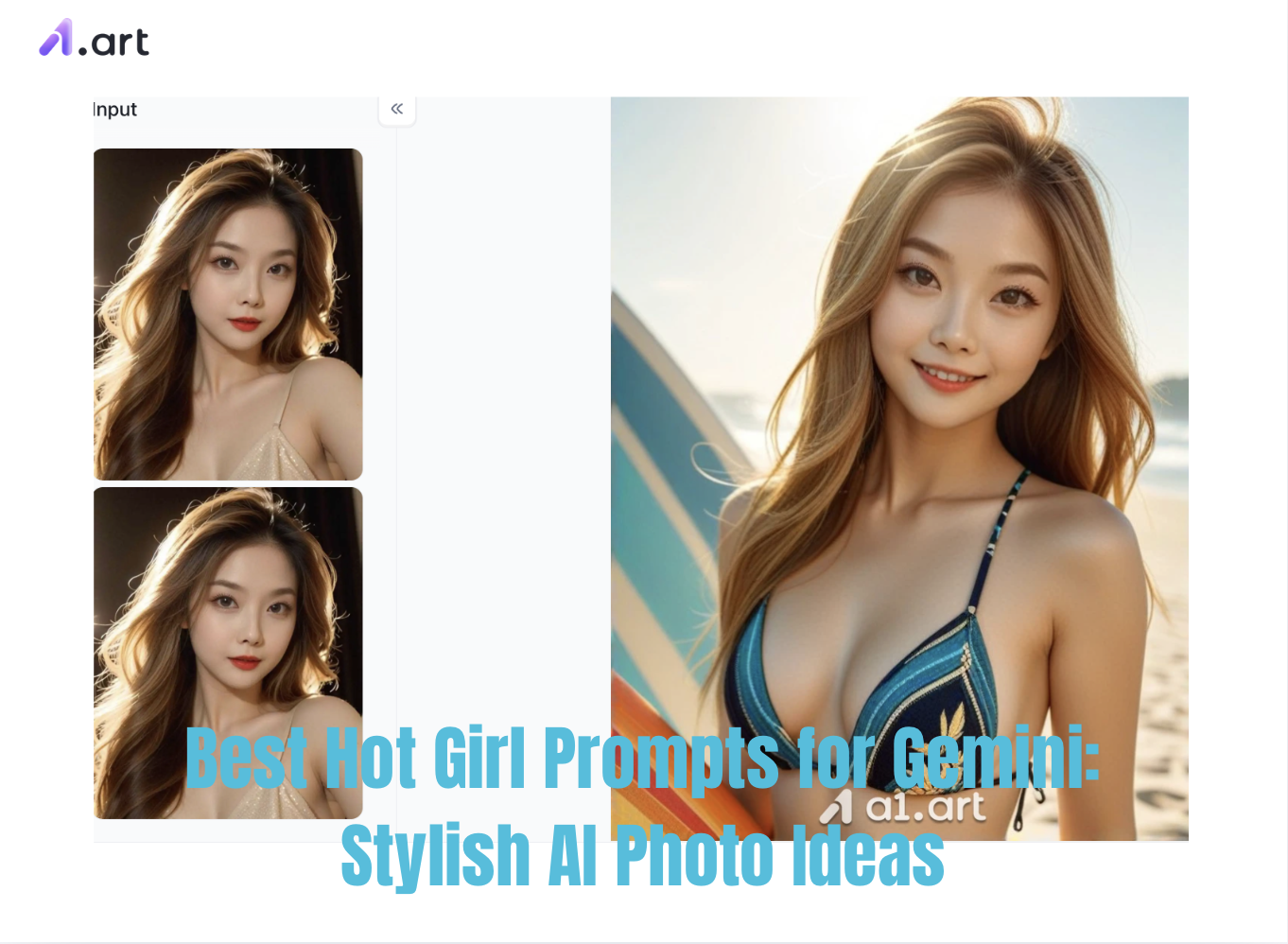
Hot Girl AI Prompts: Why Does Gemini Often Fail While a1.art Produces Masterpieces Instantly?
User Needs and Pain Points
Many users search for "Hot Girl" prompts, primarily seeking high-quality portraits with realistic skin texture, a sophisticated and sexy atmosphere, and visually striking body curves and fashionable outfits. They want portraits that possess both a "hot girl" feel and cinematic lighting.
Common "Failures" with Gemini
However, in the actual generation process, Gemini's risk control mechanism is quite sensitive to such prompts, easily triggering blocking. Even when images are successfully generated, the following pain points are frequently encountered:
- Frequent Risk Control Prompts: High sensitivity to words like "swimsuit," "revealing skin," and "sexy," often resulting in rejection due to security policies.
- Conservative Aesthetic Preferences: Generated characters tend to appear artificial, with clothing and poses that are too restrained, making it difficult to achieve a stunning "hot girl" effect.
- High difficulty in controlling details: When handling micro-expressions, high-value facial details, and the fit of specific clothing fabrics (such as lace, patent leather, and silk), command responses often deviate.
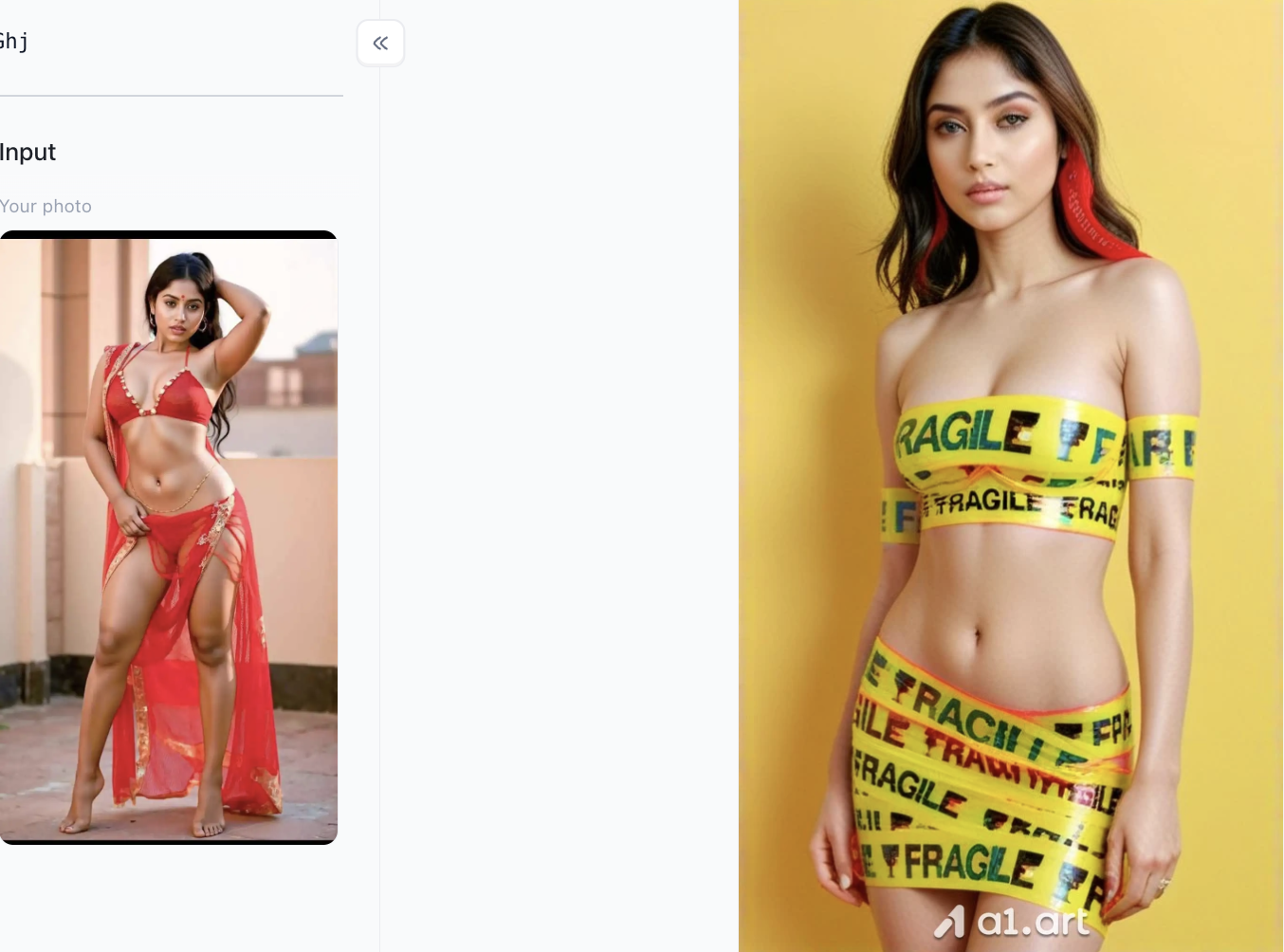
Why do many people ultimately achieve similar results faster with a1.art?
Precisely because the time cost of repeatedly debugging prompts in general AI tools is extremely high, more and more creators are choosing to switch to a1.art:
- One-click loading of custom style models: A vast library of pre-built, finely tuned models for specific aesthetics such as "Korean hot girls," "European haute couture," and "sexy mature women" eliminates the need to write lengthy camera parameters; a simple click on the style ensures precise matching.
- More accurate visual expression: More precise capture of sexy and fashionable elements, whether it's breathable textures, sexy curves, or lighting atmosphere, resulting in more stable image output.
- Highly efficient and rapid output: Supports raw image processing and flexible partial redrawing; from conception to receiving a high-value hot girl masterpiece takes only seconds, completely eliminating the tedious process of constantly trying and getting prompts.
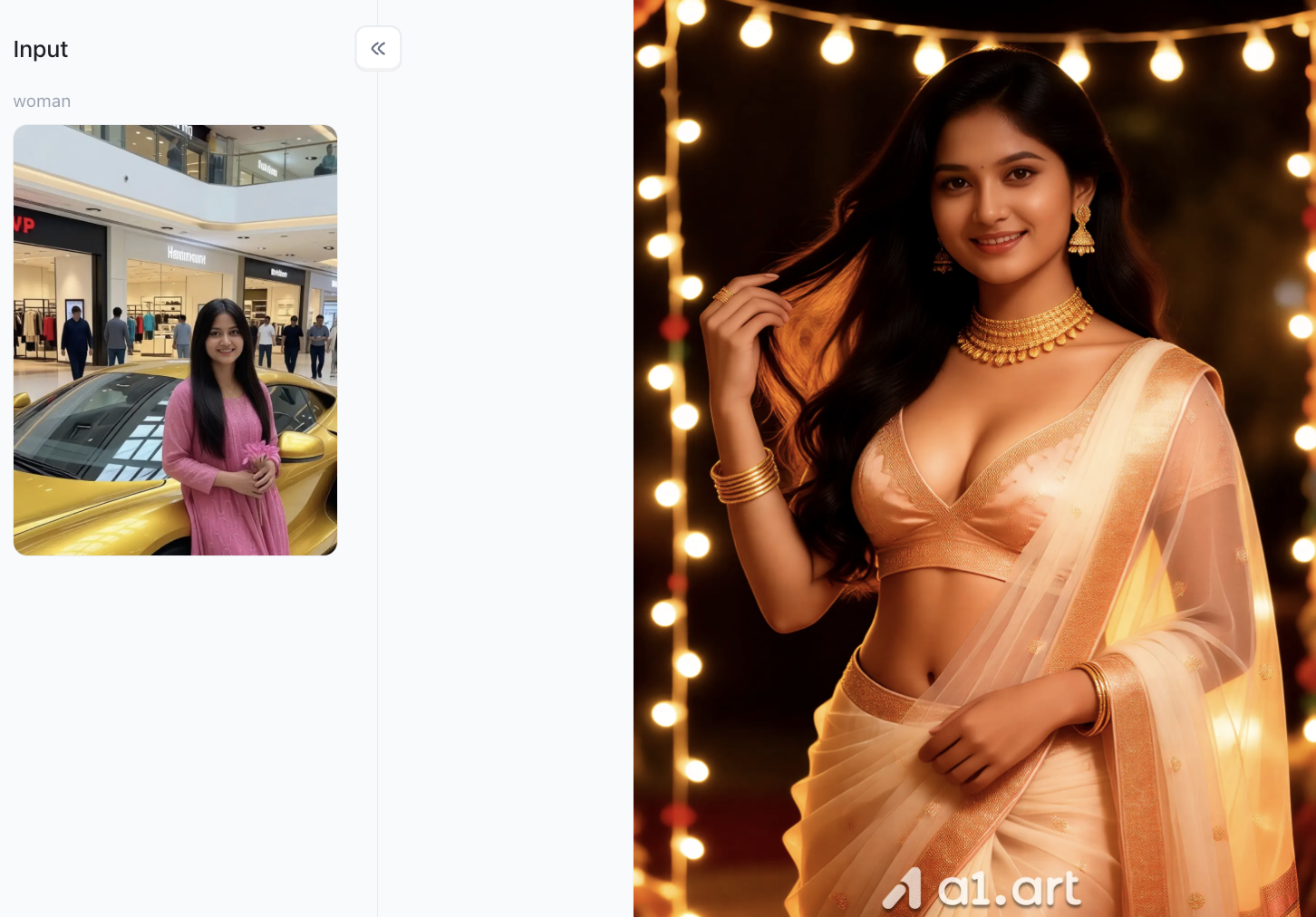
Prompt Engineering Breakdown: Key Elements of High-Quality Prompts
To create truly lifelike AI images, you just need to know how text prompts guide AI drawing models. Instead of spamming generic phrases like "hyper-detailed" or "masterpiece" in your prompts, building your prompts in a clear, structured way will get you way better results.
- Camera Parameters & Optics: Specify your lens focal length (35mm for environmental shots, 85mm for portrait shots), aperture settings (f/1.4 for soft bokeh effects), and camera shooting angles.
- Lighting Architecture: Clearly define the direction and intensity of light in your scene, such as golden hour rim light, soft dappled natural window light, and side neon light reflections.
- Subject Styling & Apparel: State specific clothing fabrics including linen, denim, silk and knitwear, as well as matte or glossy surface finishes, to help AI render accurate and authentic texture details.
- Realism Directives: Add straightforward requirements like "visible skin pores", "authentic skin texture" and "no heavy airbrushing" to avoid fake, overly smoothed artificial skin effects.
Empowering AI Visual Creation: Why a1.art is the Ultimate Portrait Engine
While prompt structure forms the foundation of great AI art, your chosen execution platform determines final image quality. Standard generators often struggle with facial symmetry, finger alignment, background artifacts, or aggressive cropping. This is where a1.art stands out as an all-in-one AI visual creation platform engineered specifically for creators, designers, and marketers.
Here are some hot girl filters you can't miss on a1.art
hot girl
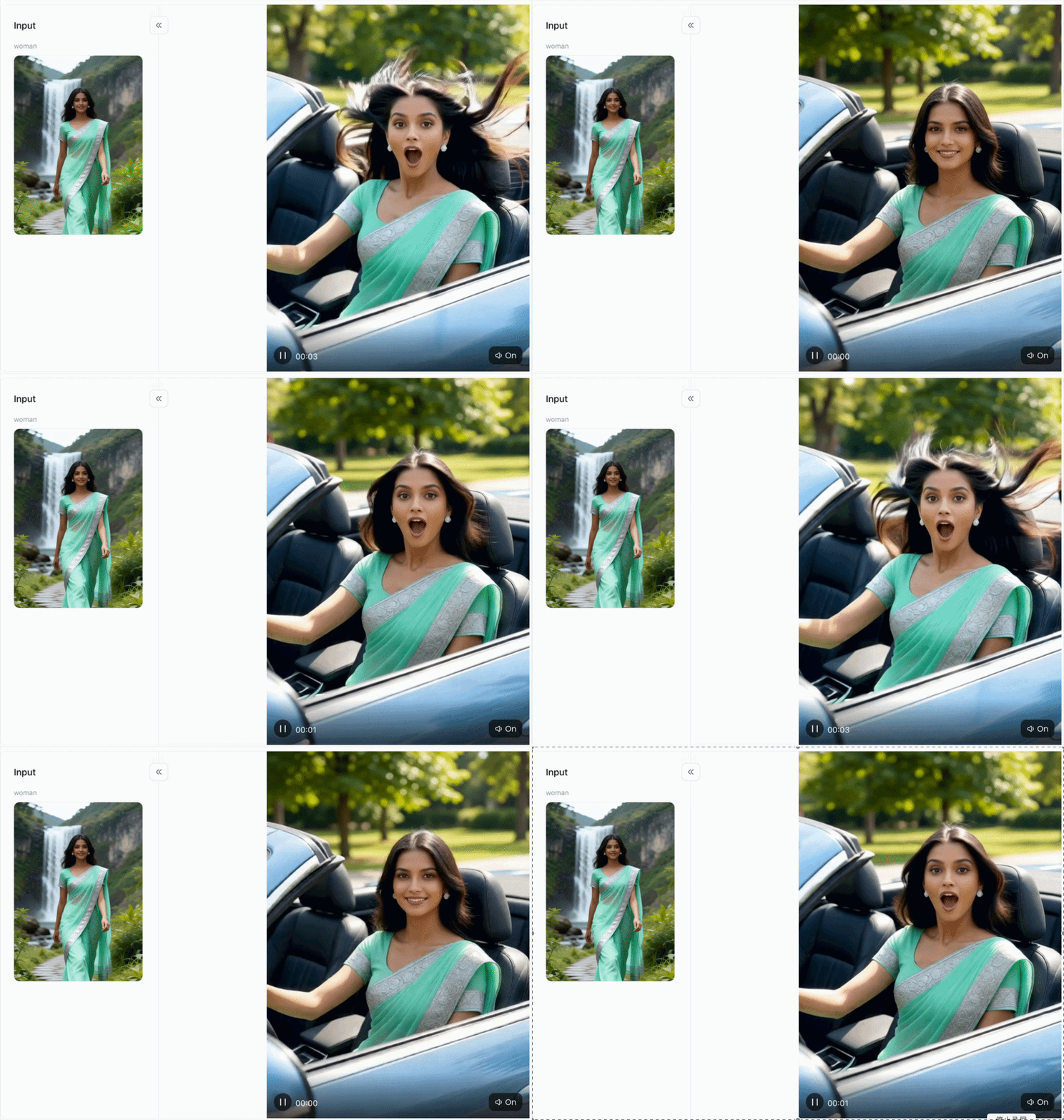
hot girl- Scene and Perspective Revolution: The original outdoor natural waterfall background is transformed into a modern scene of a convertible sports car speeding along, with the camera angle zooming in from a full-body long shot to a close-up from the side.
- Strong Dynamic Visual Impact: Simulating the wind pressure effect of high-speed driving, a dynamic texture of long hair flowing backward and dancing in the wind is created, significantly enhancing the drama and visual tension of the image.
- Clothing and Styling Redefinition: The elegant green floral sari in the original image is reconstructed into a sexy white bikini, while retaining the mint green scarf from the original image as a detail that flows in the wind, cleverly echoing elements of the original.
girl
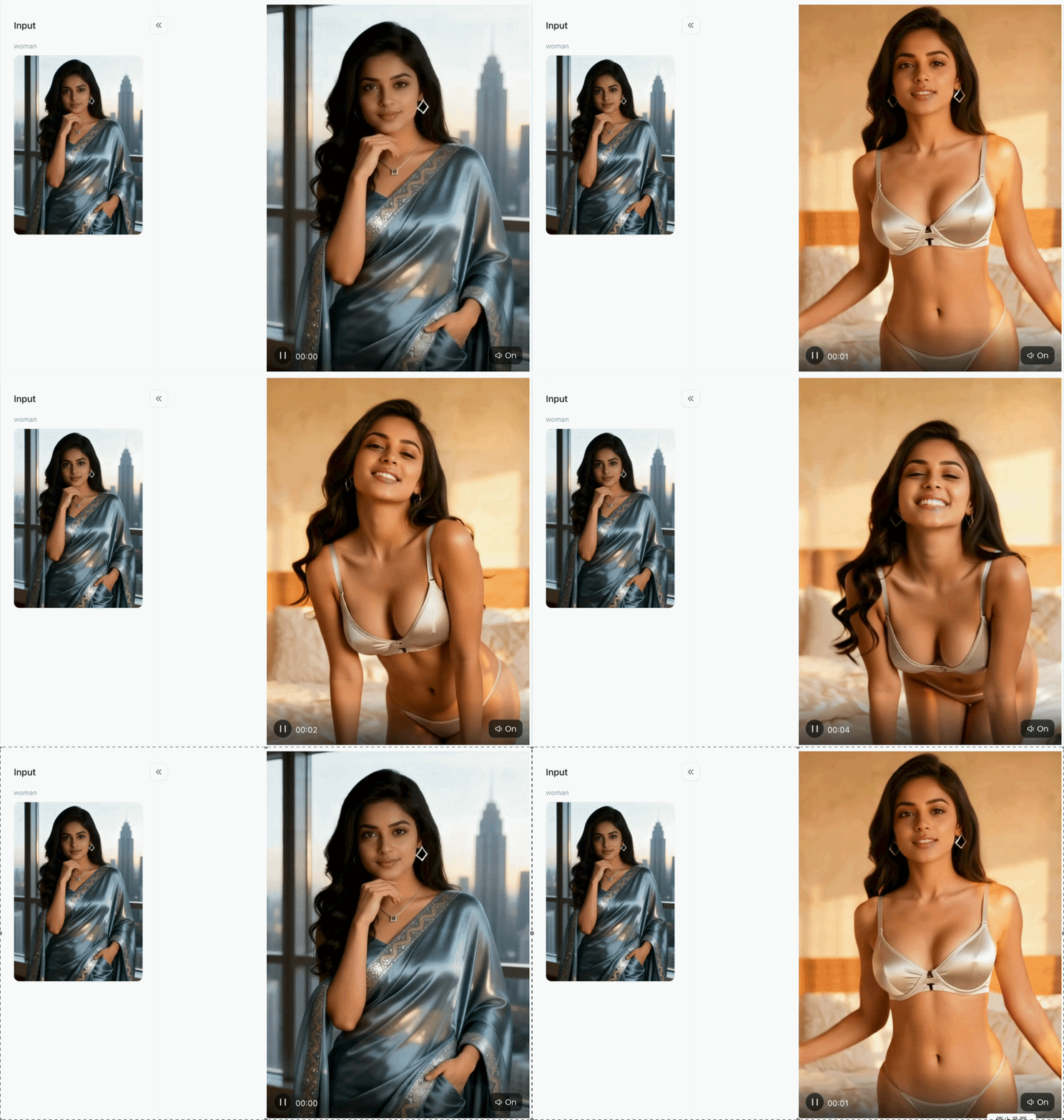
- Facial Recognition and Expression Reconstruction: Precisely preserving the facial features and contours of the original subject, the dignified and serene posture is transformed into a bright, confident smile, showcasing a powerful emotional impact.
- Scene and Atmosphere Transformation: The cool-toned urban interior environment with its high-rise building background is switched to a warm and cozy home bedroom scene, with the overall tone shifting to a soft, warm golden sunlight atmosphere.
- Posture and Perspective Reconstruction: The perspective shifts from the original static half-body standing posture to a closer, leaning posture, creating a more interactive and approachable visual effect.
Hot woman
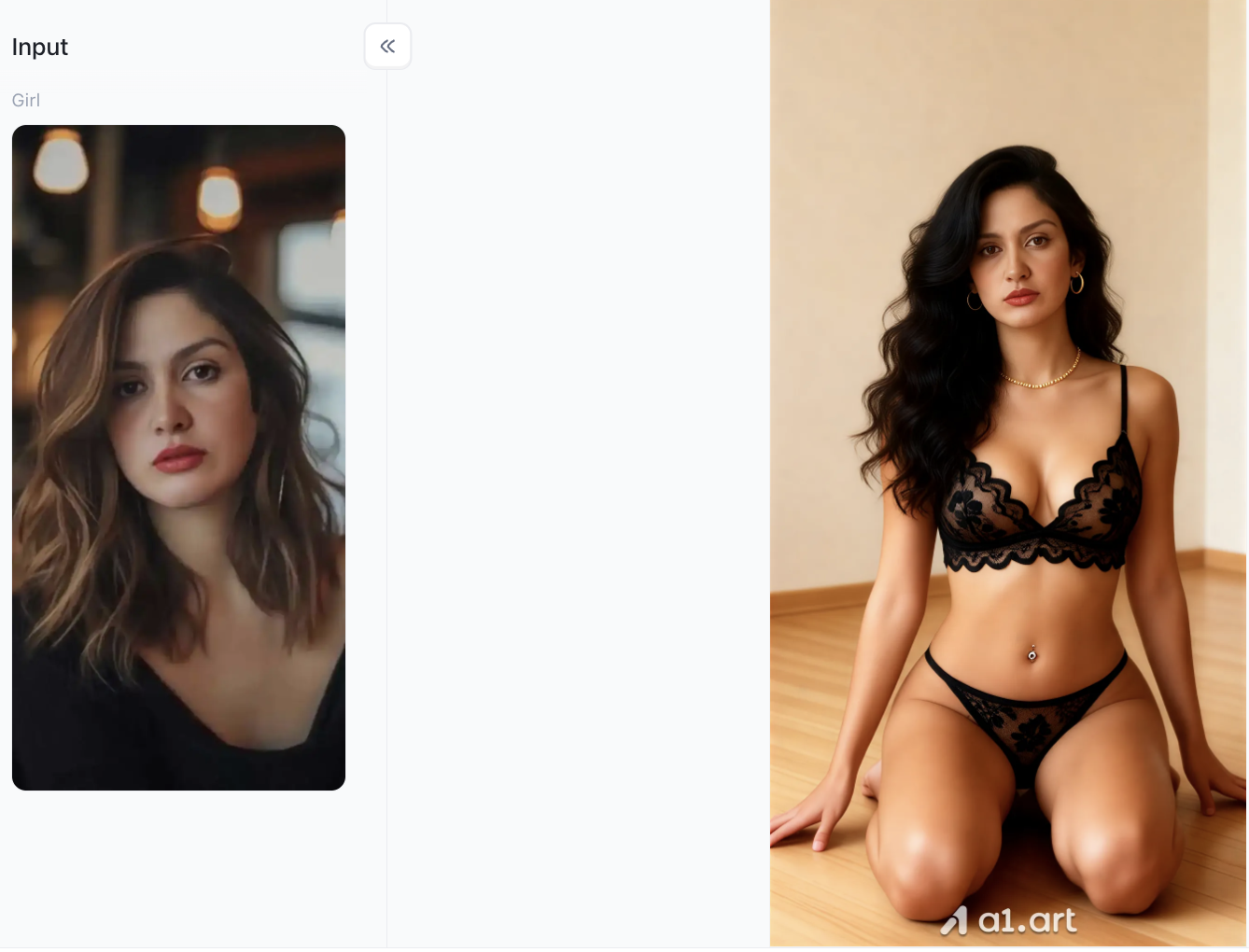
- Full-body scene reconstruction and outfit change: The original close-up portrait was extended to a full-body/half-body scene, and the clothing was replaced with a sexy and exquisite black lace lingerie set, greatly enhancing the style and visual appeal.
- Hairstyle and hair color upgrade: The original brown medium-length hair was reshaped into voluminous and elegant long black wavy curls, with a natural and smooth texture, enhancing the mature beauty of the subject.
- Indoor lighting and texture optimization: The background was switched to a simple and warm indoor environment (wooden floors and softly lit walls), with natural light and shadow transitions, and the skin texture was delicate while retaining a realistic healthy glow.
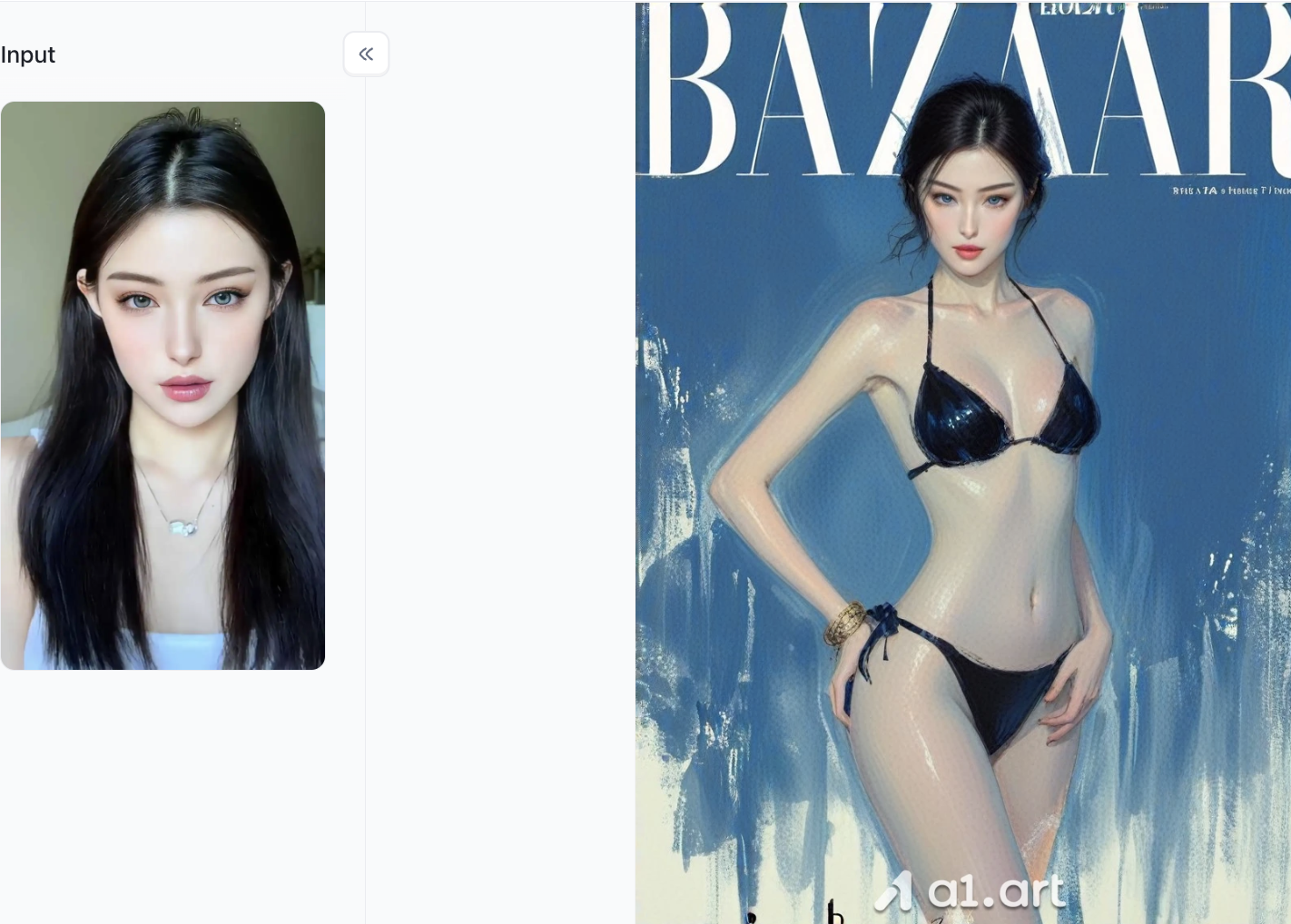
Key Features and Ecosystem of a1.art:
- Vast Style & Filter Ecosystem: Featuring over hundreds of thousands style templates and filters, a1.art covers hyper-realistic portraiture, commercial fashion, 3D art, anime, and cinematic aesthetics. Users can transform concepts into high-definition assets within seconds.
- Hyper-Realistic Human Texture Rendering: Unlike conventional engines that produce overly smoothed "plastic skin," a1.art excels at rendering realistic skin pores, subtle light reflections, and authentic facial expressions without distortion.
- Anatomical & Structural Precision: Trained on advanced body-alignment models, the platform significantly reduces common AI flaws like extra fingers, awkward limb poses, or unnatural facial features.
- No-Code Visual Workflows & Developer APIs: Creators can construct custom AI filters in under 3 minutes, while businesses can integrate a1.art's robust API to power custom applications with thousands of pre-tuned models.
Step-by-Step Guide: Generating Stylish AI Photos
- Select Your Visual Concept: Pick a clear aesthetic style that fits your creative goals, whether it’s golden-hour city vibes, vintage film tones, or high-end fashion editorial looks.
- Define Focal Length and Camera Perspective: Choose the right lens for your shot: 85mm for tight portrait close-ups, 50mm for standard medium shots, and 35mm for wide, environment-filled scenes.
- Set Lighting Conditions: Pinpoint exactly how your light falls in the scene,such as side-lit sunset glow or gentle natural window light,to avoid dull, flat-looking photos.
Conclusion: Master Your AI Portrait Workflow
Learning to craft solid prompts turns the random, trial-and-error process of making AI portraits into a smooth, professional workflow. Pair accurate lighting settings, camera parameters and detailed styling touches together, and you can create realistic portrait images for all kinds of digital projects. Using the refined tools and optimized workflow on a1.art guarantees your AI-generated portraits look authentic, natural and visually appealing. Start using these practical prompt frameworks right away to level up your digital creation work.
FAQs
Q1: How do I avoid plastic or fake skin texture in Gemini AI photo prompts?
To prevent smooth, artificial skin, avoid words like "flawless," "perfect," or "hyper-detailed." Instead, explicitly add camera parameters like "shot on 85mm lens" and directives such as "natural skin texture with visible pores," "subtle freckles," or "no airbrushing" into your hot girl prompts for gemini ai.
Q2: What is the best camera lens specification for AI portrait photography?
An 85mm prime lens with an aperture of f/1.4 or f/1.8 is ideal for close-up and waist-up portraits, providing realistic background blur (bokeh) and natural facial dimensions. For environmental or lifestyle shots, a 35mm or 50mm lens works best.
Q3: Why should I use a1.art instead of standard default AI generators?
a1.art provides specialized style models engineered specifically for realistic human anatomy, accurate light behavior, and intricate garment fabrics. It eliminates common issues like extra digits or distorted features while offering over 100,000 style templates and no-code filter creation tools.
🔞 Content Publication Policy (Concise English Version)
All users must strictly adhere to the following rules and bear full responsibility for the content they publish:
- Illegal Content: The generation or distribution of any form of illegal content is strictly prohibited.
- CSAM (Child Sexual Abuse Material): Any sexual content involving minors is considered a severe felony worldwide, with zero tolerance.
- Deepfakes (Non-consensual Intimate Images): The creation or dissemination of intimate images of any real person without their explicit consent is strictly forbidden.
- User Responsibility: Users are solely responsible for ensuring all generated content complies with copyright, privacy, and all applicable laws.
더 보기
- 디왈리 2026: 날짜, 락슈미 푸자 무후르트, 랑골리 및 5일간의 가이드
- 위령의 날 2026: 날짜, 의미, 세상을 떠난 이들을 위한 기도
- 사진 2장으로 AI 키스 영상을 무료로 만드는 방법
- AI로 포스터 디자인하는 방법: 아이디어부터 최종 레이아웃까지
- 2026년 최고의 Nemora AI 대안
- AI 디왈리 사진 생성기: 축제 인물 사진 프롬프트 20선 (2026)
- 2026년 모든 성인 대축일은 언제인가요? 날짜, 역사 및 의미
- 15개의 럭셔리 머니 라이프스타일 AI 사진 편집 프롬프트 (2026)
- 카르와 차우트 2026: 날짜, 월출 시간, 브랏 비디 & 카타
- 할로윈 2026: 10월 31일 토요일, 날짜, 역사 및 전통
에 의해 작성된

a1.art
에 게시됨
Nov 2, 2026
기사 공유


