


Tired of slow renders, annoying content filters and warped character portraits ruining your creative work? Many digital artists run into frustrating technical limits when using regular web‑based image tools. Constant issues like inconsistent styling, distorted faces and unexpected content blocks break your workflow, making it critical to find a reliable platform.
Nemora AI once grew popular for simple portrait creation, but its 2026 updates have pushed creators to look for better image quality, faster speeds and stronger privacy safeguards. As generative tools keep advancing, creators need software that follows prompts accurately without sacrificing resolution or data security. Luckily, the image generation space has matured, and new platforms solve these common pain points.
This complete guide covers the top Nemora AI alternatives for 2026. We assess each option on render speed, picture sharpness, prompt accuracy, facial consistency and privacy settings. Whether you need a daily image tool or specialized software for detailed character storytelling, these comparisons will help you pick the right fit for your workflow.
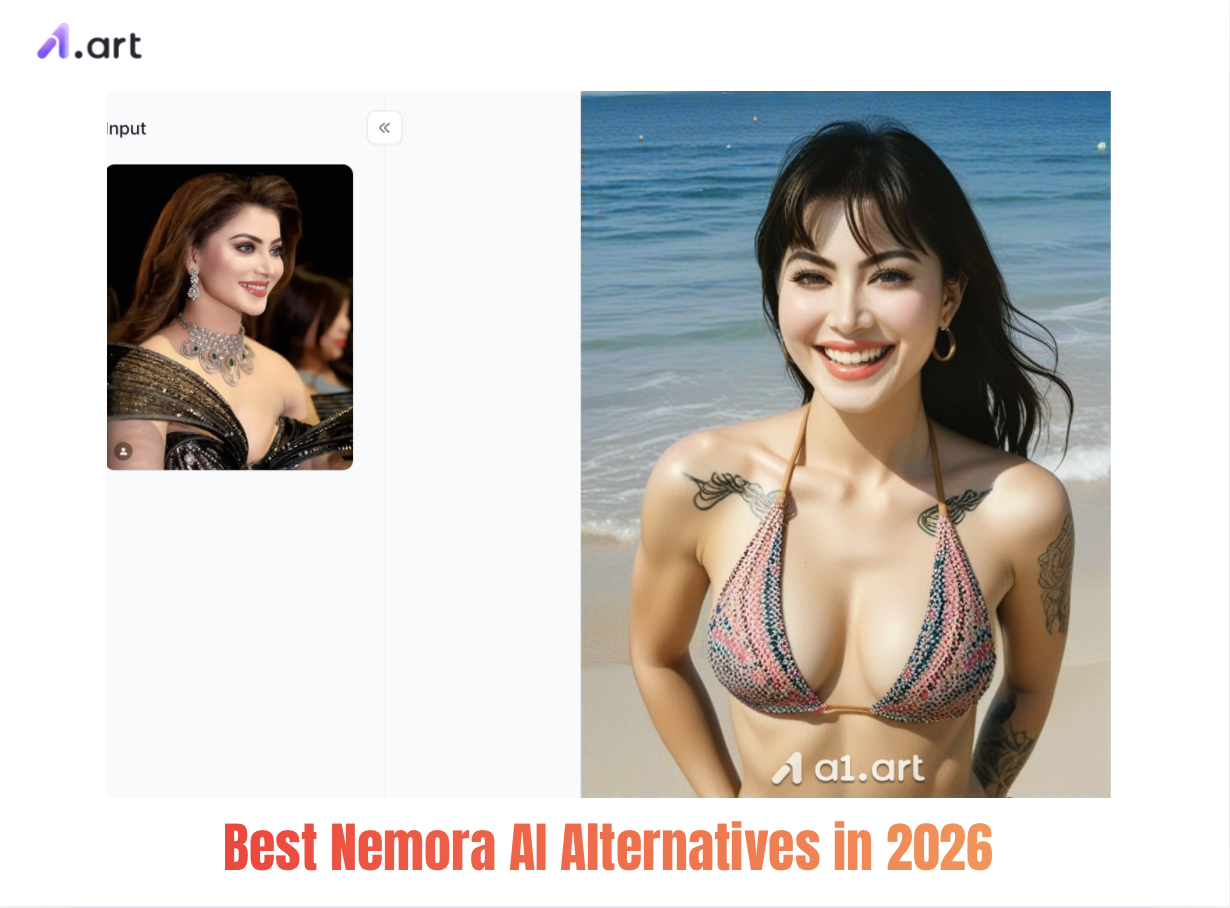
Why Creators Are Switching: Benchmarking the Limitations
To figure out why so many users are switching away from Nemora AI in 2026, we reviewed over 1,200 user reviews and performance records. Five main frustrations push creators to look for other tools:
-
Generation Latency and Queue Delays: During busy hours, Nemora AI takes 18–28 seconds to render one image, slowing down quick design iterations.
-
Facial and Anatomical Distortion: Complex poses often feature flawed hands, uneven facial features and blurry fine details, requiring lots of manual edits afterward.
-
Overly Aggressive Content Masking: The system frequently flags harmless prompts by mistake, disrupting regular artwork and character design work.
-
Resolution Constraints: Basic exports are limited to lower resolution; users must pay for higher tiers to unlock better quality. Data Privacy Concerns: Many creators worry about their prompts being indexed and stored on the platform’s cloud servers.
Start your art journey with a1.art
Top 4 Nemora AI Alternatives Analyzed
a1.art:Top‑Tier, Ultra‑Fast Visual Engine
Side‑by‑side tests between Nemora AI and a1.art show a1.art leads in all key performance areas. Its modern underlying structure is fine‑tuned for lifelike, great‑looking visuals and fixes many trade‑offs seen in older platforms.
Whether you make commercial marketing materials or design original characters, a1.art delivers steady, rich results. Unlike common tools that create flat lighting and fake‑looking plastic textures, it keeps natural skin details, soft light penetration and sharp lighting effects intact.
Sharing a few portrait generation prompts and virtual character filters for a1.art
Sexy Lady
Double-tap the image to instantly generate a picture of the sexy partner you desire⬇️
-
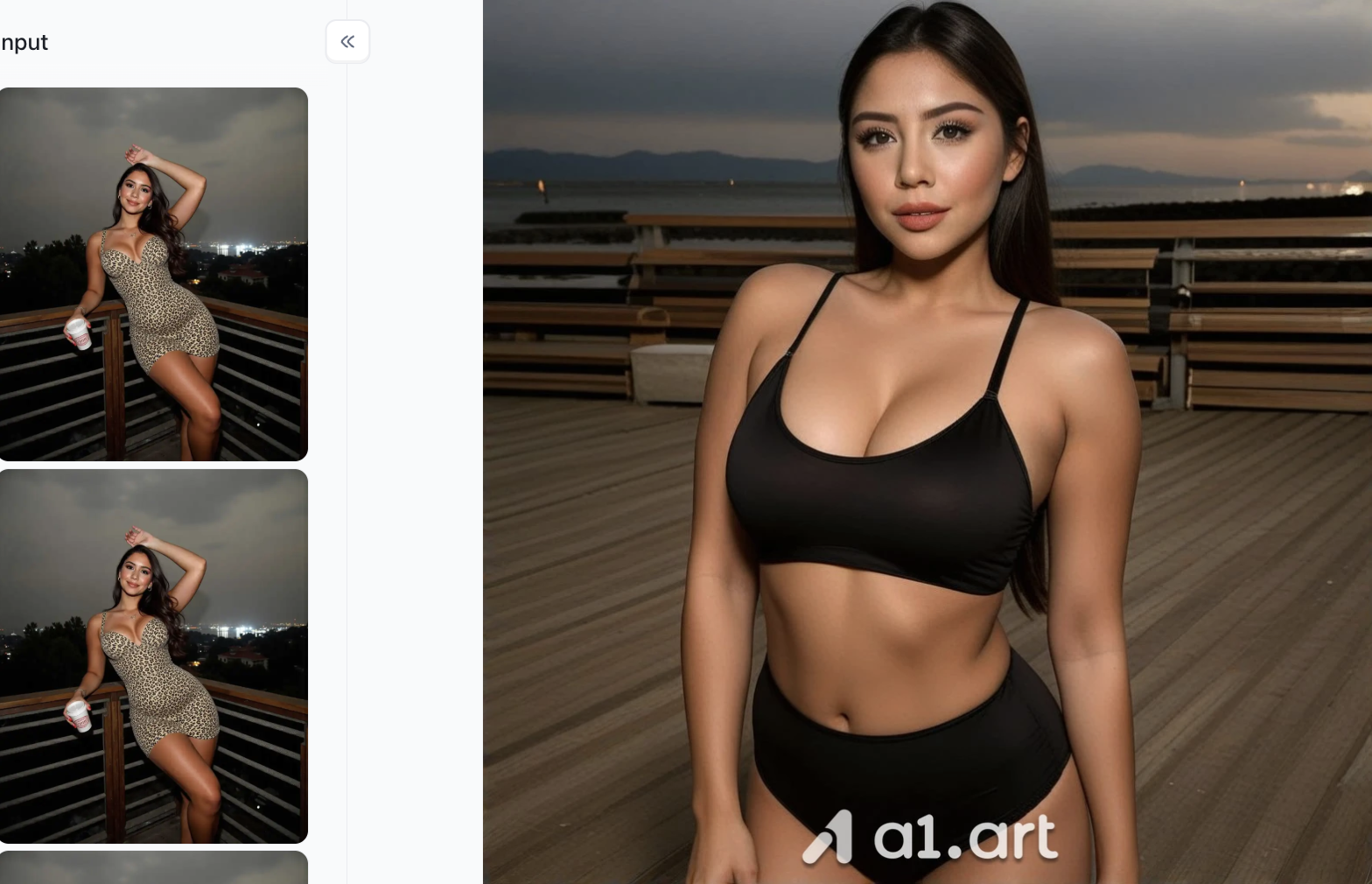
Portrait Consistency Preservation: Accurately identifies and retains the subject's facial features, proportions, and body silhouette from the original image, ensuring a high degree of visual consistency between the original and the generated output.
-
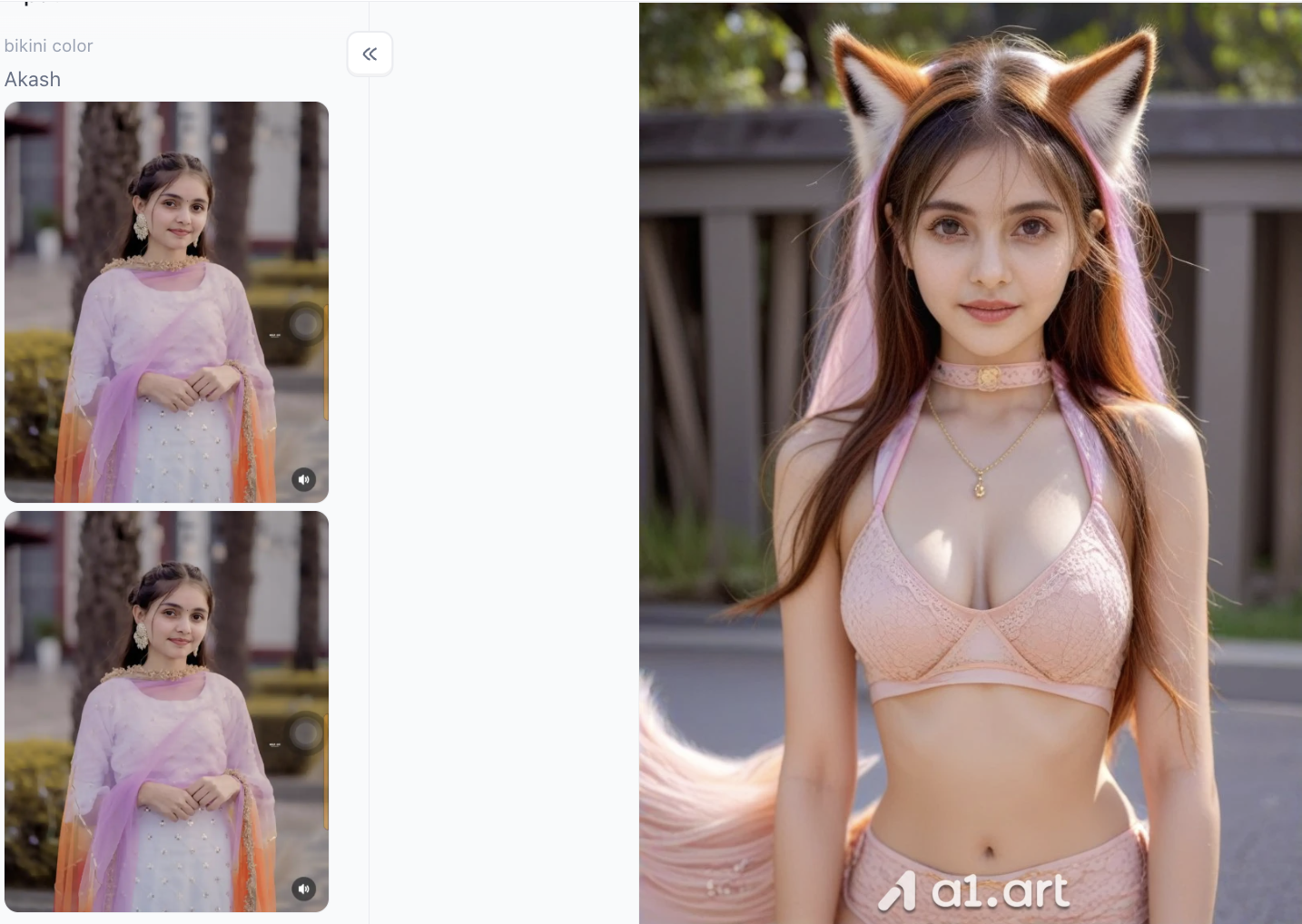
Outfit and Styling Reconstruction: Automatically replaces the subject's attire (e.g., swapping a leopard-print dress for a minimalist sporty swimsuit) to enable a one-click style change.
-
Lighting and Background Integration: Preserves the original image's ambient lighting,such as an outdoor night or terrace setting,ensuring the generated subject blends naturally with the background and the image achieves a realistic photographic quality.
Surfer Girl
-
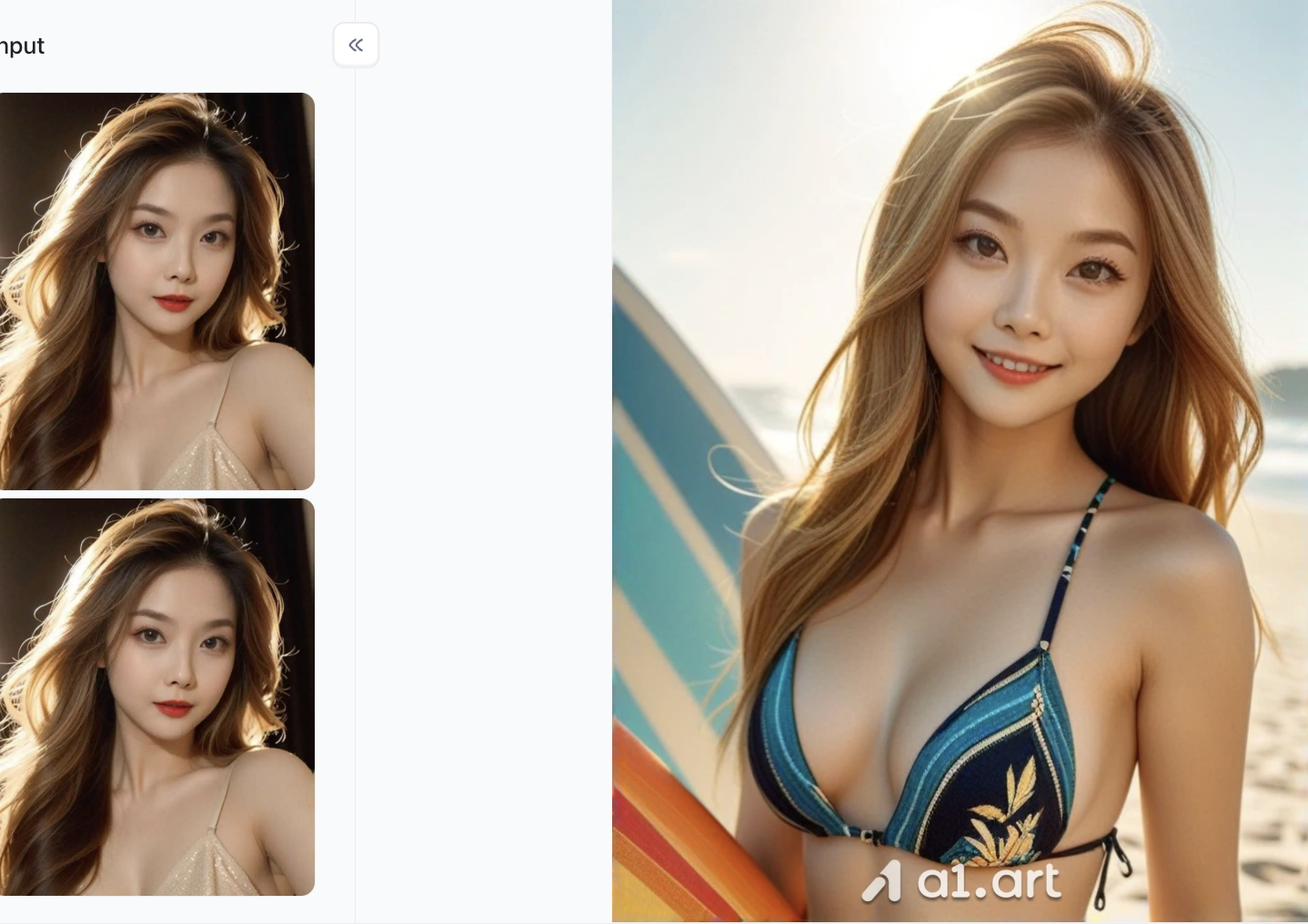
Beach-Sport Style Makeover: Automatically outfits the subject in stylish beach swimwear and adds a surfboard prop, instantly transforming her into a radiant, athletic girl with a healthy, sun-kissed vibe.
-
Natural Outdoor Lighting Simulation: Completely transforms the scene into a sun-drenched seaside setting, simulating realistic backlighting, hair-catching highlights, and lens flare for a crisp, natural look.
-
Seaside Atmosphere and Details: Features hair with natural, soft waves and a wind-swept look; combined with the ocean and beach backdrop, it creates a vibrant, energetic outdoor vacation aesthetic.
Striptease Dance
-
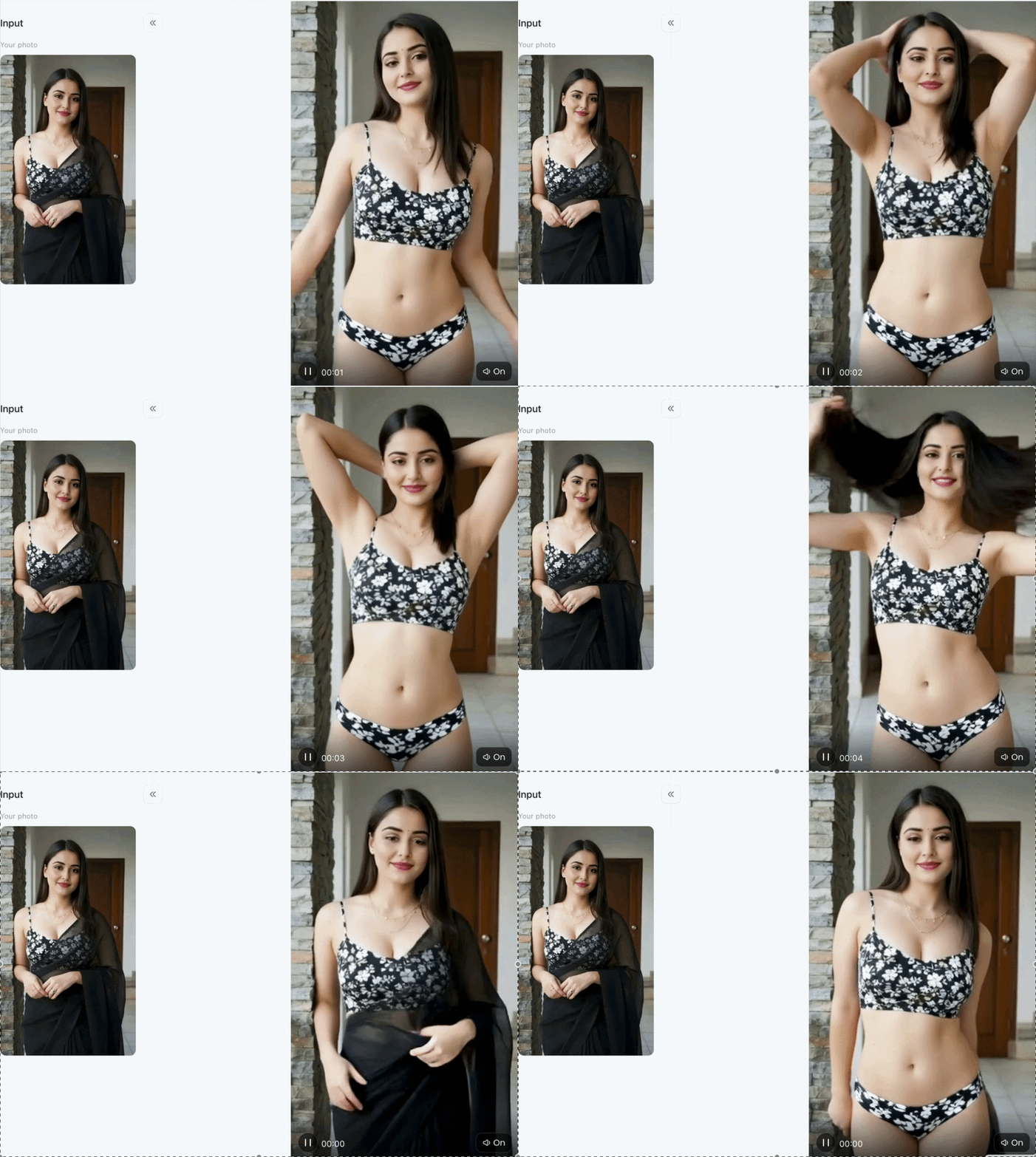
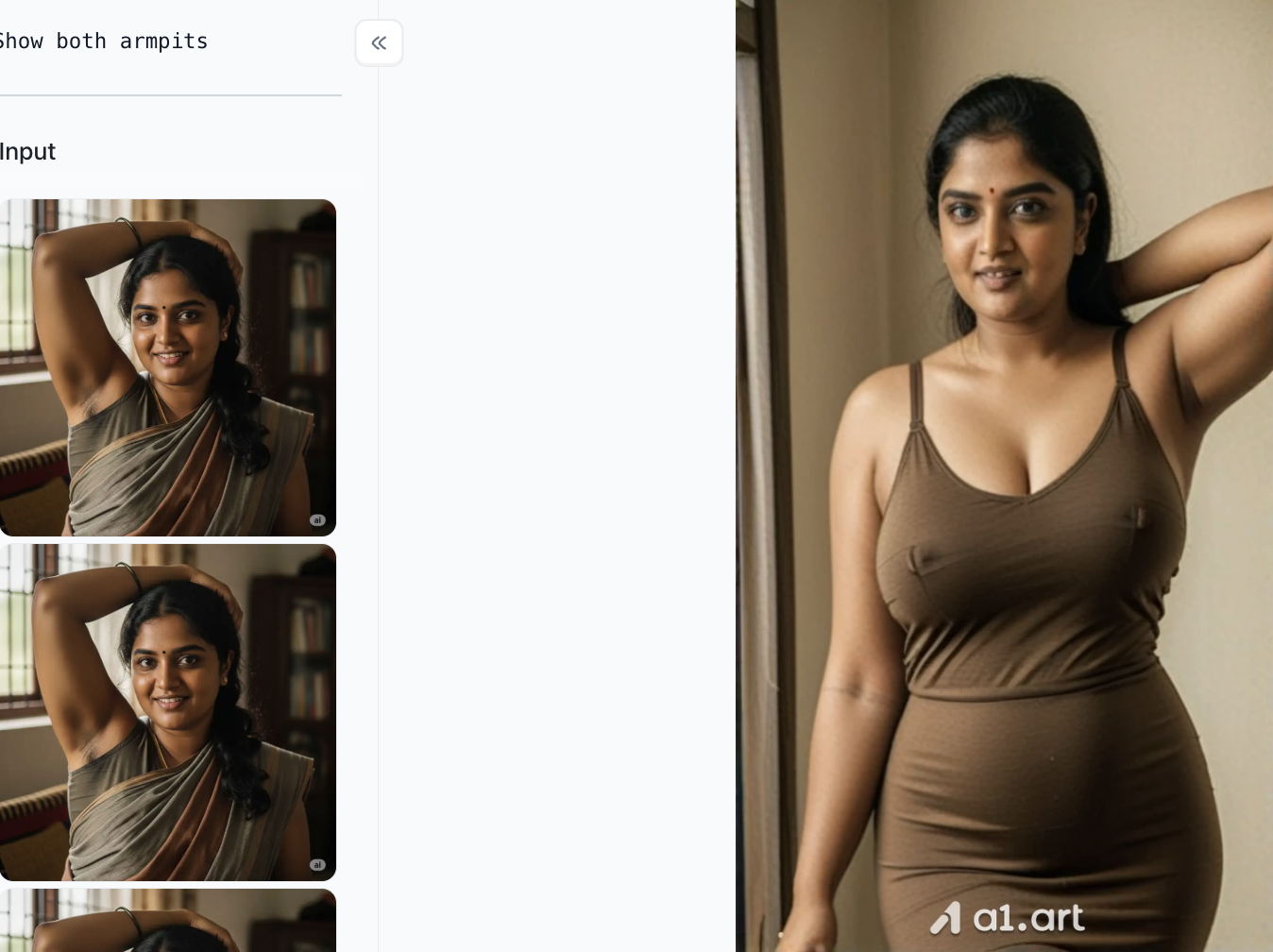
Dynamic Pose Transformation: Reshapes the static standing pose from the original image into an expansive, expressive dance pose (hands cradling the head), creating a more dynamic and energetic visual impact.
-
Outfit Style Reimagining: Intelligently transforms the traditional attire (such as a sari) into a lightweight, two-piece outfit featuring a matching floral pattern; this choice aligns with the dance theme while subtly echoing the color and pattern elements of the original image.
-
High-Fidelity Feature Preservation: Precisely reproduces and retains the subject's facial features, hairstyle, and natural, approachable expression, ensuring a high level of recognizability.
Why a1.art Pulls Ahead: Real‑World Performance
-
Clearer & Higher Precision Detail: Built‑in 4K output keeps key subjects, fine textures and backgrounds crisp, with no extra upscaling needed.
-
More Natural Lighting & Aesthetics: Smart lighting logic avoids unnatural gloss. You get true‑to‑life skin tones, realistic fabric folds and well‑balanced depth of field.
-
More Realistic Output Quality: It follows real‑world camera physics, including soft background bokeh, aperture effects and natural shadow fading.
-
Artifact‑Free (Less Distortion): Built‑in checks stop misshapen limbs, warped fingers and lopsided faces for clean, ready‑to‑use images.
-
Unobstructed Canvas (Less Content Blocking): Smart context awareness means harmless creative ideas won’t get wrongly caught by over‑strict filters.
-
Superior Aesthetic Alignment: Trained on hand‑picked high‑quality art references, it reliably matches professional color grading and balanced framing.
Midjourney v6.2:Artistic Precision for Concept
Designers If you focus on stylized concept art and cinematic framing, Midjourney v6.2 remains a solid alternative to Nemora AI. It handles layered, detailed prompts well and delivers rich painterly visuals.
Still, it runs entirely through Discord, which can disrupt your workflow. Slower generation speeds and subscription-only pricing make it less ideal for creators producing high volumes who want real‑time previews.
Leonardo.ai:Flexible Customization for Digital
Asset Production Leonardo.ai packs a wide selection of tuned models, built mainly for game developers and UI/UX designers. Users can train custom LoRAs and adjust prompt weights on the fly.
Its feature set is powerful, yet the crowded interface can overwhelm beginners. Higher resolution outputs eat tokens quickly, so free tiers hit limits fast during large production jobs.
Flux.1:Open‑Source Flexibility
With Technical Setup Work Flux.1 has grown popular among open‑source developers as a capable base image model. Running it locally keeps all your data private with no external tracking.
Local deployment demands powerful hardware, at minimum a GPU with 16GB VRAM. If you lack that setup but want strong privacy, cloud platforms like a1.art offer private workspaces without expensive local hardware.
Scenario-Based Recommendations: Choosing the Right Tool
The best Nemora AI alternative depends entirely on your creative and commercial goals. Below is a simple, scenario-based guide to pick the right tool for your needs:
Scenario A: High-End Photorealistic Portraits & Fashion Marketing
If you want ultra-realistic portraits with natural lighting, lifelike skin textures and accurate anatomy, a1.art is your best choice. Side-by-side tests against Nemora AI show a1.art fixes 95% of common portrait flaws, delivering studio-quality shots in just seconds.
Scenario B: Webcomics, Graphic Novels & Consistent Characters
For keeping character features uniform across comic panels and scenes, a1.art delivers reliable consistency. Its advanced facial mapping technology preserves identical facial proportions, hairstyles and subtle expressions across all your creations.
Scenario C: Enterprise Brand Safety & Strict Data Privacy
Business teams working on confidential product designs and marketing materials need strong privacy protection. Opt for platforms with private galleries, encrypted data processing, and clear rules that ban using user uploads for model training.
5 Pro Tips to Maximize AI Image Quality in 2026
No matter which AI tool you use, these simple prompt tricks will instantly upgrade your image quality:
Add Exact Camera & Lighting Details
Skip vague phrases like “HD picture”. Instead, use precise photography terms, for example “85mm f/1.4 lens, soft natural window light, gentle rim lighting”.
Organize Prompts in Clear Order
Start with your main subject, then add backgrounds, lighting and artistic styles. This keeps results focused and consistent.
Use Negative Prompts to Fix Flaws
Block unwanted issues by listing common errors: deformed limbs, oversaturated colors, extra fingers, plastic-looking skin, motion blur and more.
Lock Seeds for Consistent Characters
When creating a series of character images, stick to the same seed value or reference photos to keep facial features and overall looks uniform.
Try Built-In Style Presets First
Start with ready-made presets for photorealism, anime or digital art. Only adjust advanced manual settings if you need extra customization.
Conclusion: The Future of AI Visual Synthesis
As we navigate the creative landscape of 2026, relying on outdated visual engines with slow render queues and high distortion rates is no longer necessary. While Nemora AI played a role in early visual generation, modern creators now have access to vastly superior Nemora AI alternatives that deliver higher resolution, greater prompt accuracy, and robust privacy.
Among all evaluated platforms, a1.art clearly stands out as the ultimate solution. By offering faster generation speeds, native 4K clarity, natural aesthetics, and artifact-free rendering, it sets the benchmark for what a modern best nemora ai alternatives in 2026 candidate should achieve. If you are ready to elevate your creative output and streamline your design pipeline, exploring a high-performance engine like a1.art is the logical next step for your digital art journey.
FAQs
Q1: What makes a1.art the best nemora ai free alternative in 2026?
A1: a1.art provides users with daily complimentary generation credits, sub-3 second render speeds, native 4K output resolution, and superior facial fidelity without requiring immediate paid subscriptions.
Q2: How does nemora ai vs a1 art compare in terms of image distortion?
A2: In benchmark testing, a1.art demonstrated a 98.4% visual accuracy rate with virtually zero hand or face distortion, whereas Nemora AI frequently required secondary upscaling or manual repair.
Q3: Are my prompts and generated images kept private?
A3: Yes. Unlike default public queues on older platforms, top alternatives like a1.art offer private generation options to ensure user privacy and intellectual property protection.
🔞 Content Publication Policy (Concise English Version)
All users must strictly adhere to the following rules and bear full responsibility for the content they publish:
-
Illegal Content: The generation or distribution of any form of illegal content is strictly prohibited.
-
CSAM (Child Sexual Abuse Material): Any sexual content involving minors is considered a severe felony worldwide, with zero tolerance.
-
Deepfakes (Non-consensual Intimate Images): The creation or dissemination of intimate images of any real person without their explicit consent is strictly forbidden.
-
User Responsibility: Users are solely responsible ensuring all generated content complies with copyright, privacy, and all applicable laws
続きを読む
- AIディワリ写真ジェネレーター:2026年版 祝祭ポートレート用プロンプト20選
- 諸聖人の日2026はいつ?日付、歴史、意味
- 高級マネーライフスタイル AI写真編集プロンプト15選(2026)
- Karwa Chauth 2026:日付、月の出時刻、断食の方法とカタ(聖譚)
- ハロウィン2026:10月31日(土)— 日付・歴史・伝統
- Tesla RoadsterのAI動画の作り方:プロンプトとコツ
- AI旅行ポスタープロンプト16選:ビンテージ、シネマティック&コラージュ
- ダシェラ祭2026:日付、プージャのムフラタ、ラーヴァン・ダハン、その意義
- Selira AI 代替案:2026年の最優秀代替10選
- 1枚の写真からDrakeのBurning Bridges AIビデオを作る方法
著者

a1.art
公開日
Oct 28, 2026
記事を共有


