
Home AI Skin Colour Change Art Generator
AI Skin Colour Change Art GeneratorAI Skin Colour Change Art Generator
Transform your photos with a1.art's AI skin colour change art generator. Easily enhance and customize images by changing skin tones, adding filters, and more. Upload pictures or texts to create stunning visuals in minutes.
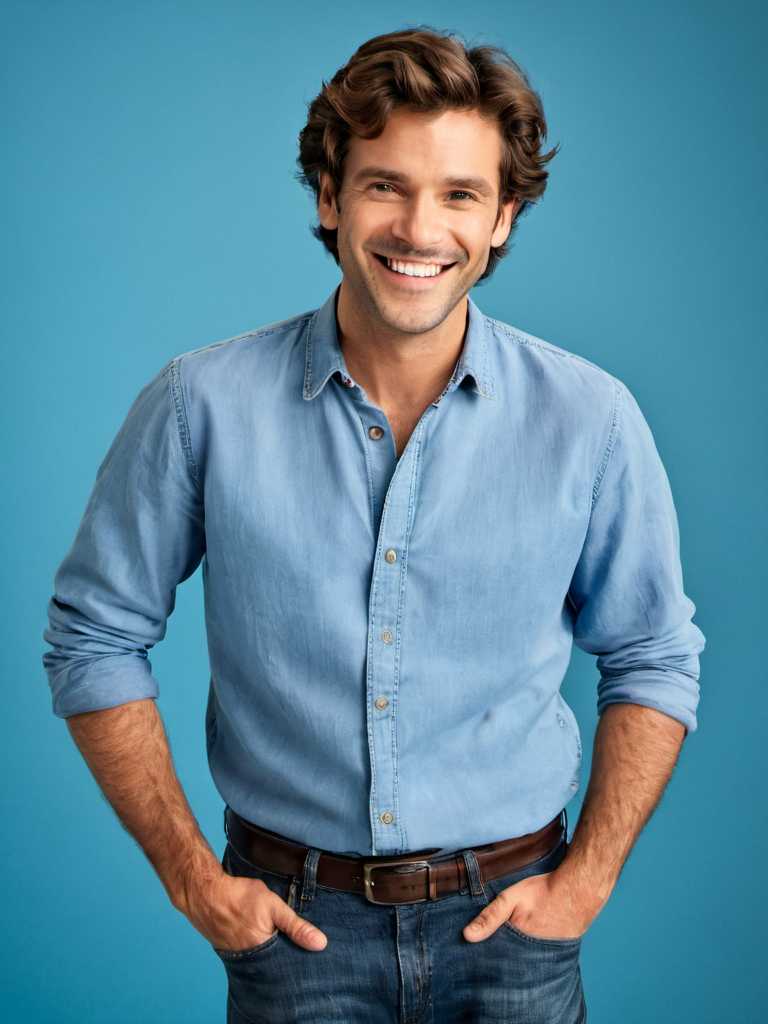
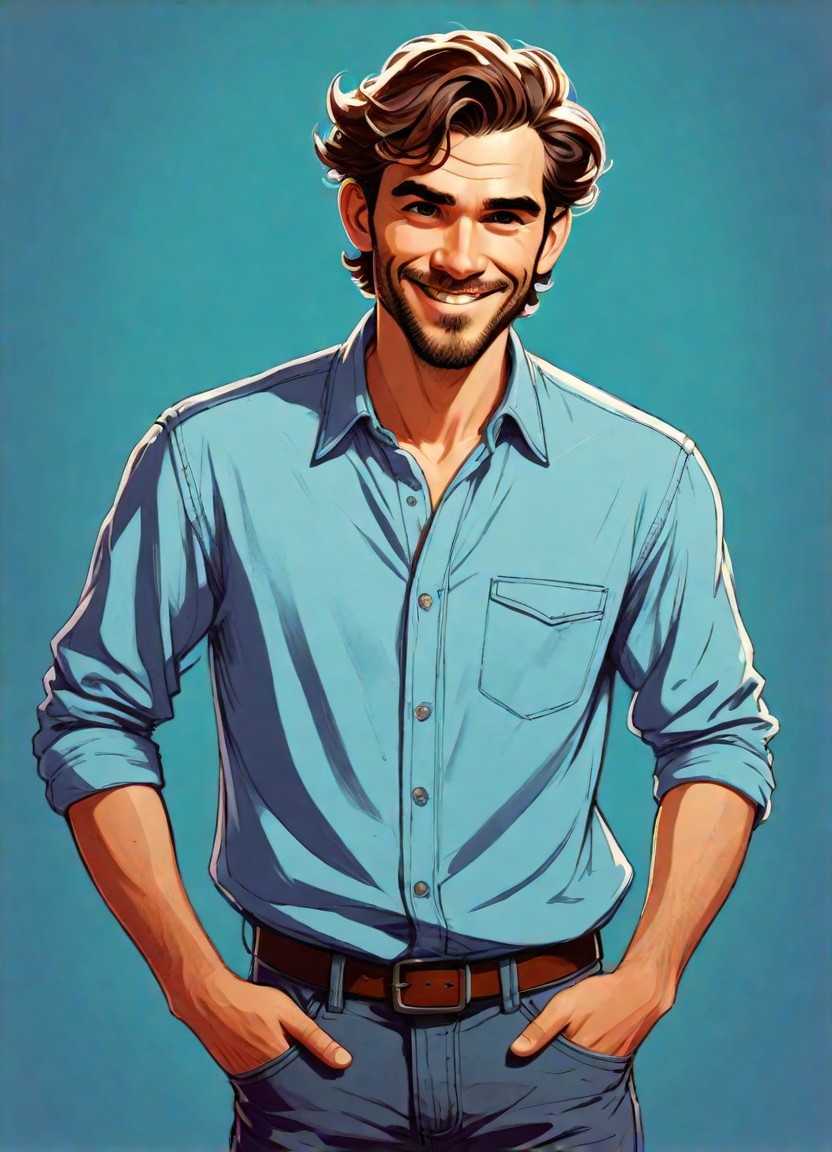

Input
Result
cute 3D cartoon boy
 夢境畫境Dreamscape Canva
 14.0k
14.0k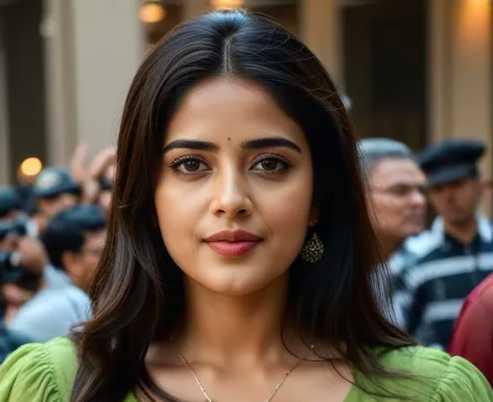
Input
Result
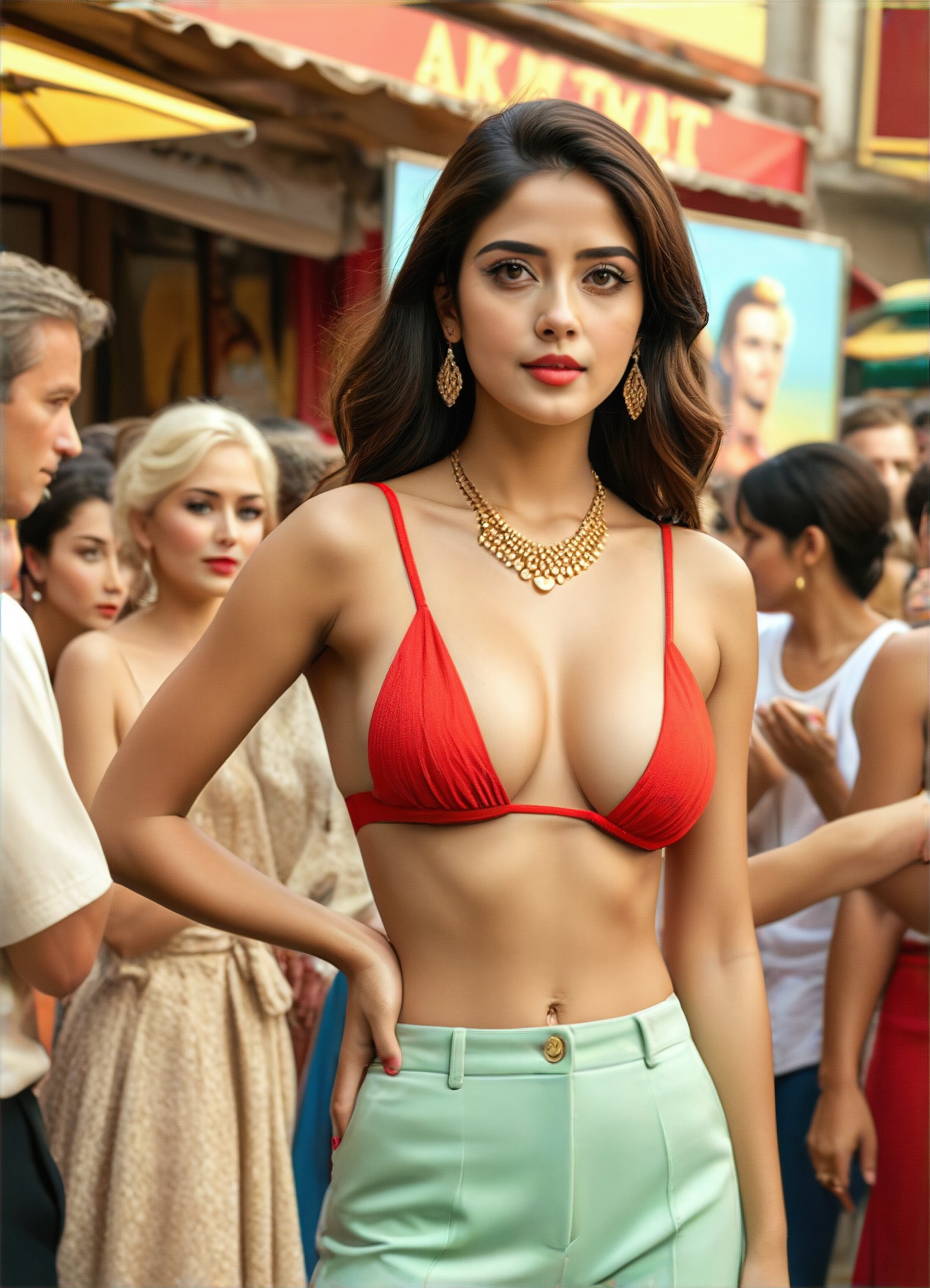
#Change color of outfit
 Devinci. art8.3k
Input
Result
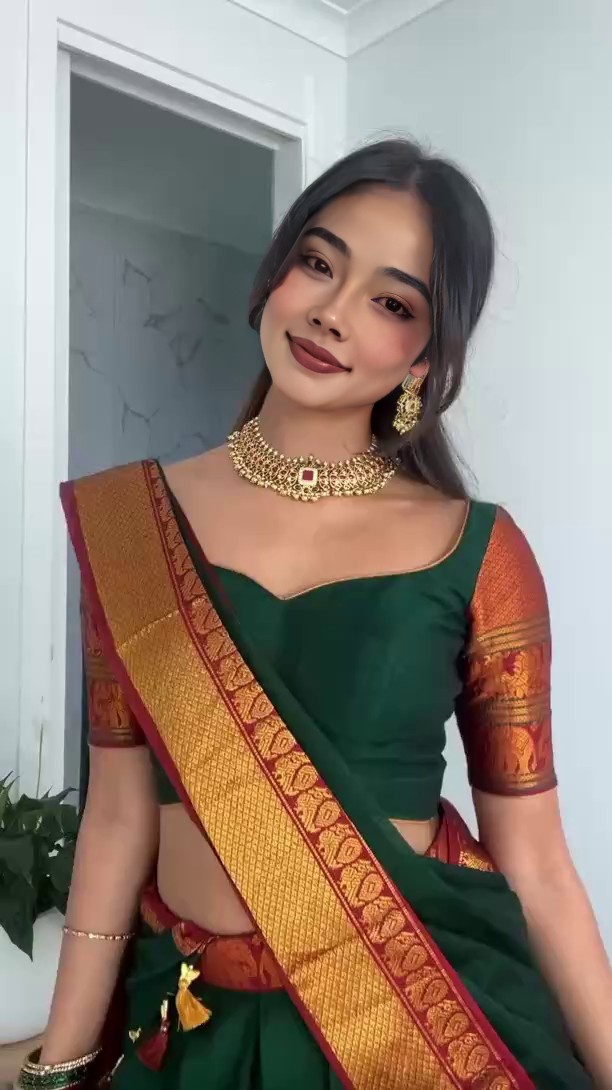
When deep skin meets traditional saris
我
我是小王2.2k
Input
Result
Baby Growth Album
 The Monkey King456
Input
Result
Gender change: Male to Female 2.0
 CC378
CC378
Input
Result
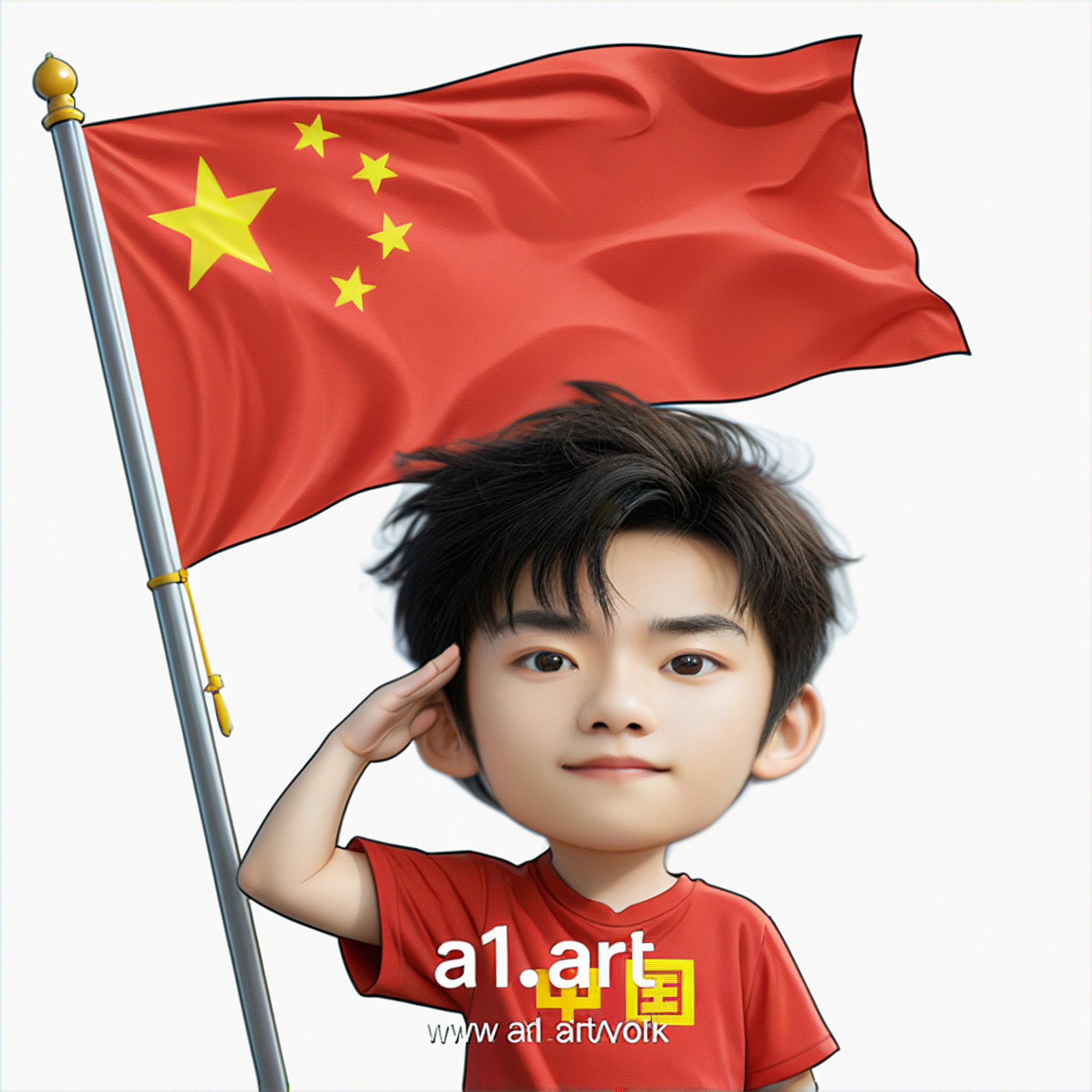
Q version of the National Day avatar
 Ben229
Input
Result
Rider Change
 CHZE180
Input
Result
Gender change: Female to Male
CC138
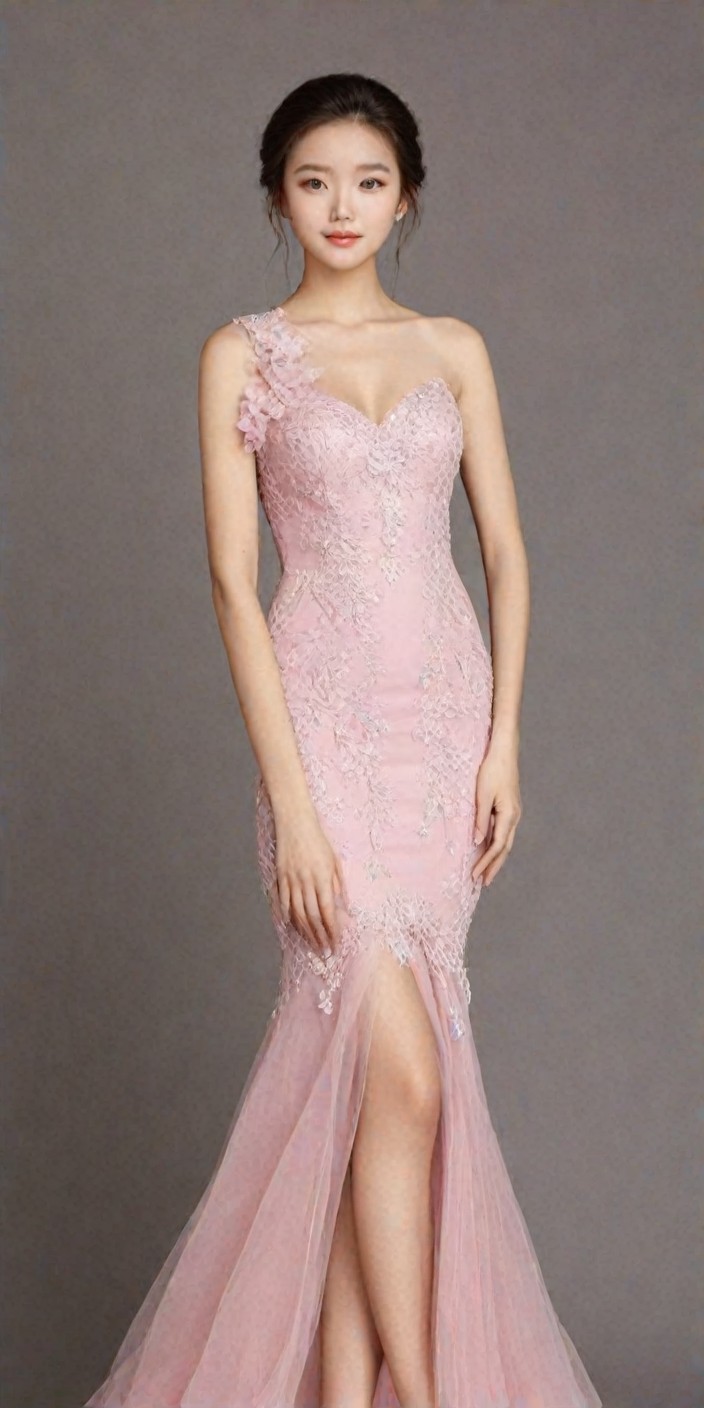
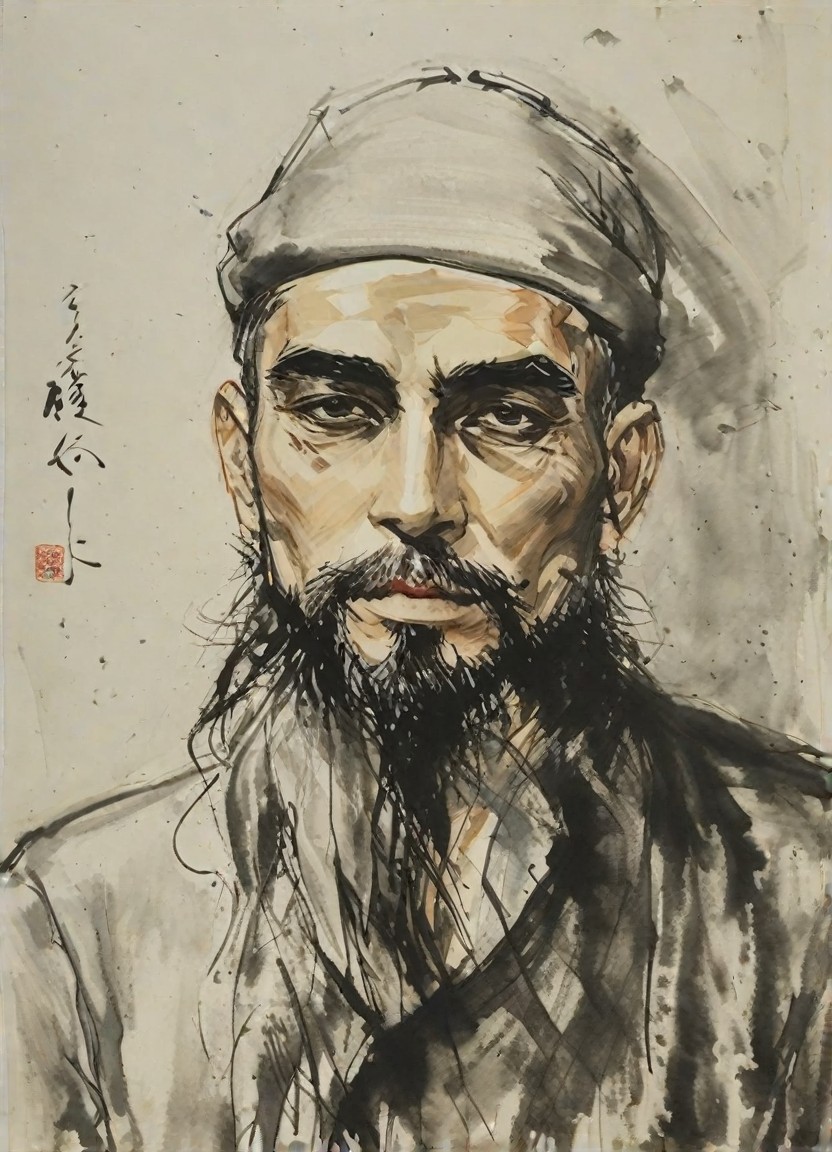
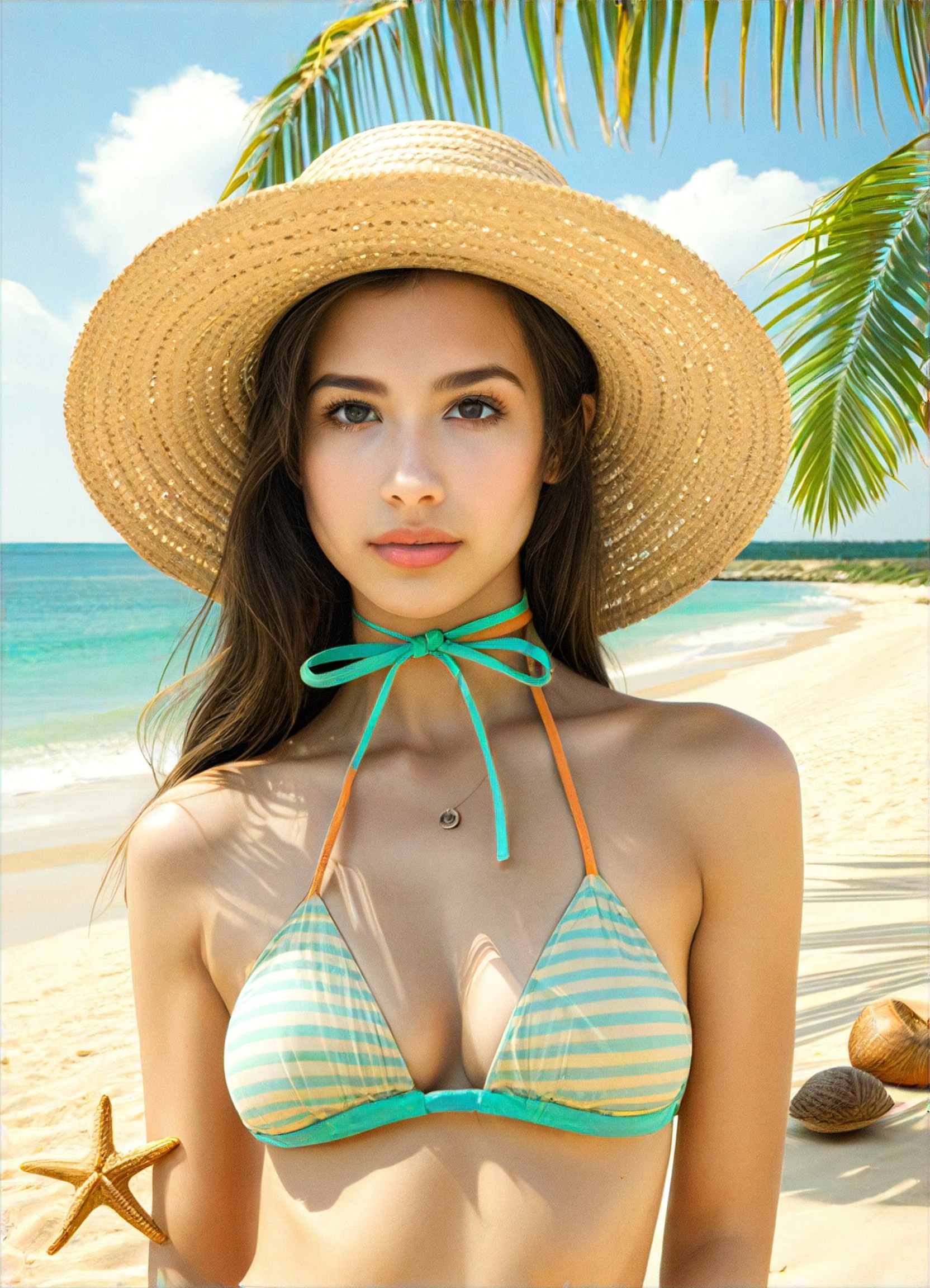
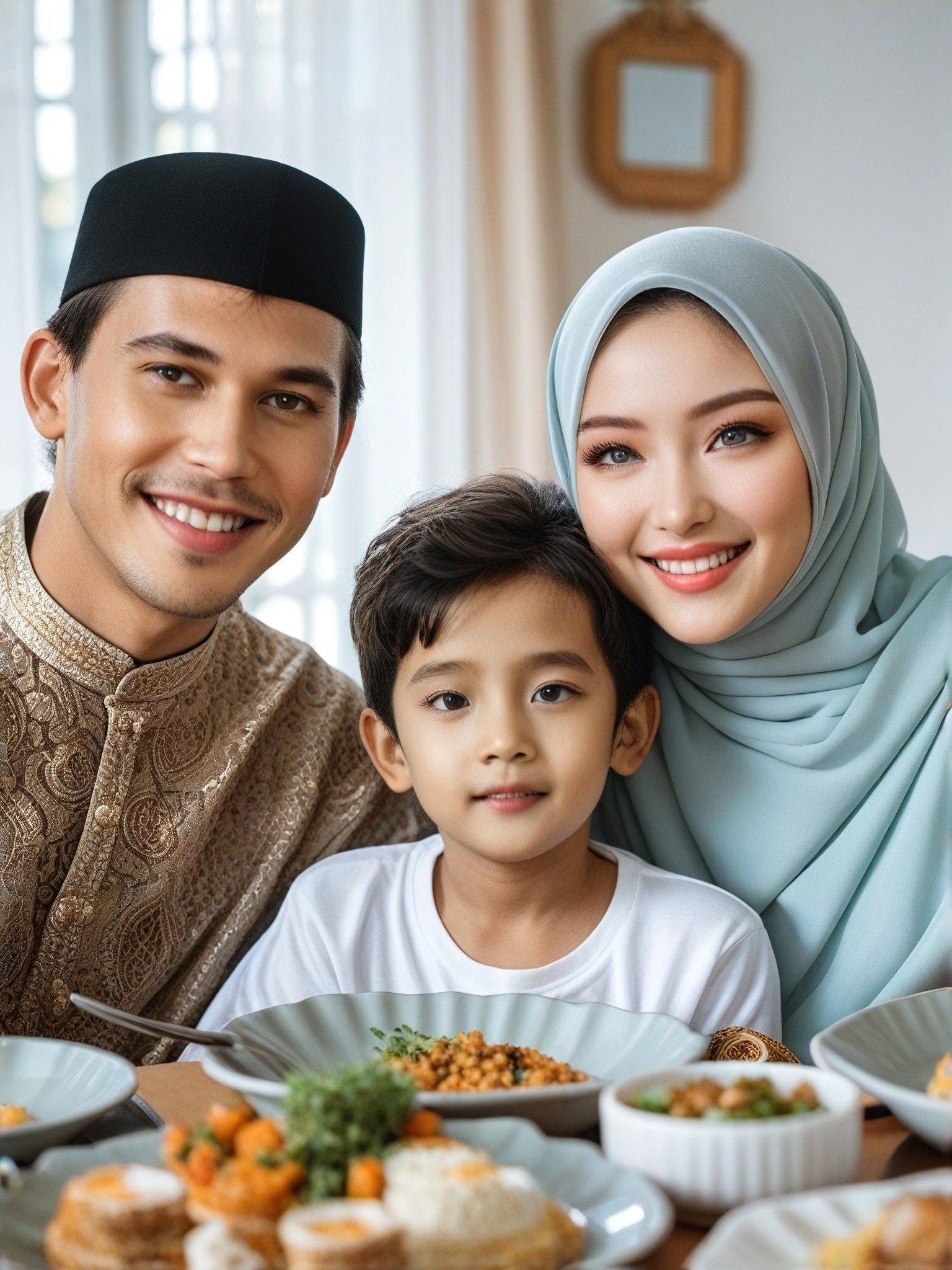
Stylish AI-Generated Skin Colour Change Art
Discover unique and innovative Skin Colour Change art created with cutting-edge AI
technology.
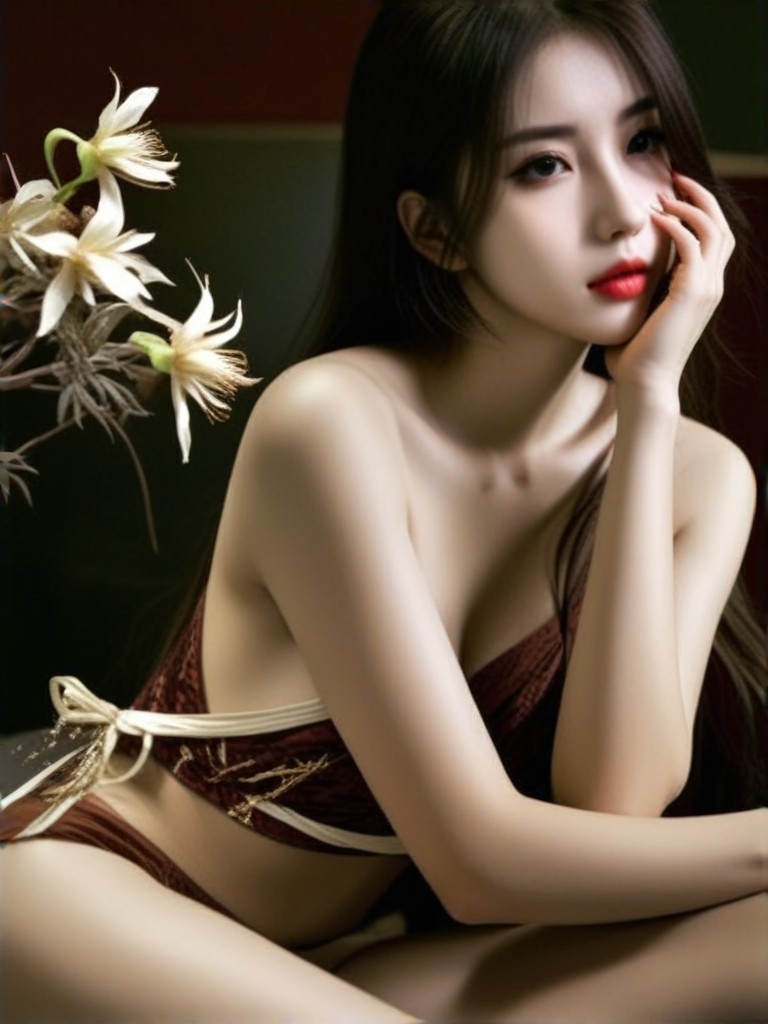
AI Skin Colour Change Art Generator Key Features
Explore the powerful features that make our AI-driven Skin Colour Change art generator a game-changer for creativity.
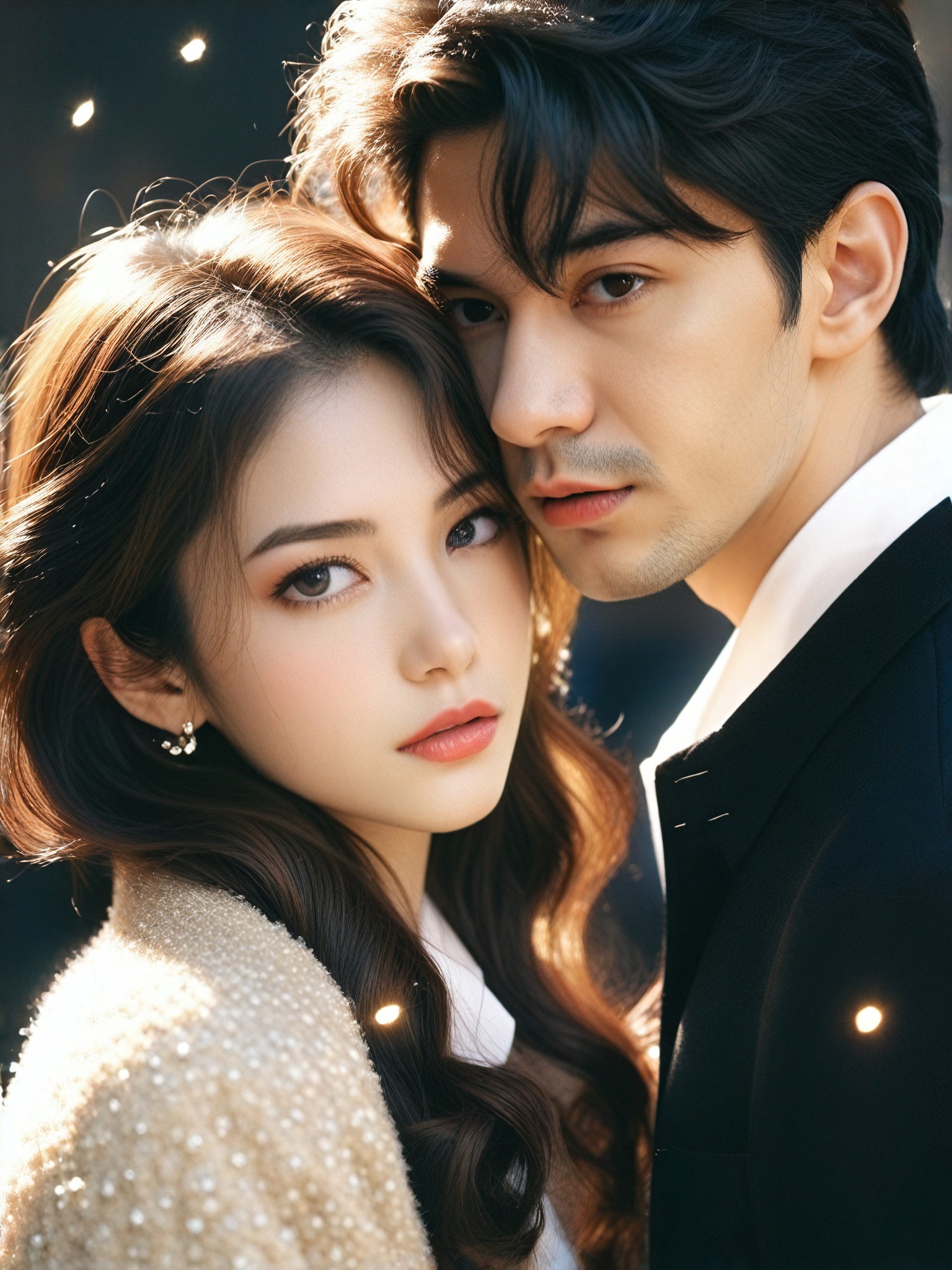
2263Use
APP"Sparkling Couple Photo"
KEY FEATURES
Skin Colour Change Made Easy
Easily adjust the skin tone of your images using a1.art's advanced AI technology. Choose from various filter styles to achieve the perfect look for your photos.
KEY FEATURES
Create Custom Image Generators
Use Flux components to build custom image generators tailored to your needs. Experiment with different styles and effects to bring your creative vision to life.
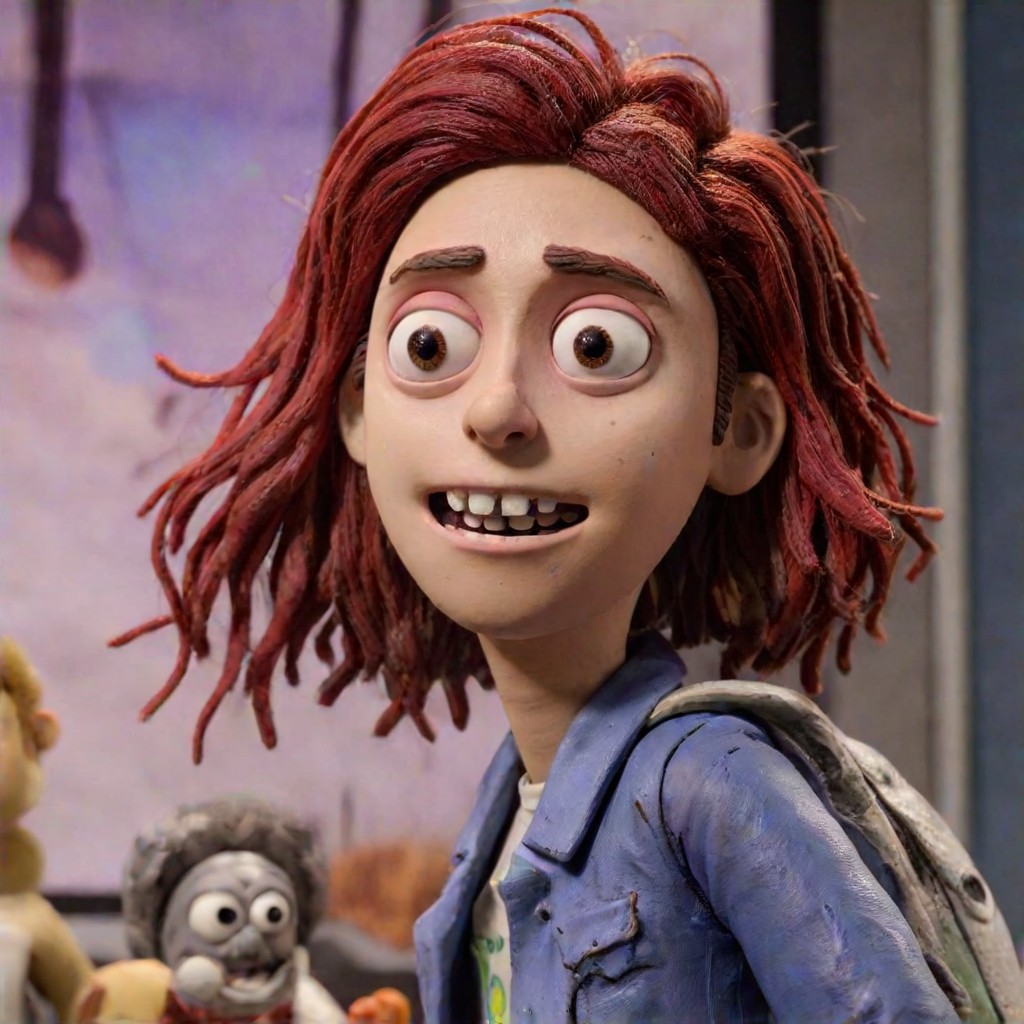
2233Use
APP"Clay Style Change 2.0"
How to Create AI Skin Colour Change Art?
Follow these simple steps to effortlessly generate stunning Skin Colour Change art with the power of a1.art.
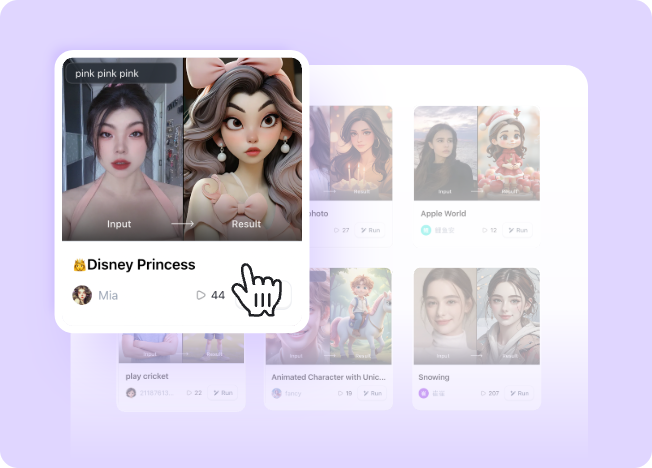
Step 1
Select the AI Skin Colour Change Art Generator that interests you most on this page.
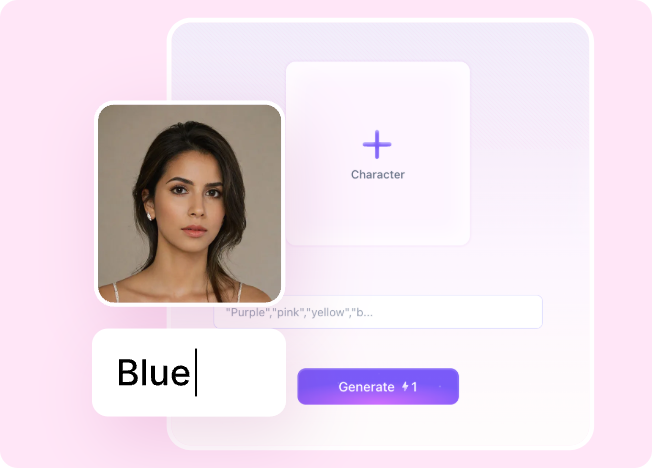
Step 2
Upload your picture or enter text according to the application requirements.
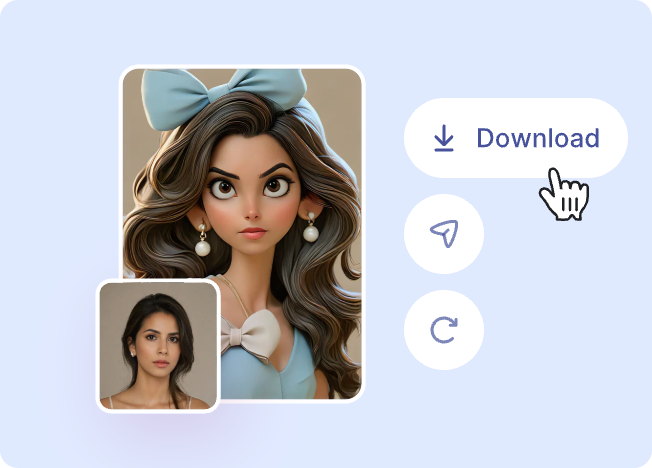
Step 3
Wait a few seconds and you can easily get your unique AI Skin Colour Change art. Download for free!
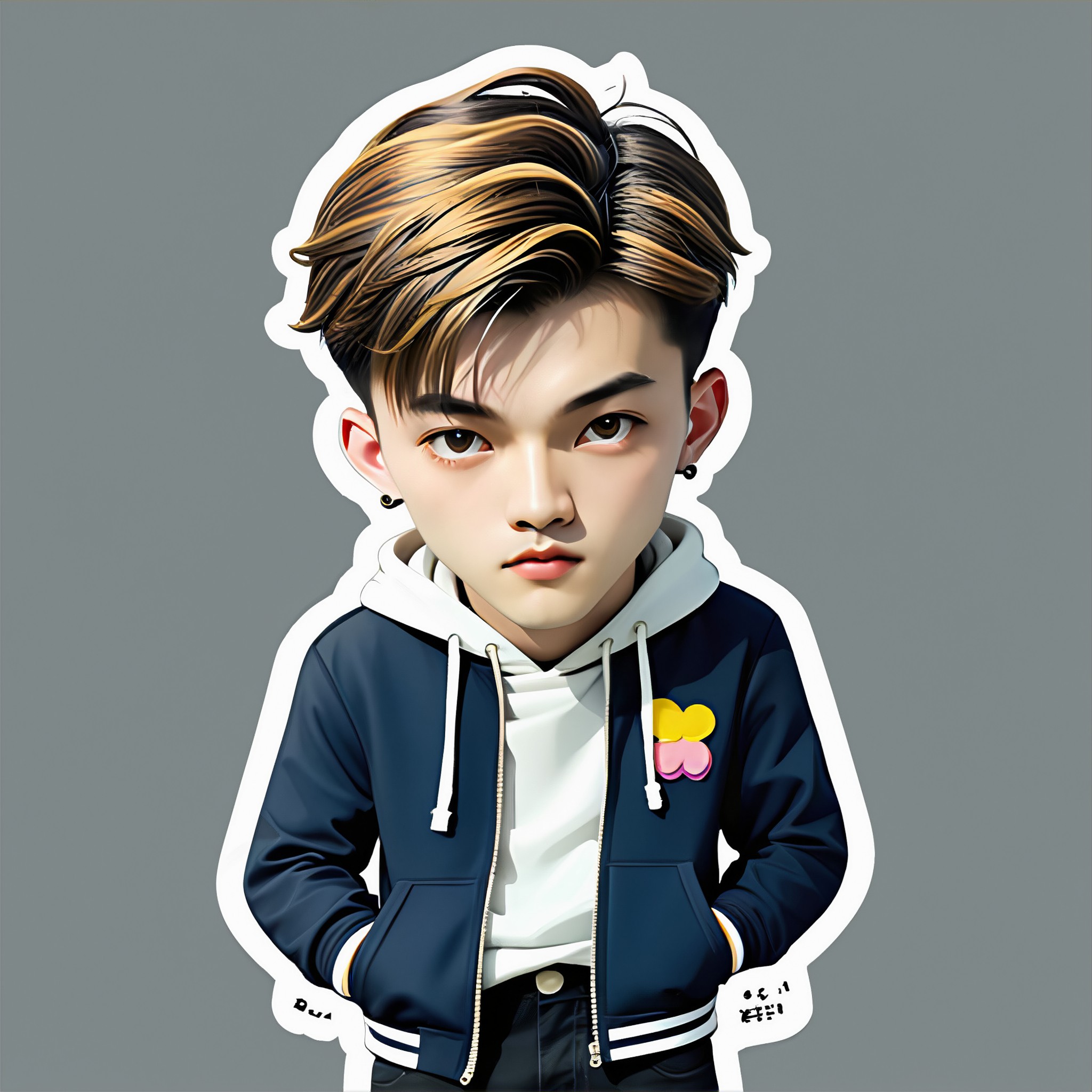
1996Use
APP"Stickers "
Why Use an AI Skin Colour Change Art Generator?
Enhance your photos with a1.art's AI skin colour change art generator. Experience the convenience of uploading images or texts and instantly transform them into visually appealing works of art. With daily free credits and subscription options, there's no better way to elevate your creativity.
AI Skin Colour Change Art Generator FAQs
Find answers to the most common questions about using our AI-powered Skin Colour Change art generator.
How does the skin colour change work?
a1.art uses advanced AI algorithms to analyze and modify the skin tones in your images. Simply upload a photo, select a filter style, and watch as the skin colour is transformed to your desired shade.
Can I use this feature without a subscription?
Is it easy to create custom image generators?
What types of filters are available?
How do I get started with a1.art?
Hear from Our Happy Customers
Read real feedback from users who have successfully built AI image generator with a1.art API and discover why they recommend it.
I love how quickly a1.art transforms my photos with its skin colour change feature. It's so easy to use and the results are amazing!
 @ Jeff Gray
The AI skin colour change tool in a1.art has really helped me add a unique touch to my photography. Highly recommend!
 @ Julie Henrietta
Using a1.art's skin colour change generator is a breeze. The filters are diverse and the final results are impressive.
 @ Orville Garcia
More Excellent Art Generator Recommendation
Discover more top-rated AI art generators that can take your art creation to the next level.
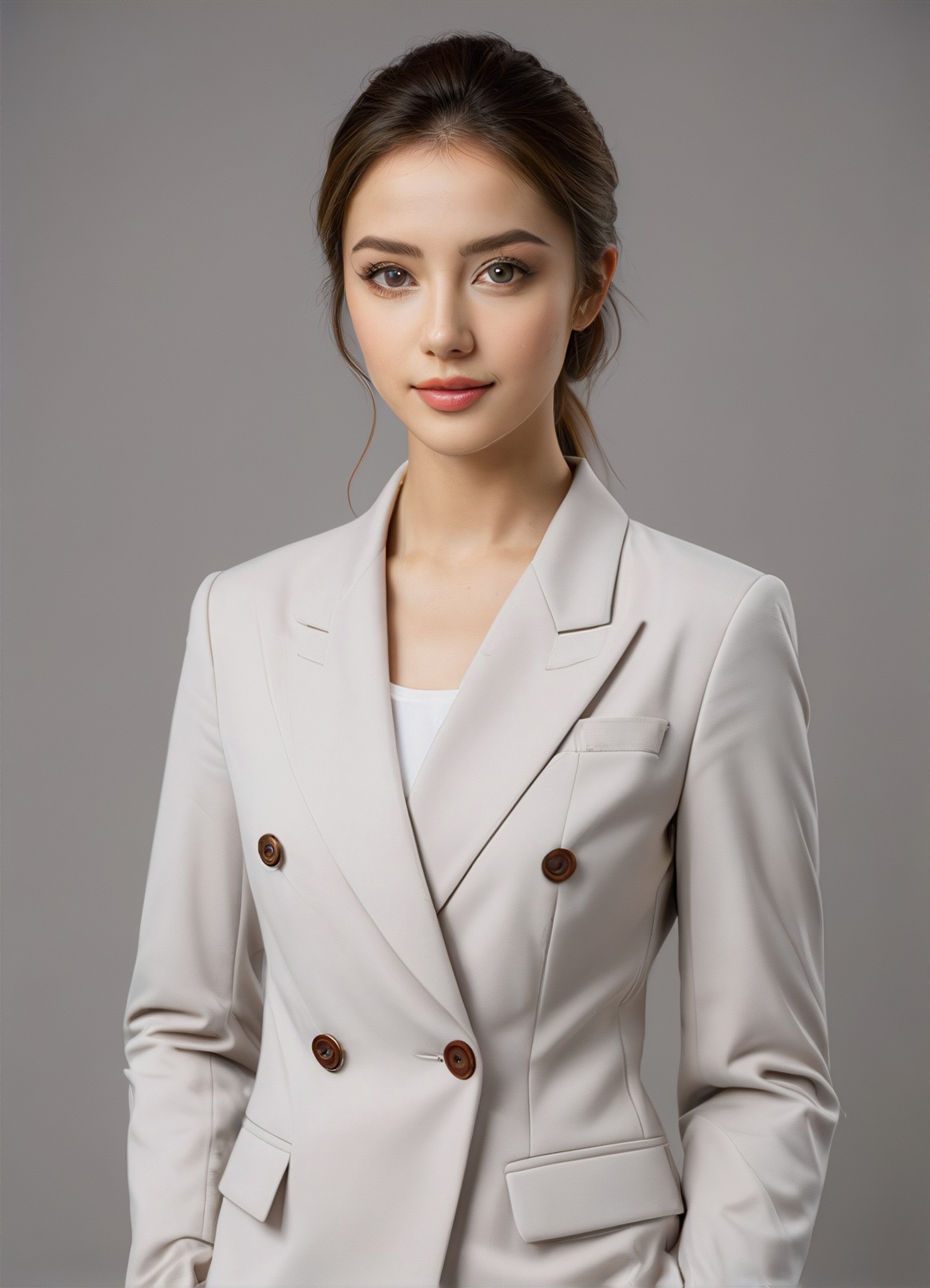
AI Photo Brightness art generator
AI Mahadev art generator
AI Polar Bear art generator
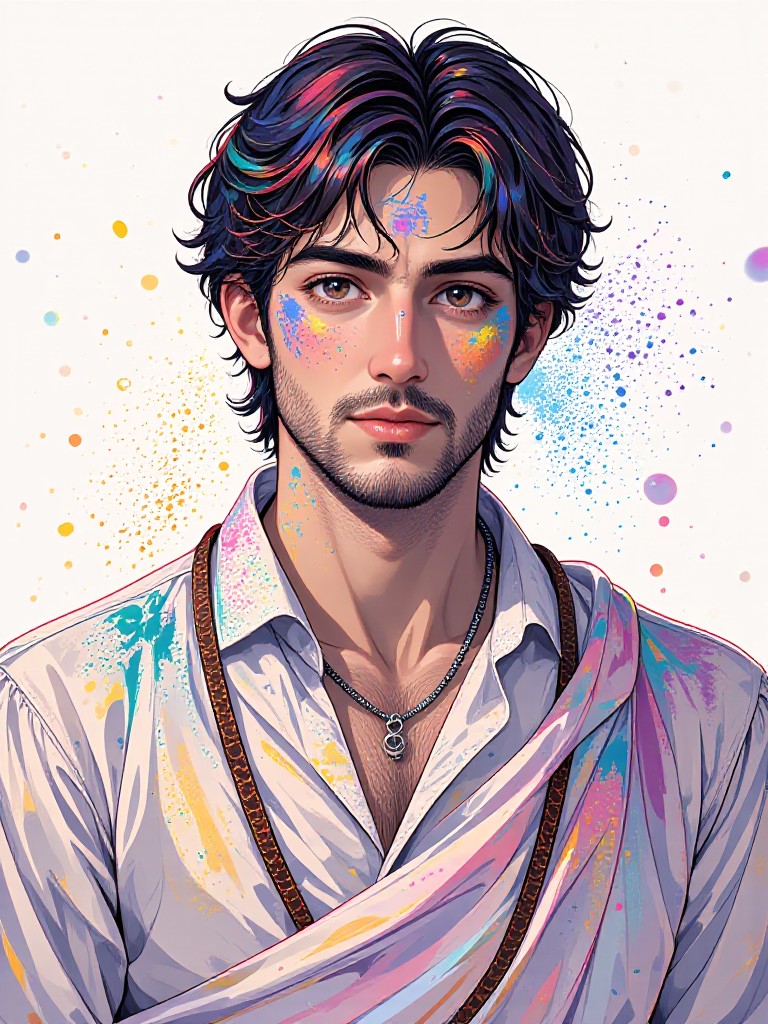
AI Attitude Boys art generator
AI Anime Bikini art generator
AI Zone Film Movie Posters art generator
AI Fashion Lady art generator
AI Cartoon Muslim art generator