
Home AI Skin Color Art Generator
AI Skin Color Art GeneratorAI Skin Color Art Generator
Transform your photos with a1.art's AI skin color art generator. Upload images or texts, choose from various filter styles, and get stunning results instantly. Enjoy free credits daily and subscribe for more features.
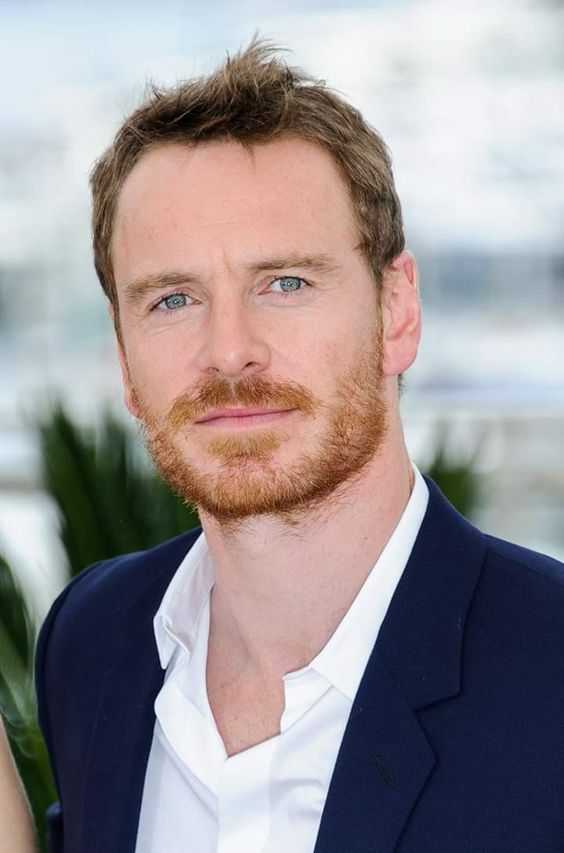
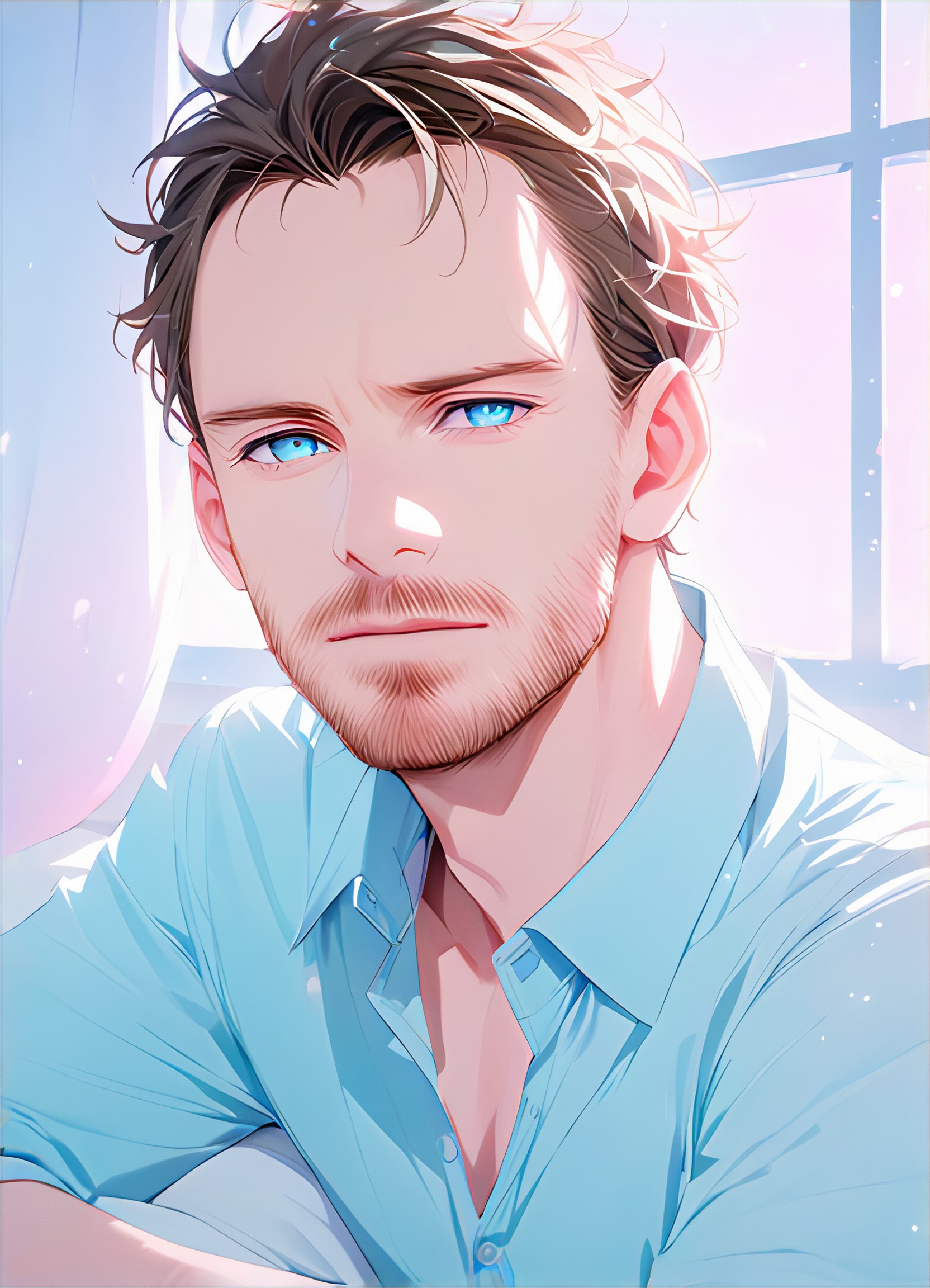
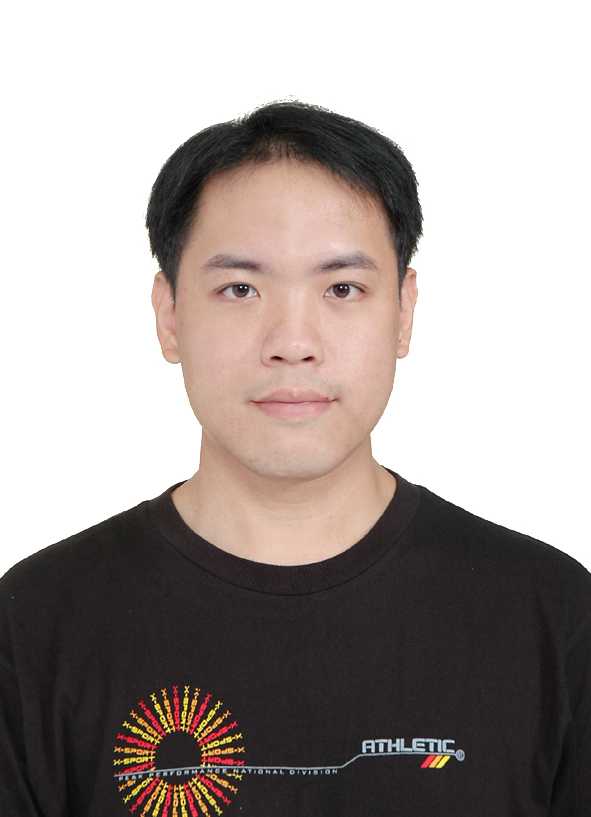
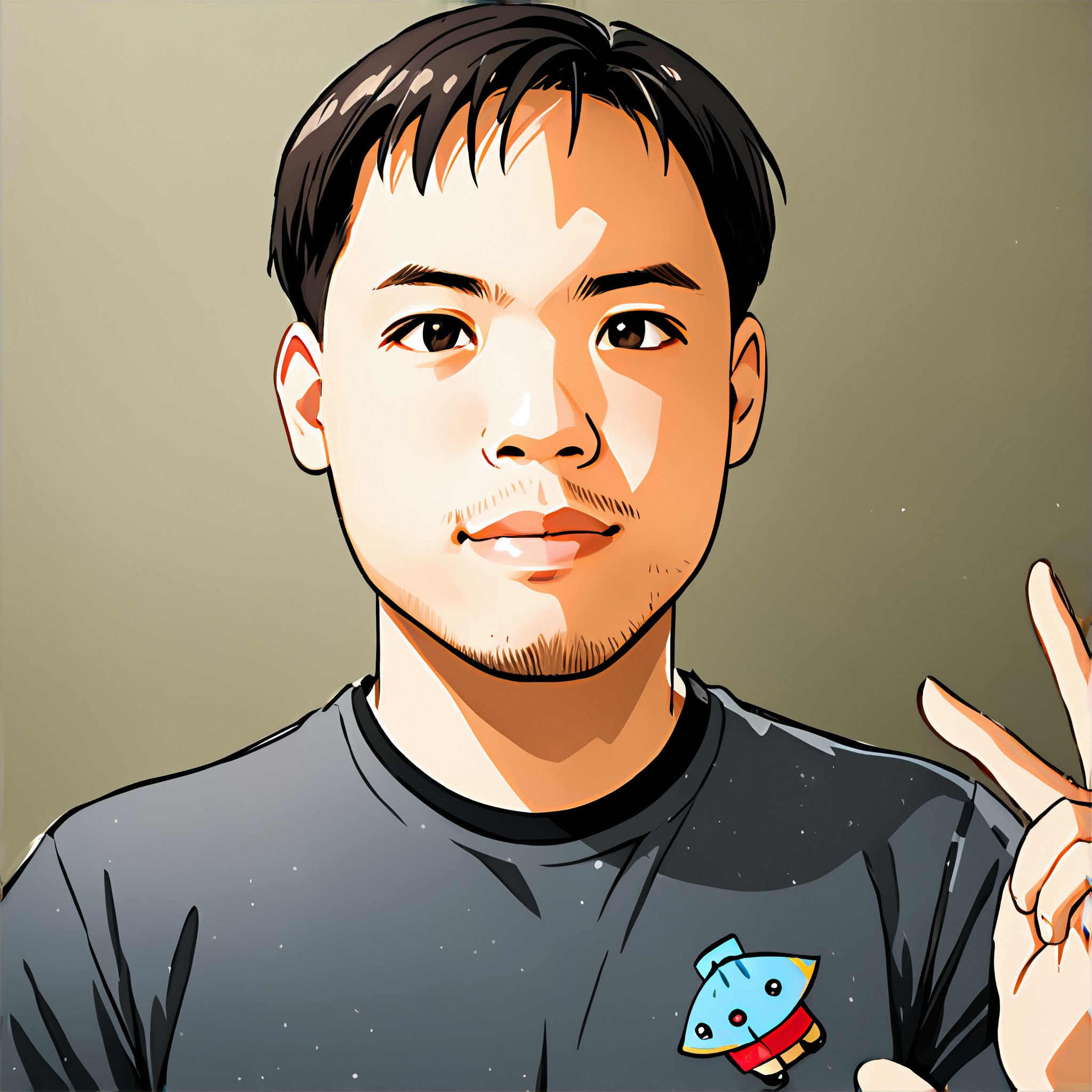
Input
Result
color my face
 Jay Jian
 2.5k
2.5k
Input
Result
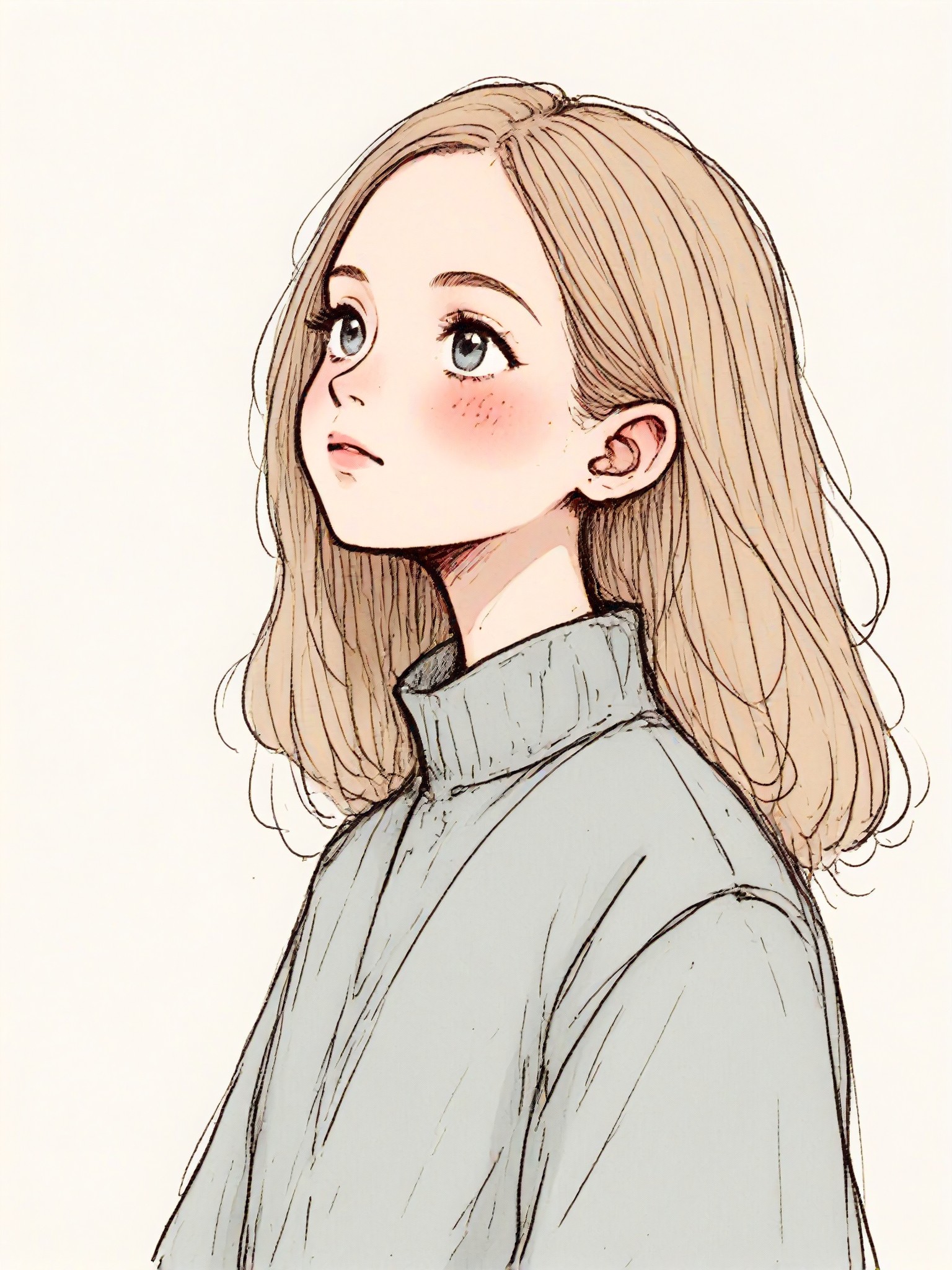
Color Pencil Filter
 CC2.3k
Input
Result
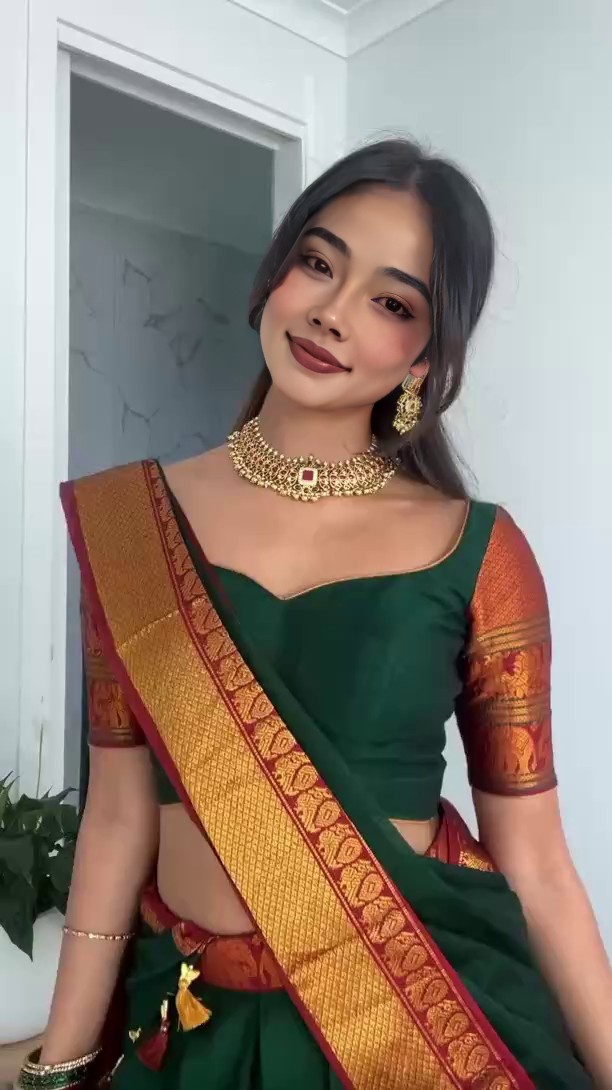
When deep skin meets traditional saris
我
我是小王2.2k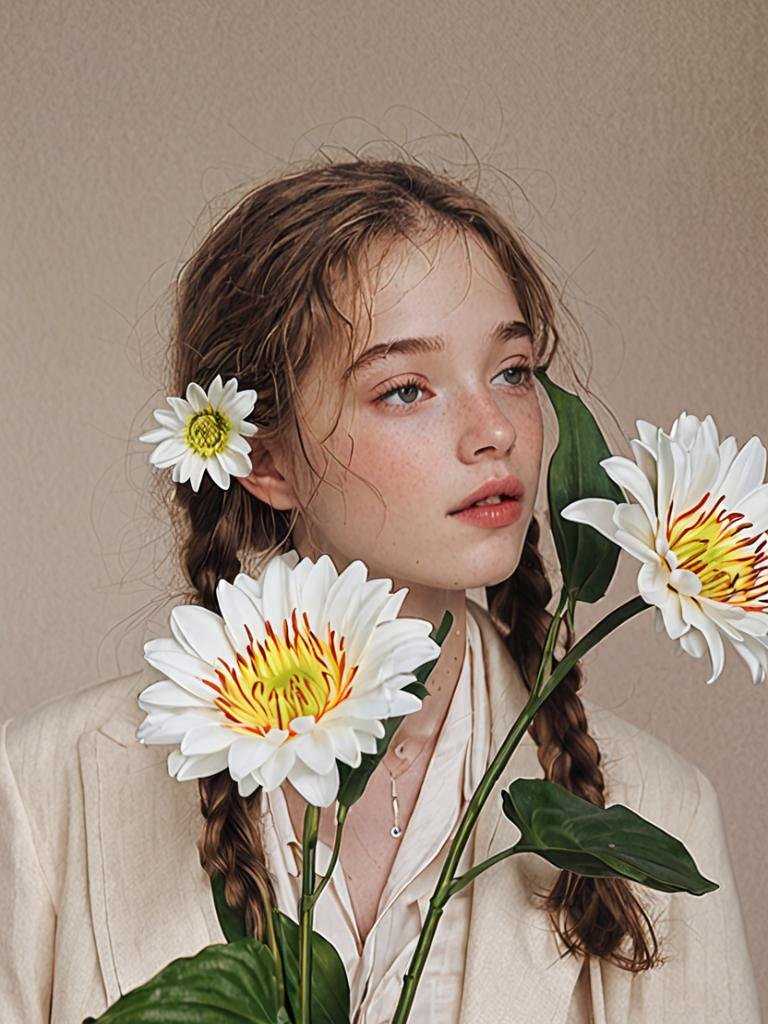
Input
Result
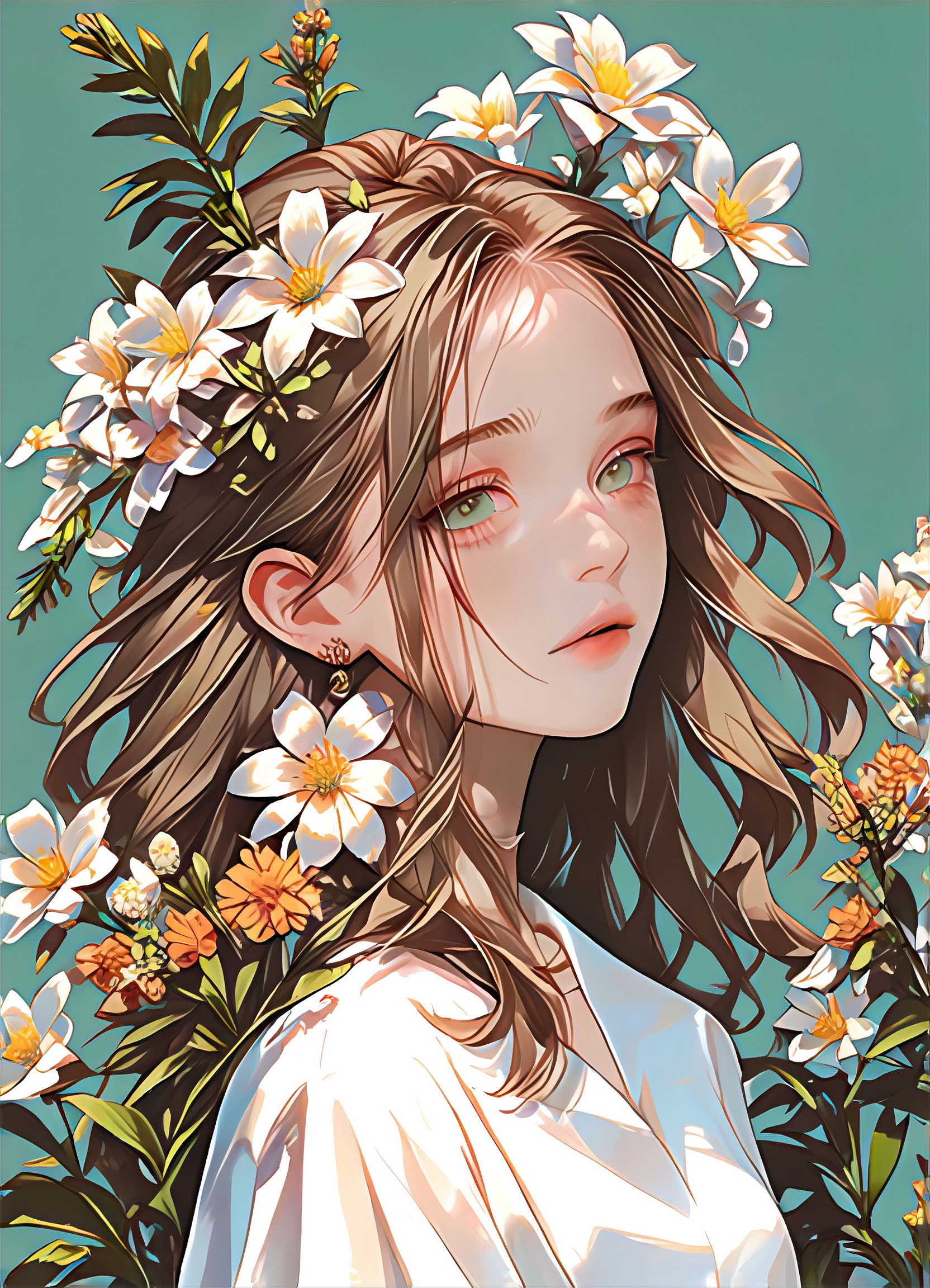
Selectable color moods
 Fitte1.1k

Input
Result
Math teacher in the classroom
 AlainYe805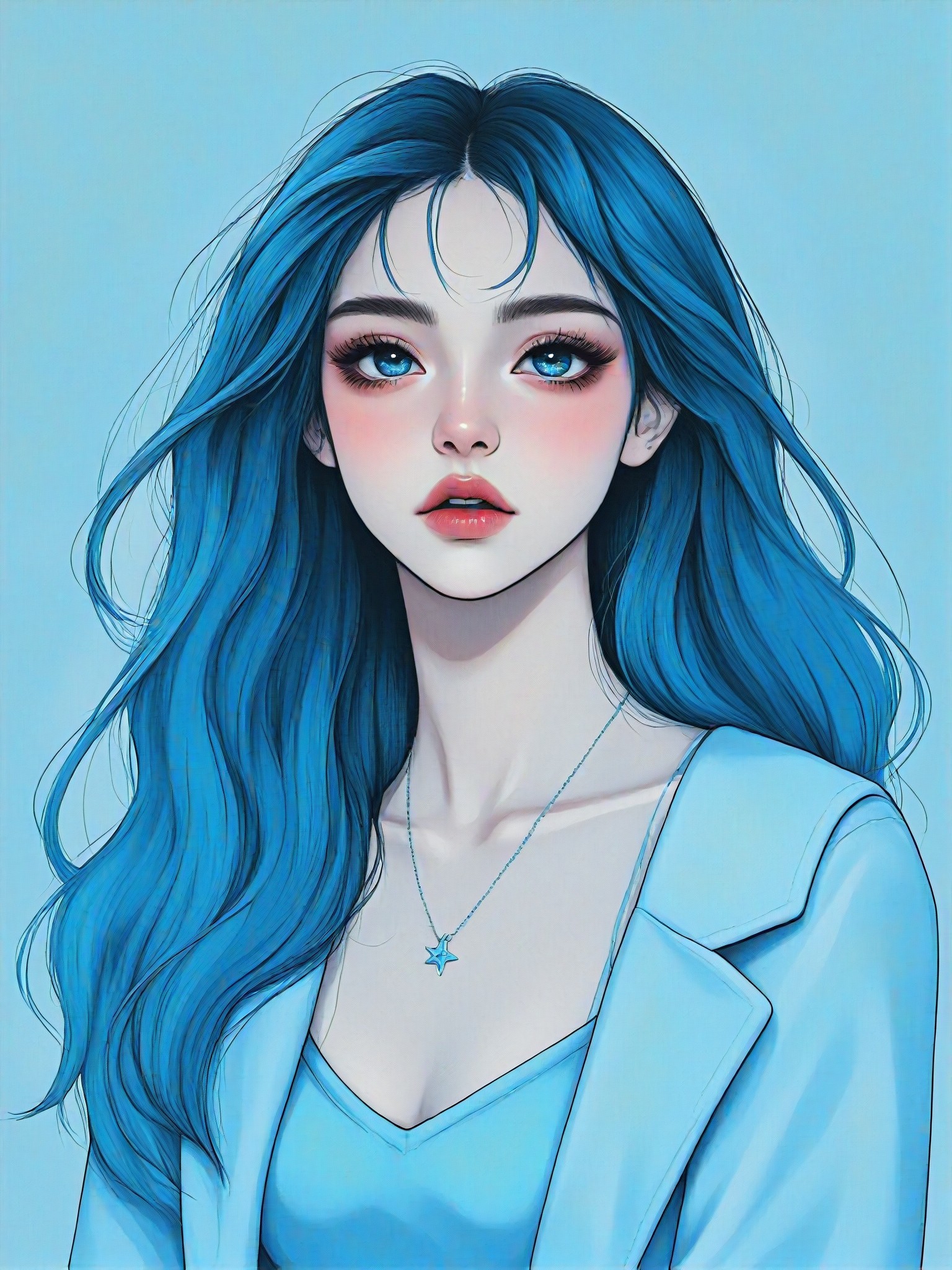
Input
Result
Color Portrait
CC680
Input
Result
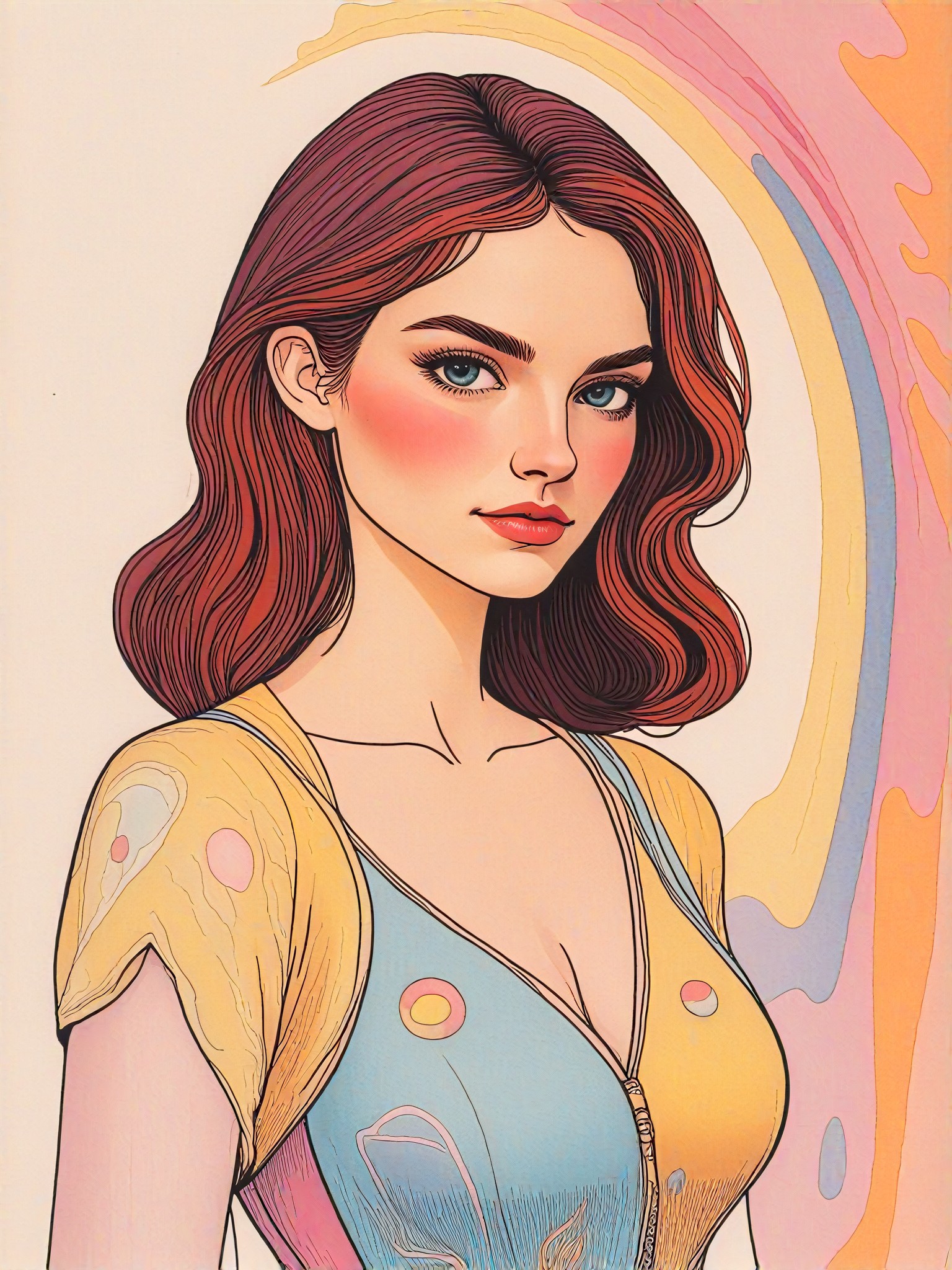
Cake color
 winter solstice537
Input
Result
Baby Growth Album
 The Monkey King456
Stylish AI-Generated Skin Color Art
Discover unique and innovative Skin Color art created with cutting-edge AI
technology.
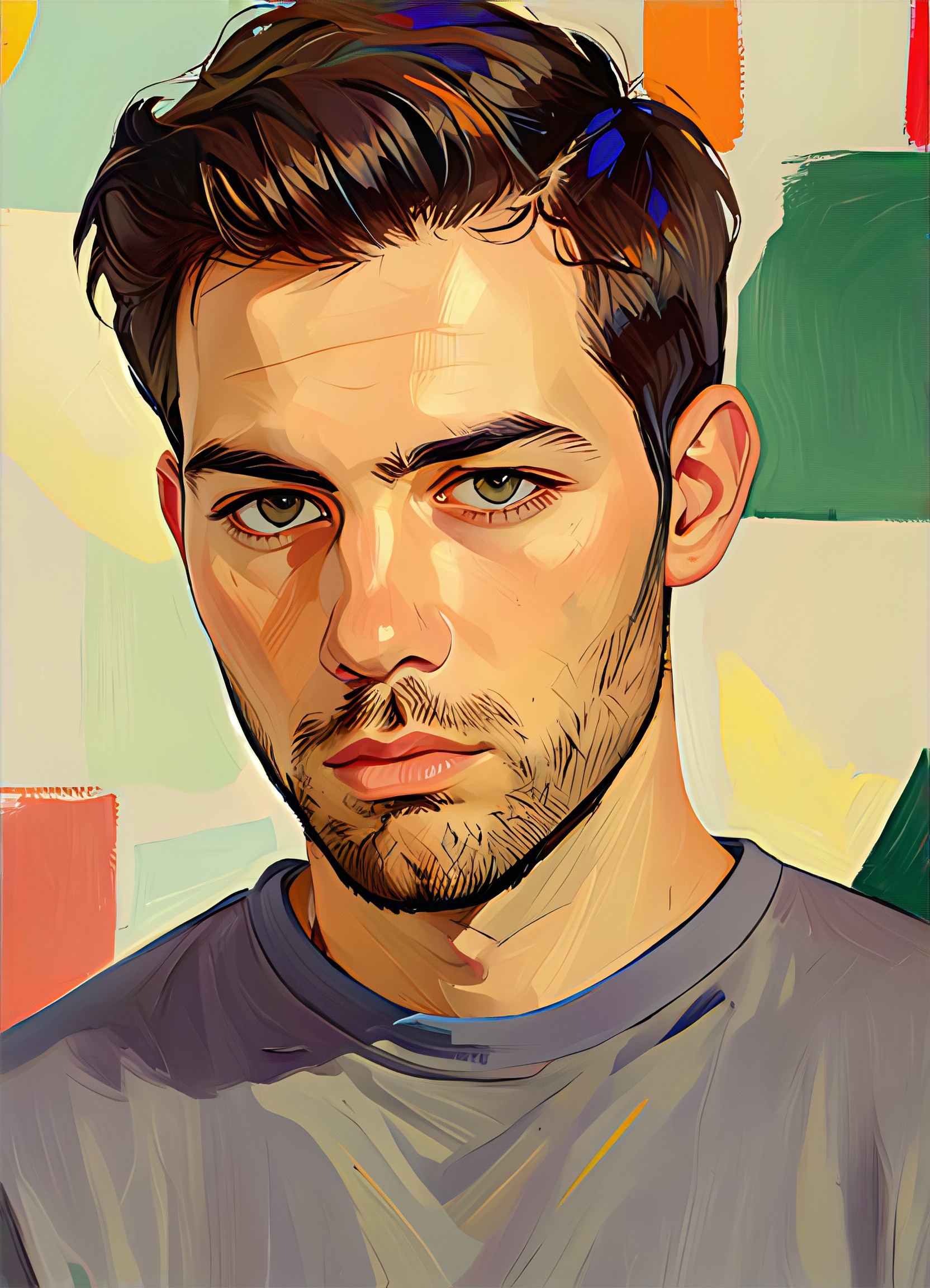
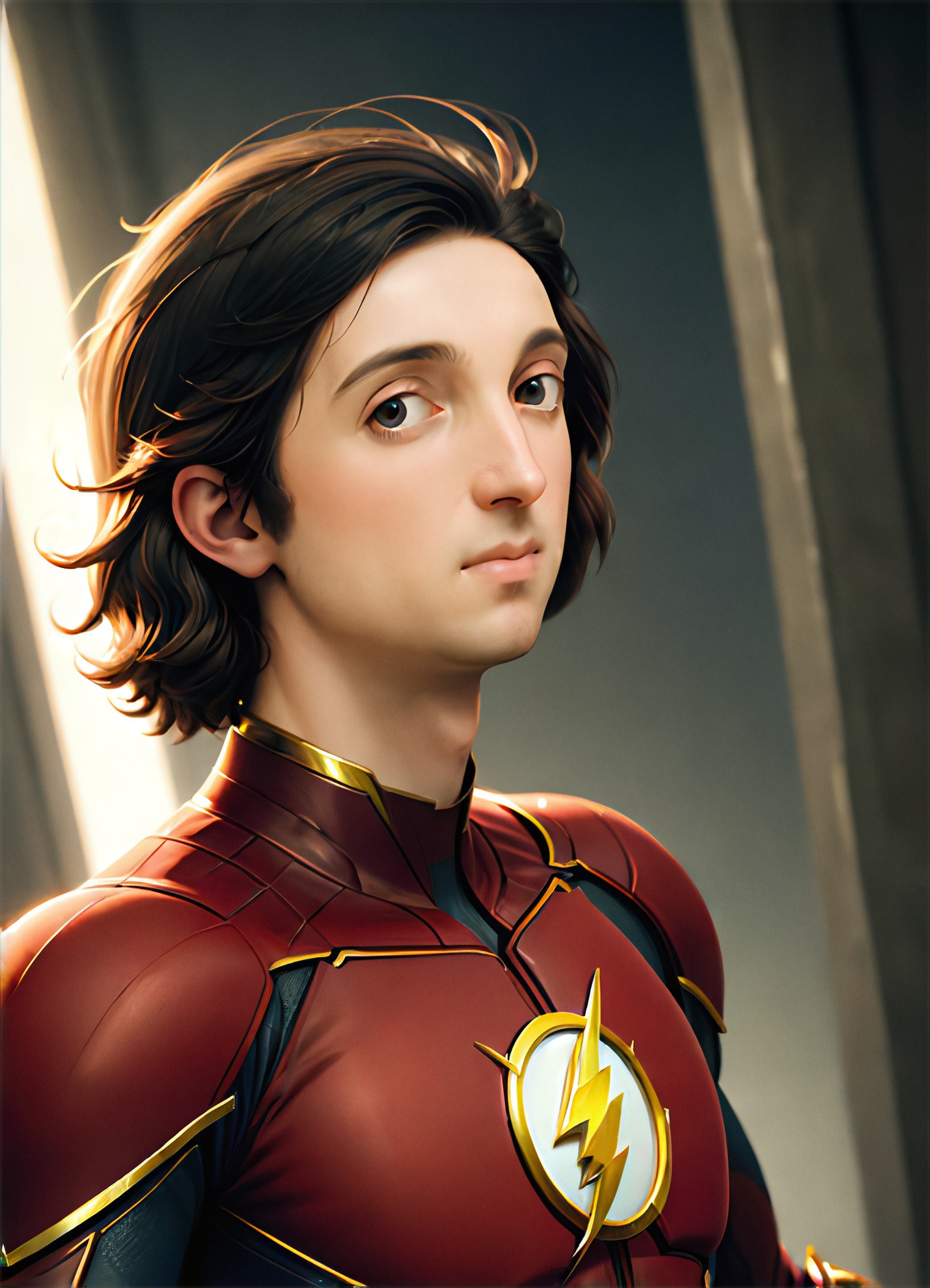
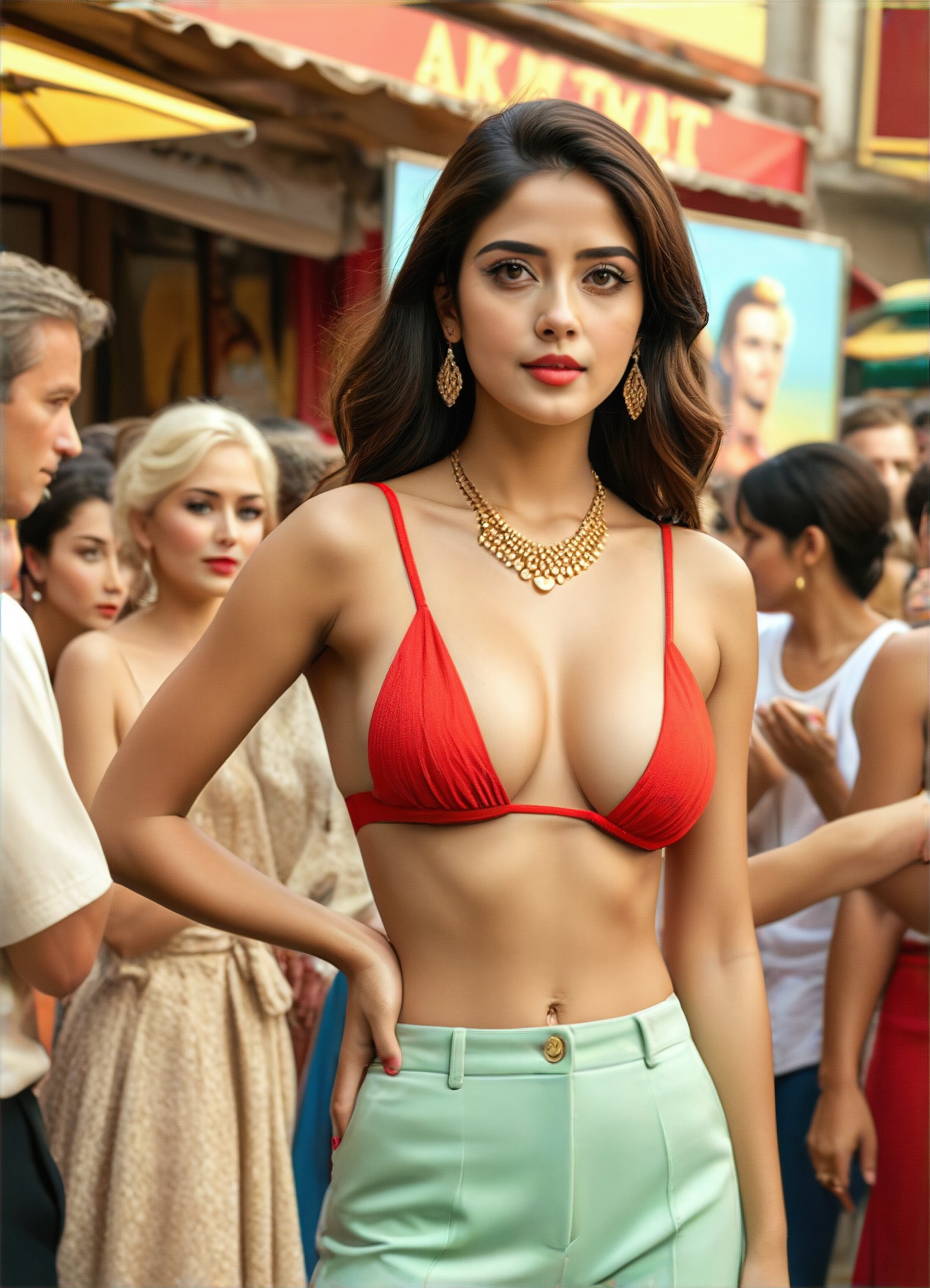
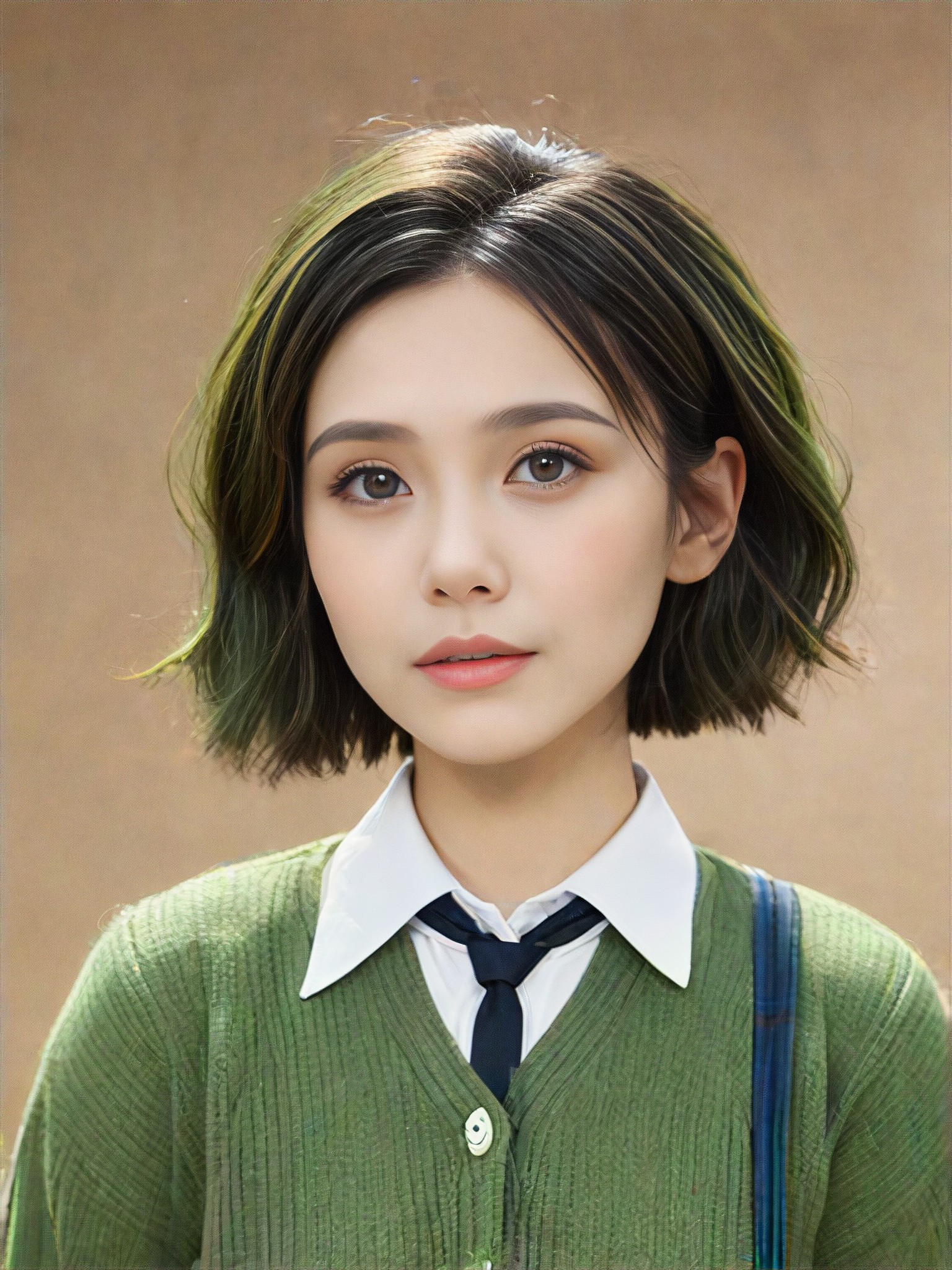
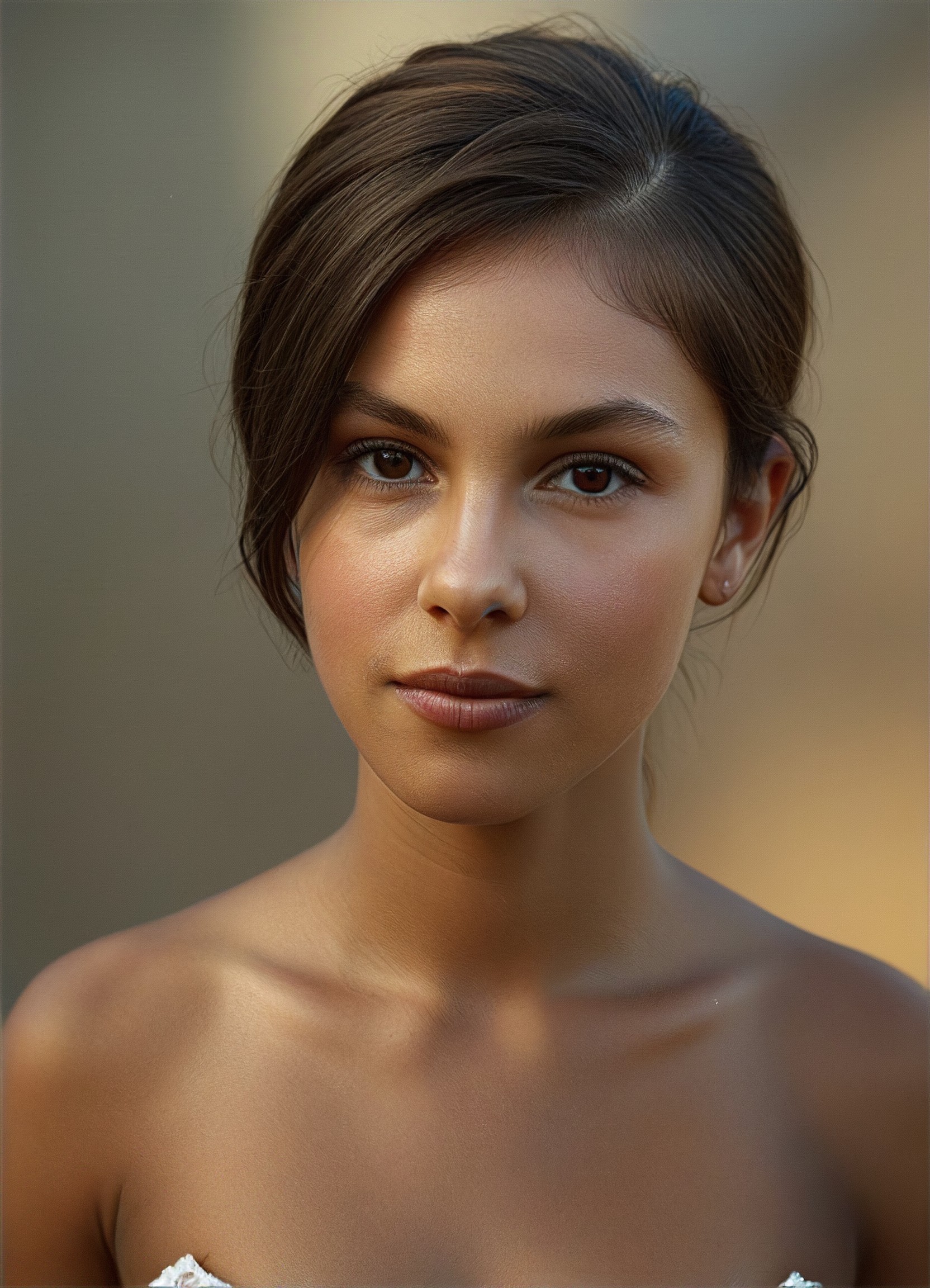
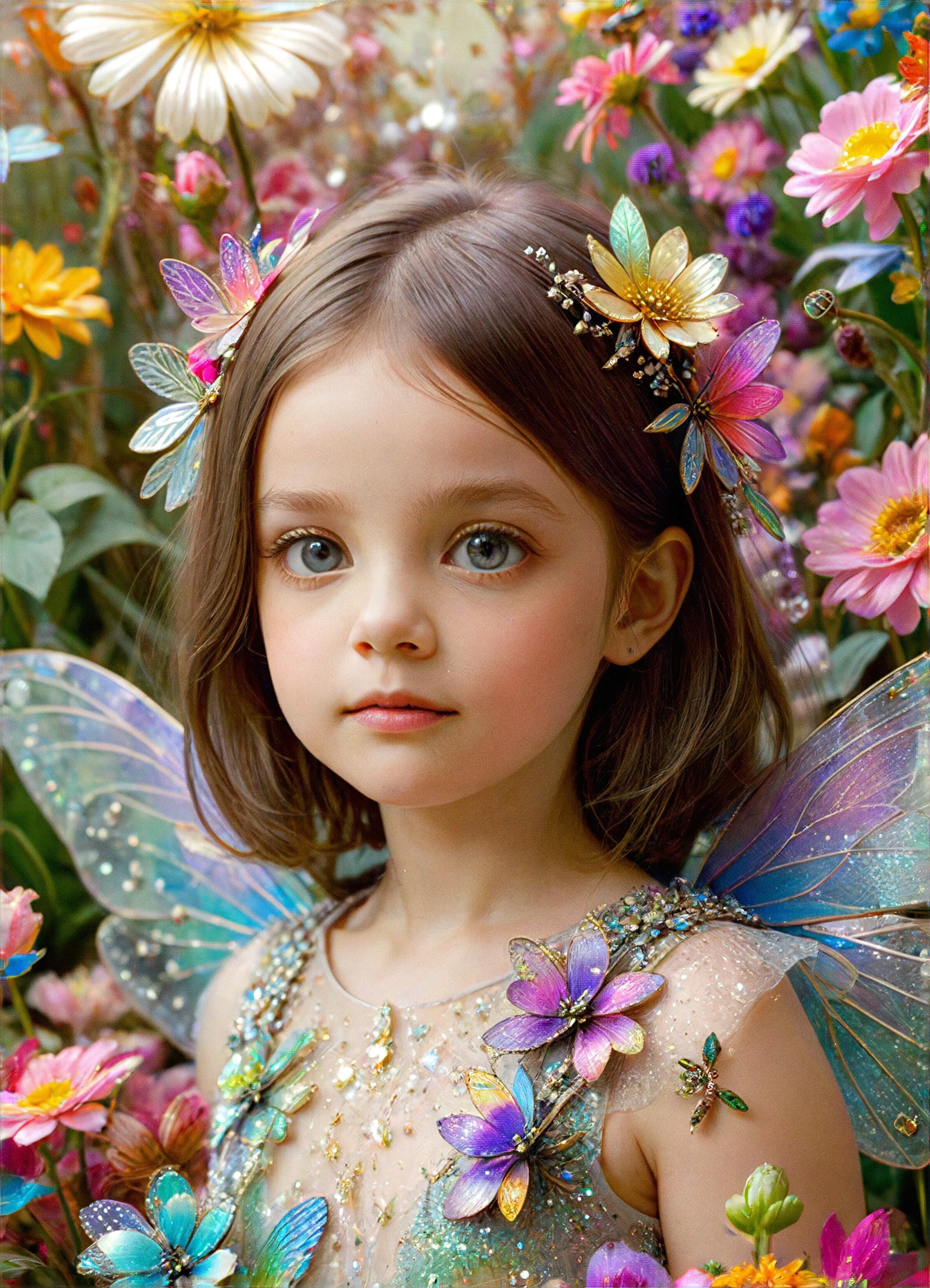
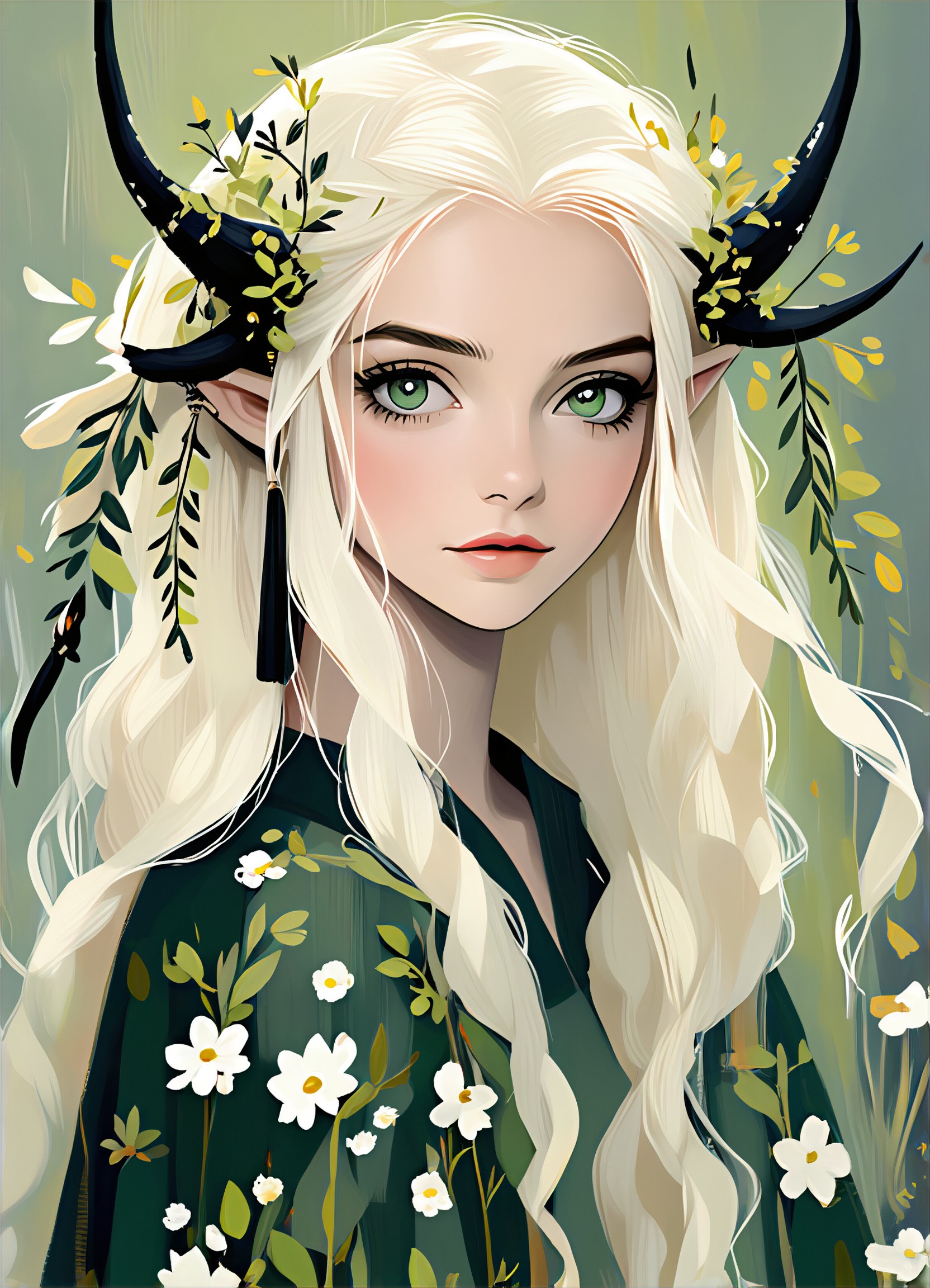
AI Skin Color Art Generator Key Features
Explore the powerful features that make our AI-driven Skin Color art generator a game-changer for creativity.
1683Use
APP"Green color scheme"
KEY FEATURES
Skin Color Art Generator
Easily change skin tones in your photos using a1.art's advanced AI technology. Choose from over 50 unique filters to achieve the perfect look.
KEY FEATURES
Free Credits Daily
Get free credits every day to use the AI skin color art generator. Perfect for experimenting and creating without limits.
1421Use
APP"Color Pencil Filter"
How to Create AI Skin Color Art?
Follow these simple steps to effortlessly generate stunning Skin Color art with the power of a1.art.
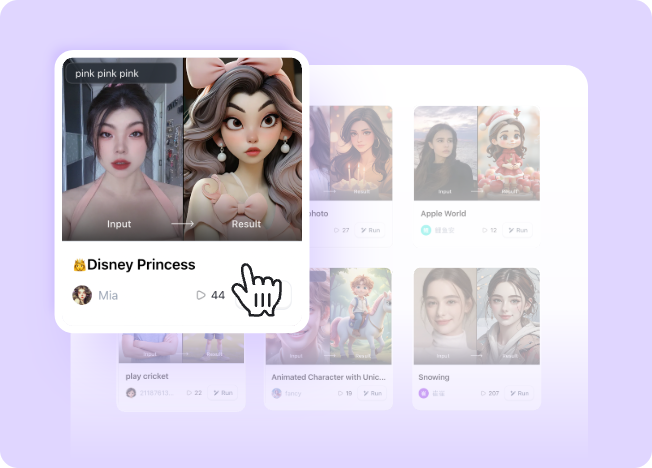
Step 1
Select the AI Skin Color Art Generator that interests you most on this page.
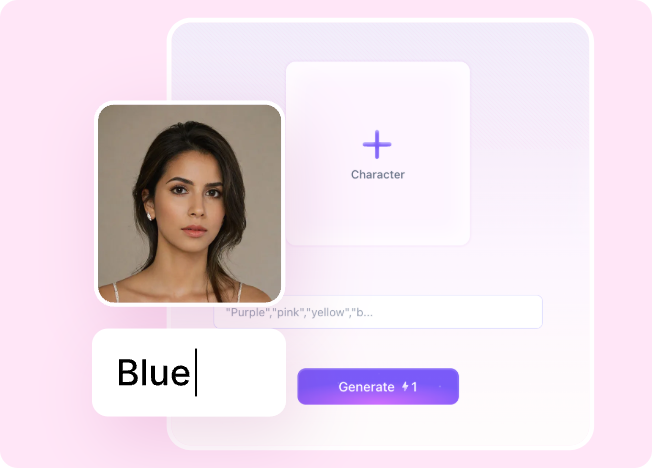
Step 2
Upload your picture or enter text according to the application requirements.
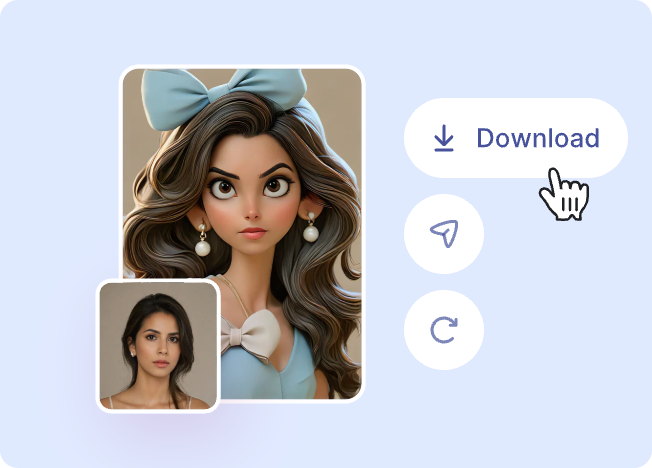
Step 3
Wait a few seconds and you can easily get your unique AI Skin Color art. Download for free!
1134Use
APP"Selectable color moods"
Why Use an AI Skin Color Art Generator?
Enhance your creativity with a1.art's AI skin color art generator. Transform ordinary photos into works of art by effortlessly adjusting skin tones and applying creative filters.
AI Skin Color Art Generator FAQs
Find answers to the most common questions about using our AI-powered Skin Color art generator.
How does the AI skin color art generator work?
a1.art uses advanced machine learning algorithms to analyze your image and apply the selected filter to adjust the skin tone naturally and beautifully.
Are there any limitations on the number of images I can upload?
Can I use the AI skin color art generator for commercial purposes?
What if I don't like the result?
Is there a subscription plan available?
Hear from Our Happy Customers
Read real feedback from users who have successfully built AI image generator with a1.art API and discover why they recommend it.
The AI skin color art generator is incredibly user-friendly. I love how quickly it adjusts the skin tone and the variety of filters available.
 @ Rupert Steele
I've been using a1.art for months now, and the results have always exceeded my expectations. The free credits are a great bonus too!
 @ Angela Dewey
The transformation is seamless. Whether I'm changing someone's complexion for a photo shoot or adding a fantasy element, a1.art delivers.
 @ Mary Lee
More Excellent Art Generator Recommendation
Discover more top-rated AI art generators that can take your art creation to the next level.
AI Flight Attendant art generator
AI Couple S art generator
AI Hairdresser art generator
AI Family Five art generator

AI Eighteen art generator
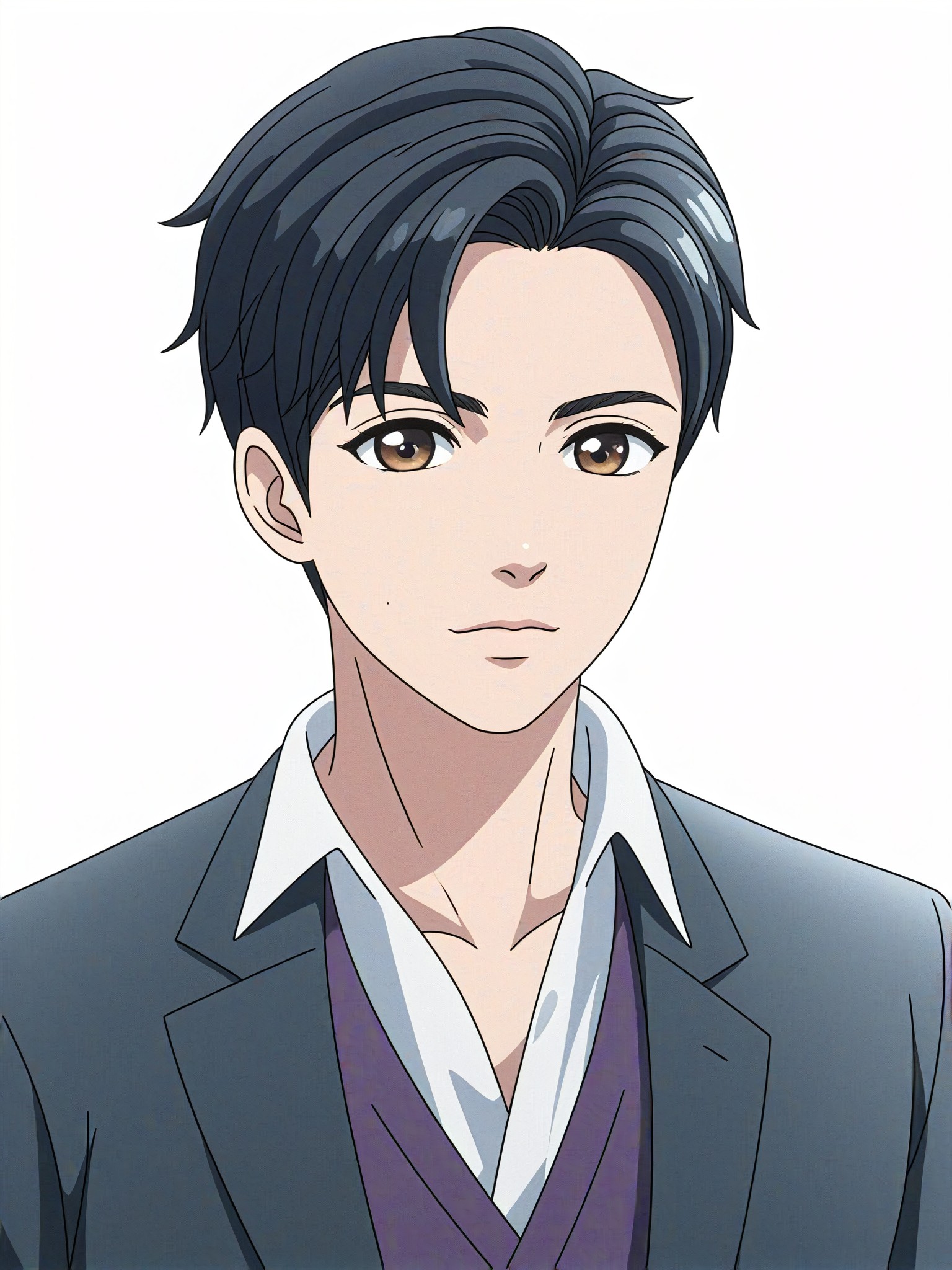
AI Wedding Anime art generator
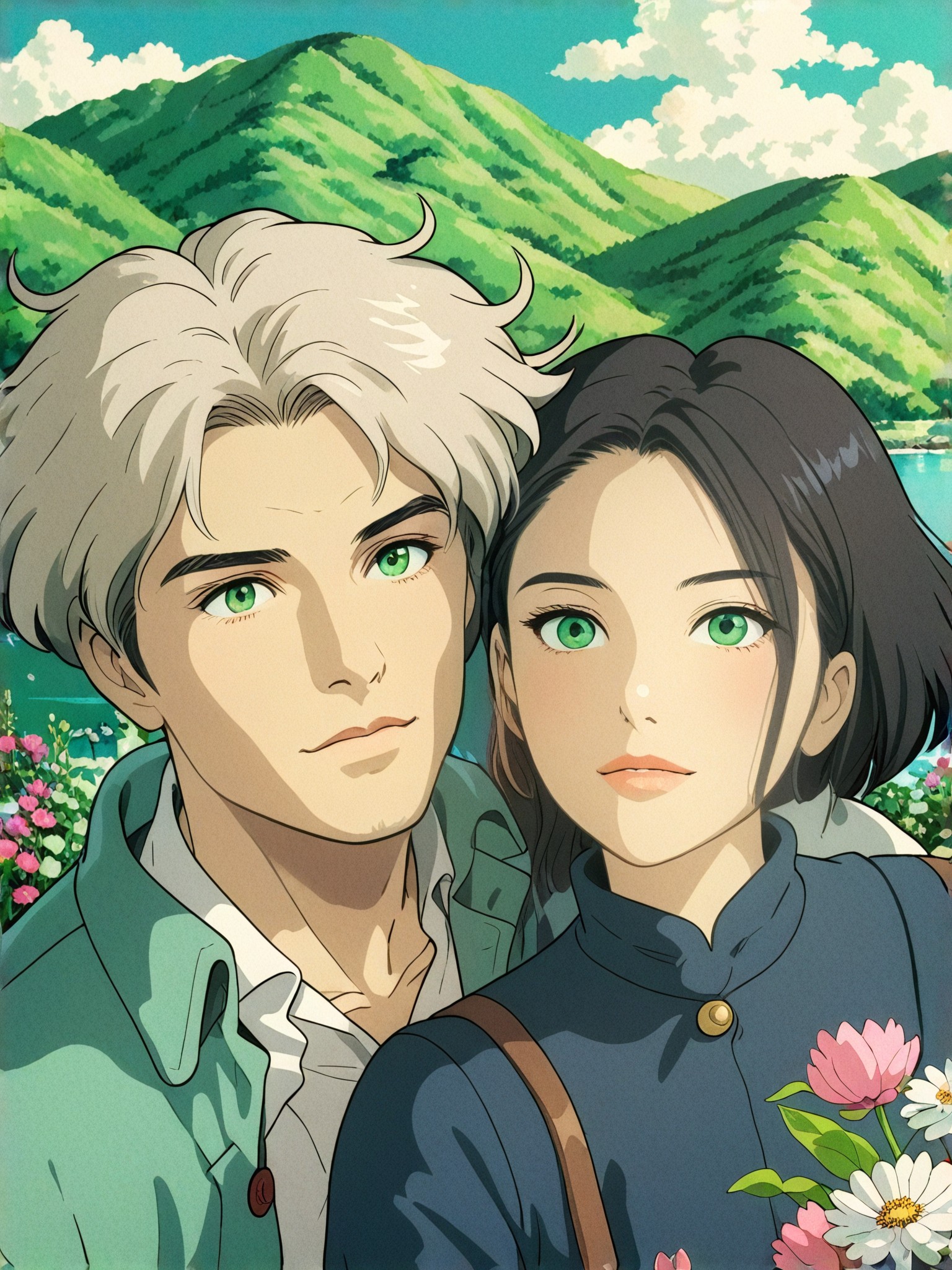
AI Ghibli Group art generator
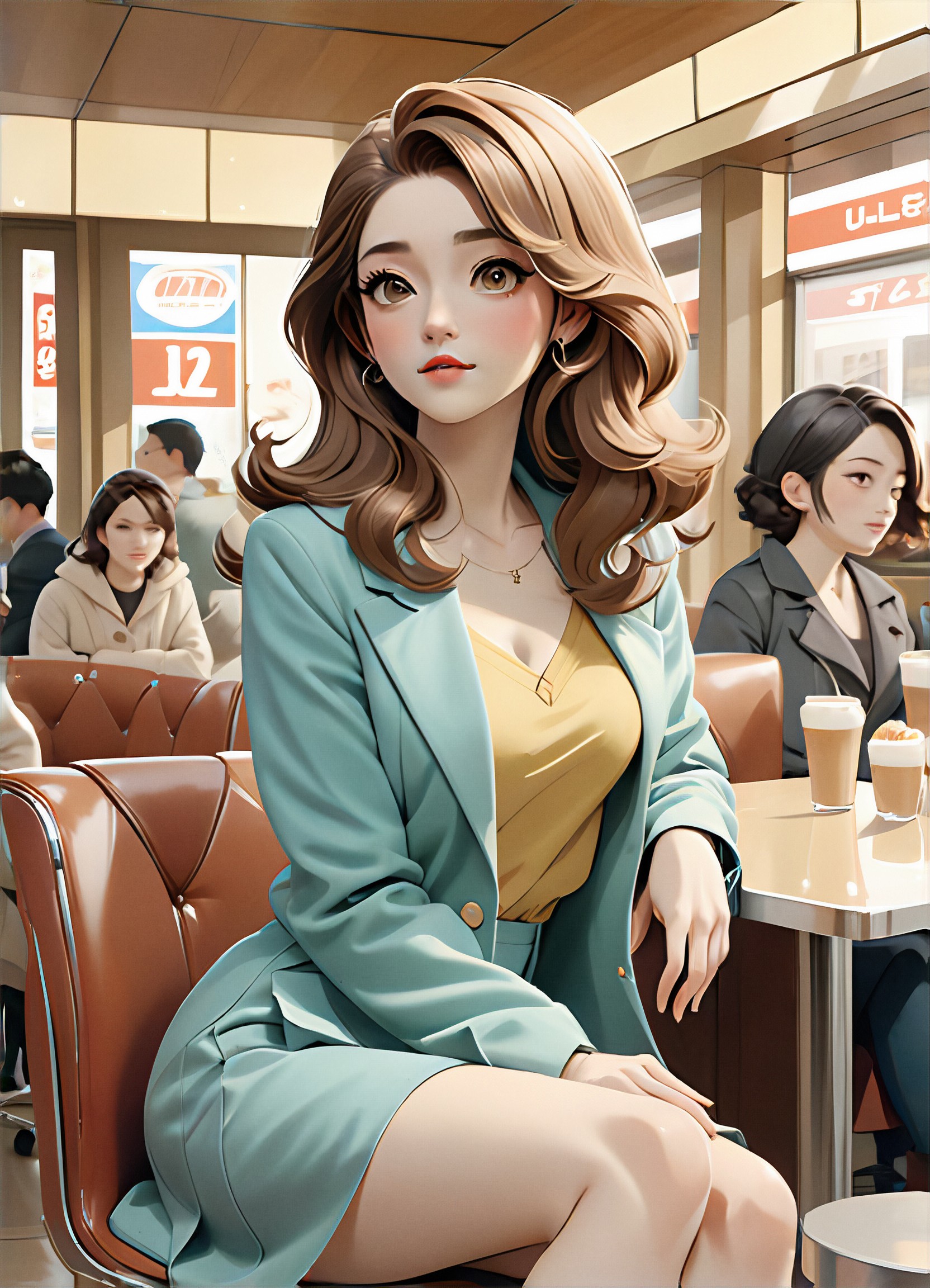
AI Girl Friend art generator