
Home AI Removing Art Generator
AI Removing Art GeneratorAI Removing Art Generator
Transform your photos with a1.art's AI removing art generator. Easily remove unwanted elements from images by uploading pictures or texts. Enjoy free credits daily and subscribe for more features.
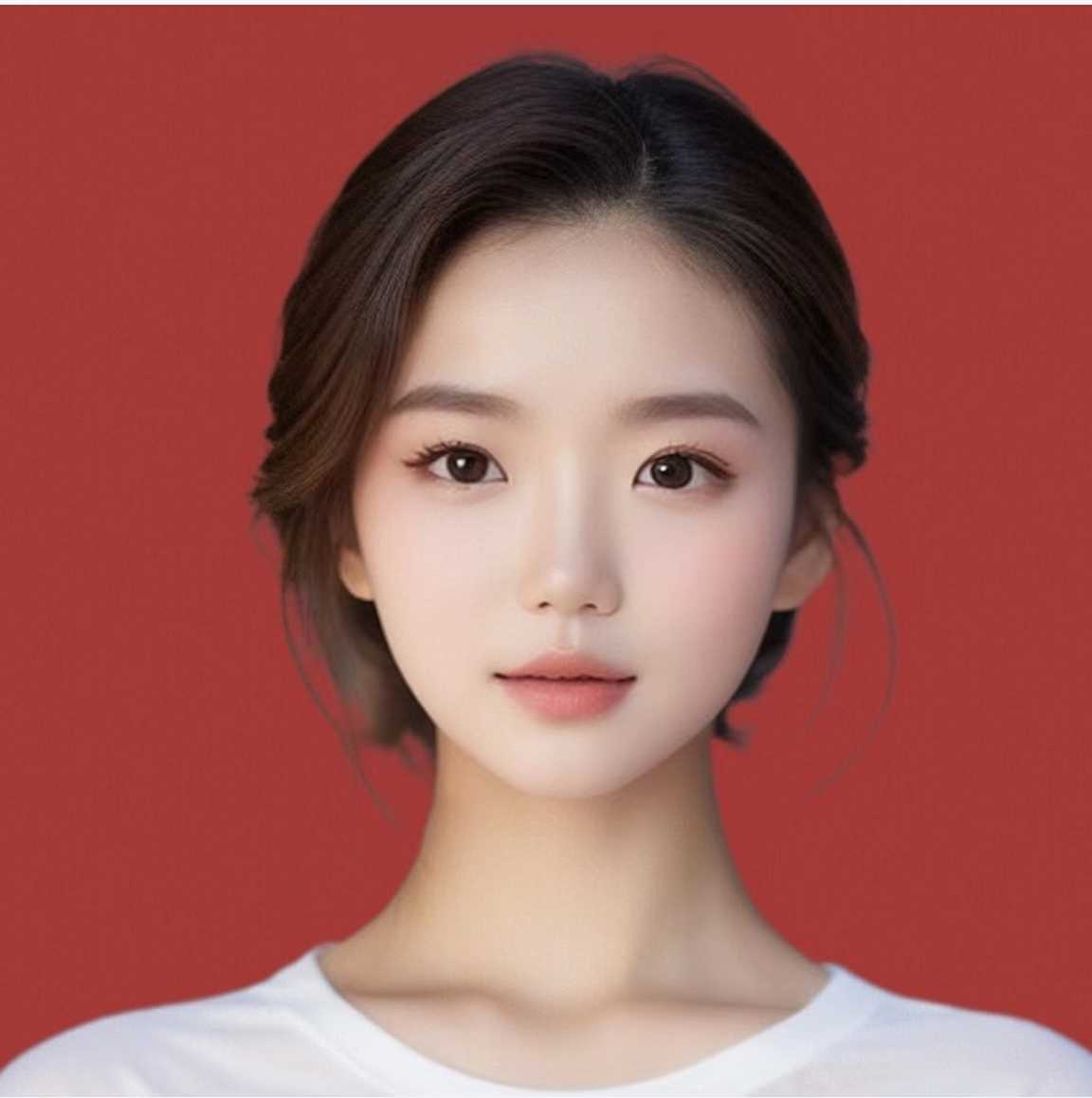
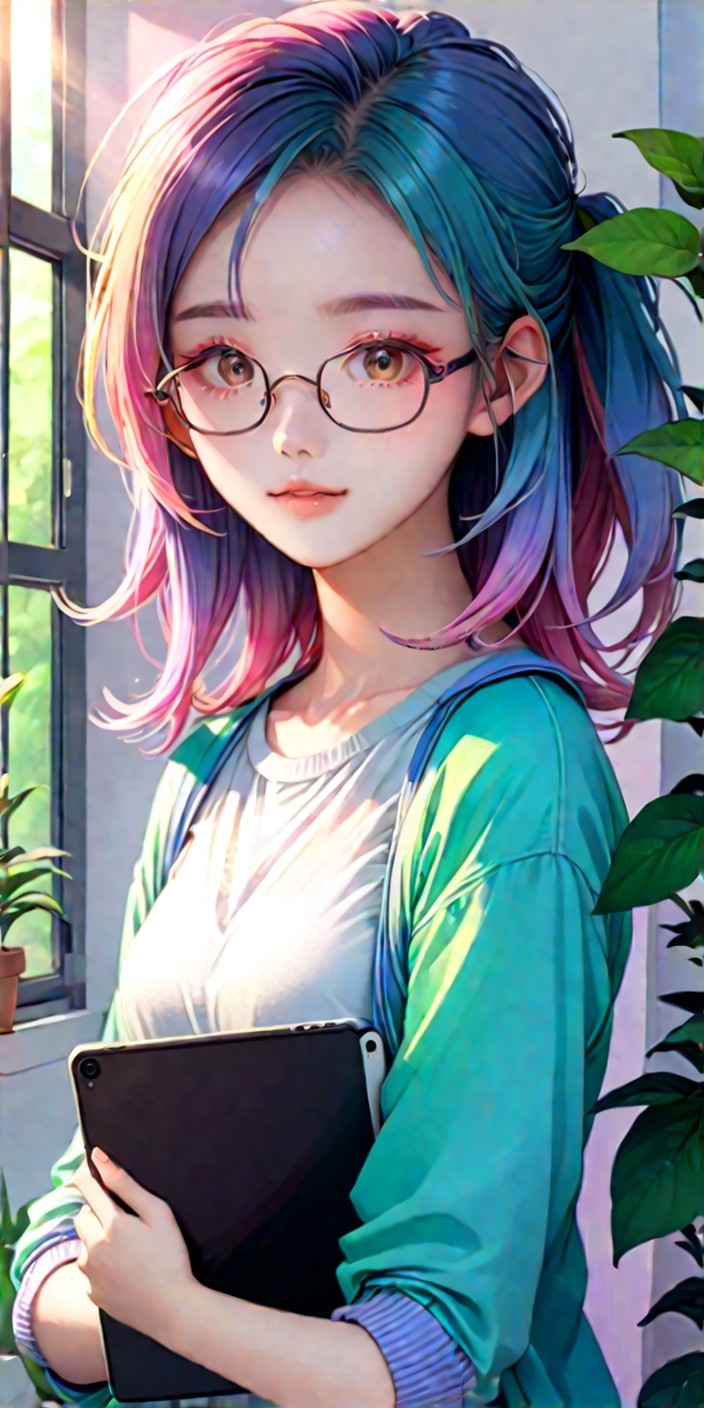

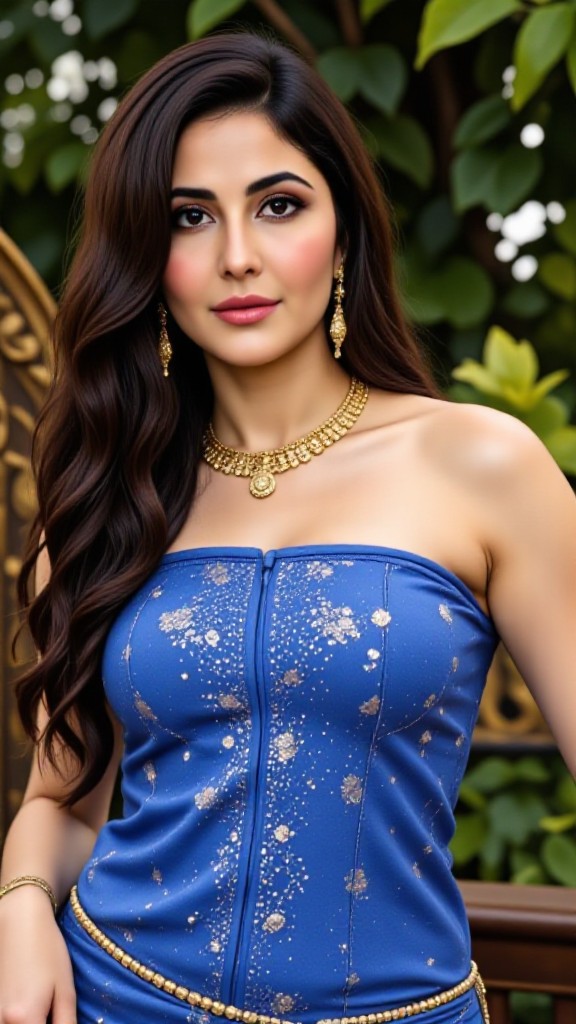
Input
Result
Clothing removing
a
aq8b9n5ta2p9 250
250
Input
Result
AI Image Filter
A
AIGO681
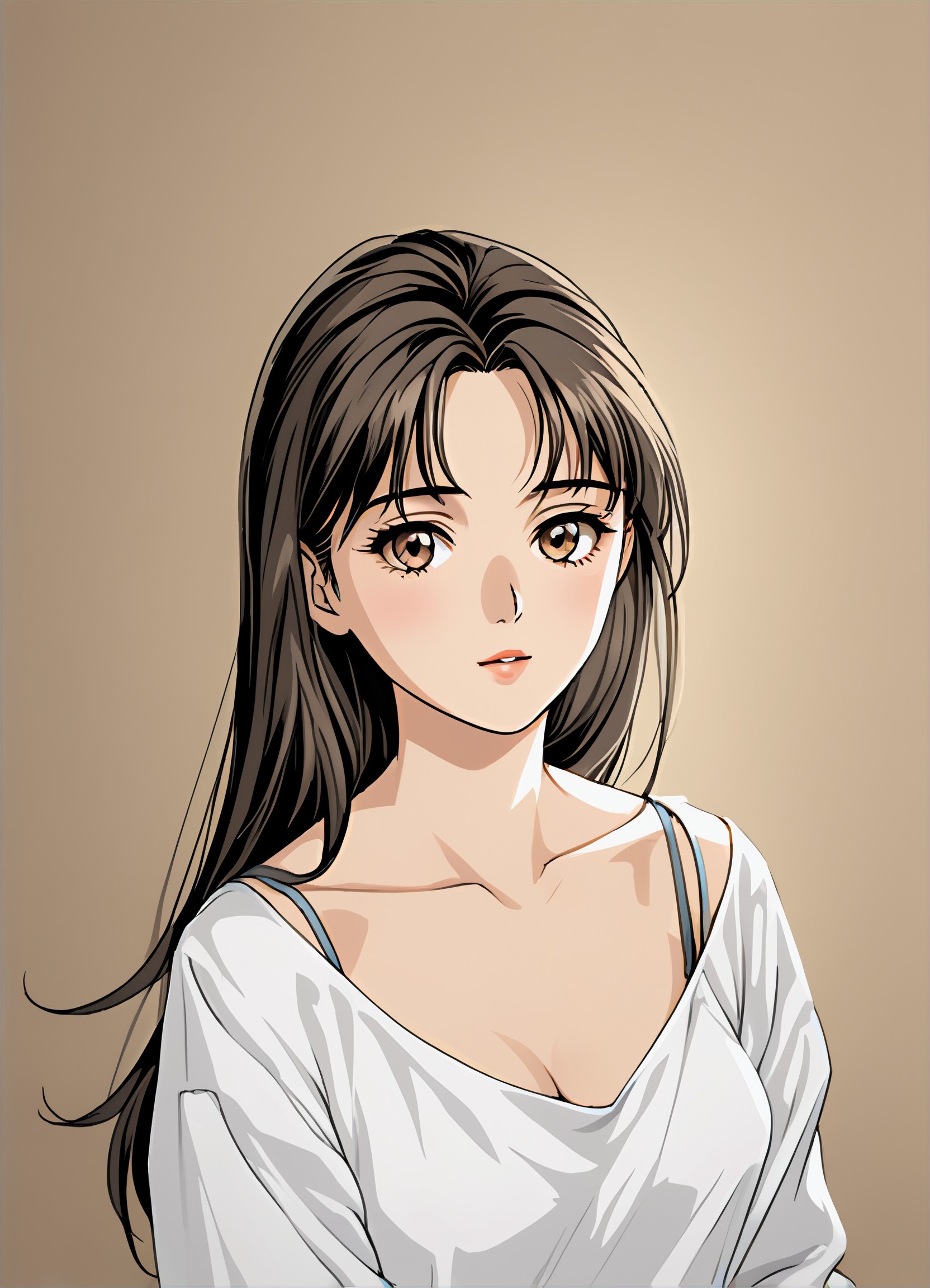
Input
Result
Manga filter
 winter solstice236.2k

Input
Result
Image to Image
 CC6.5k
Input
Result
Pink filter
winter solstice2.3k
Input
Result
Art style
 Devinci. art274

Input
Result
magic image
A
Art8700qkttabet3.4k
Input
Result
AI Art Generator
CC5.4k
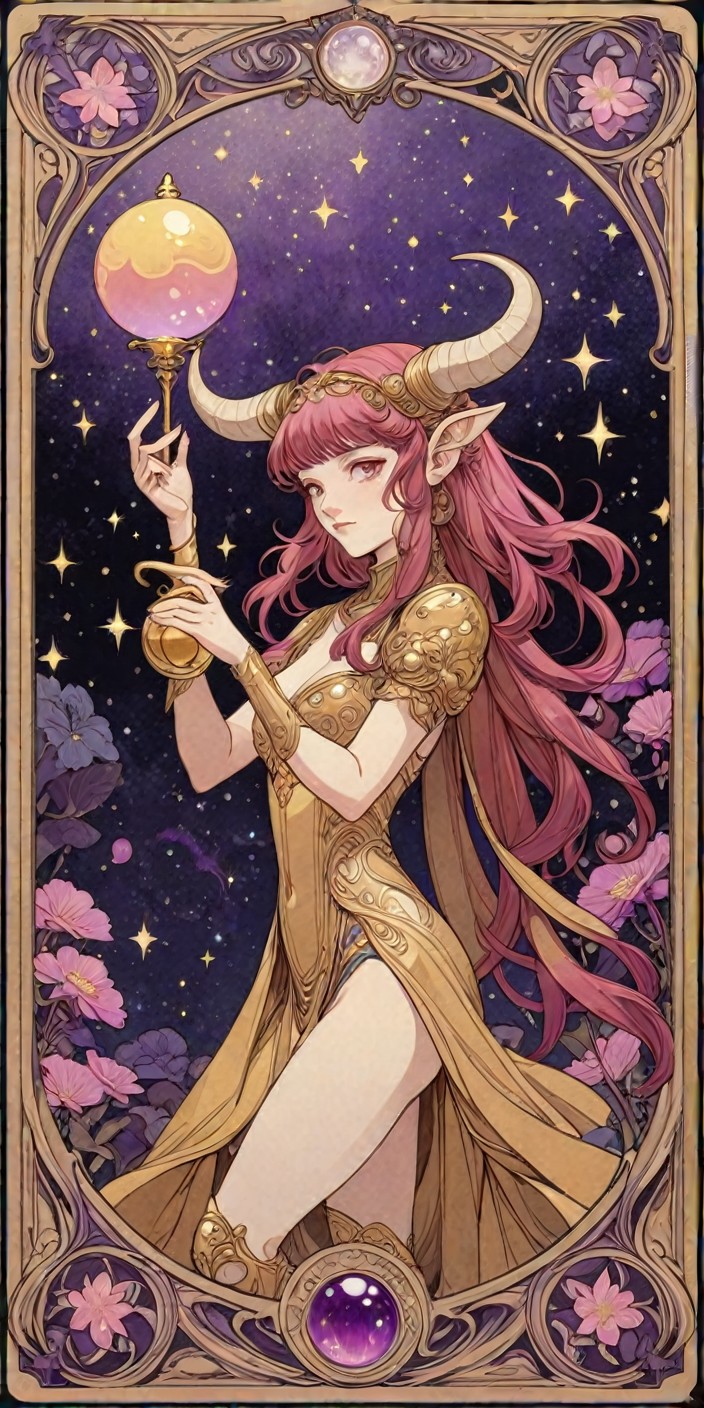
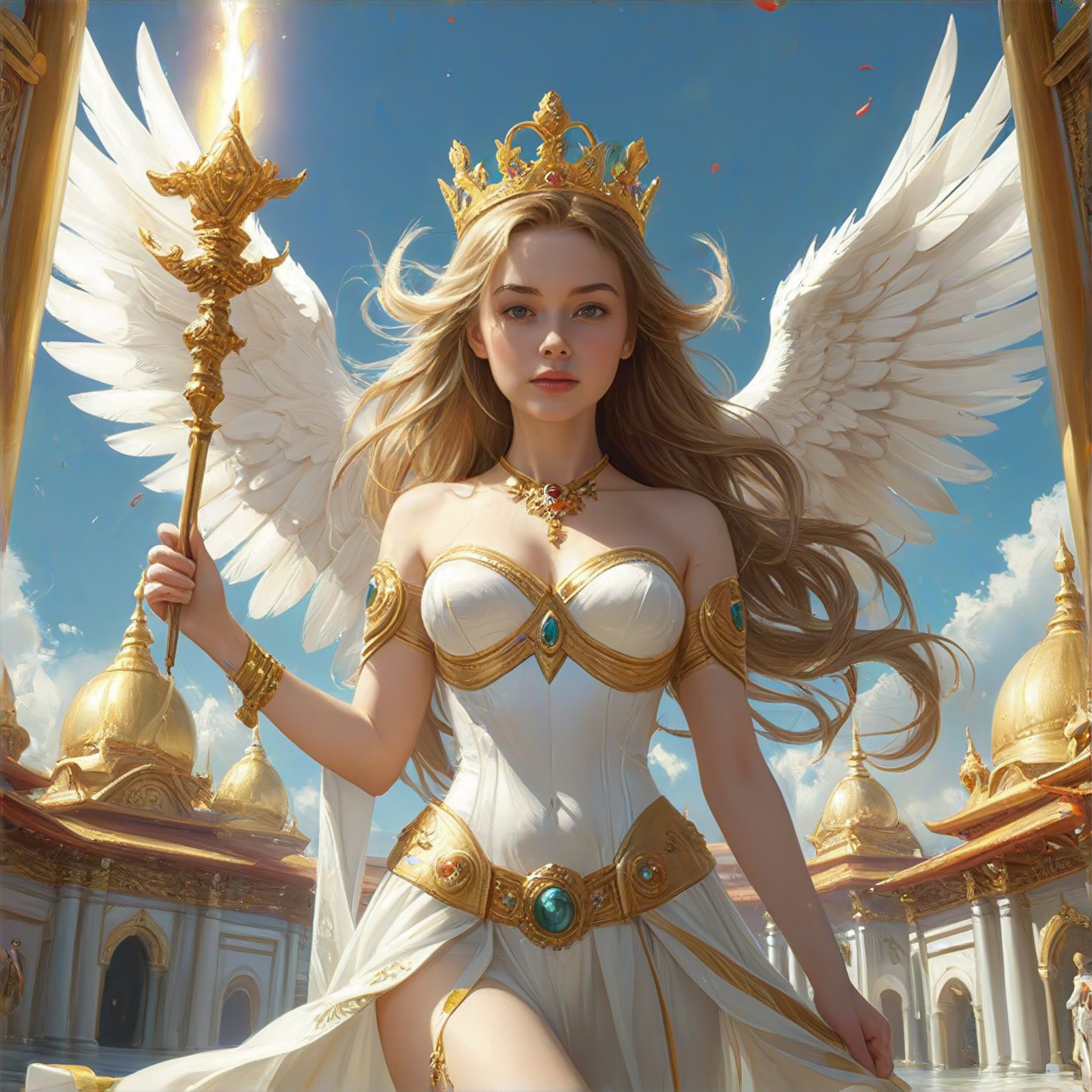
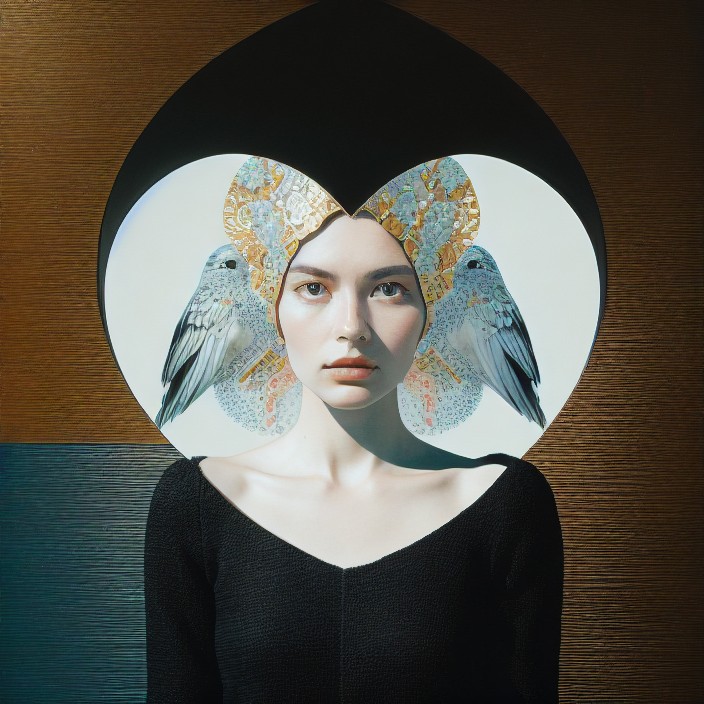
Stylish AI-Generated Removing Art
Discover unique and innovative Removing art created with cutting-edge AI technology.



AI Removing Art Generator Key Features
Explore the powerful features that make our AI-driven Removing art generator a game-changer for creativity.
2Use
APP"hha"
KEY FEATURES
Remove Art Instantly
Easily eliminate any unwanted elements from your photos using a1.art's advanced AI technology. Choose from various image filter styles to enhance your creations.
KEY FEATURES
Create Custom Generators
Use Flux components to build personalized image generators tailored to your needs. Customize your art removal process with ease.
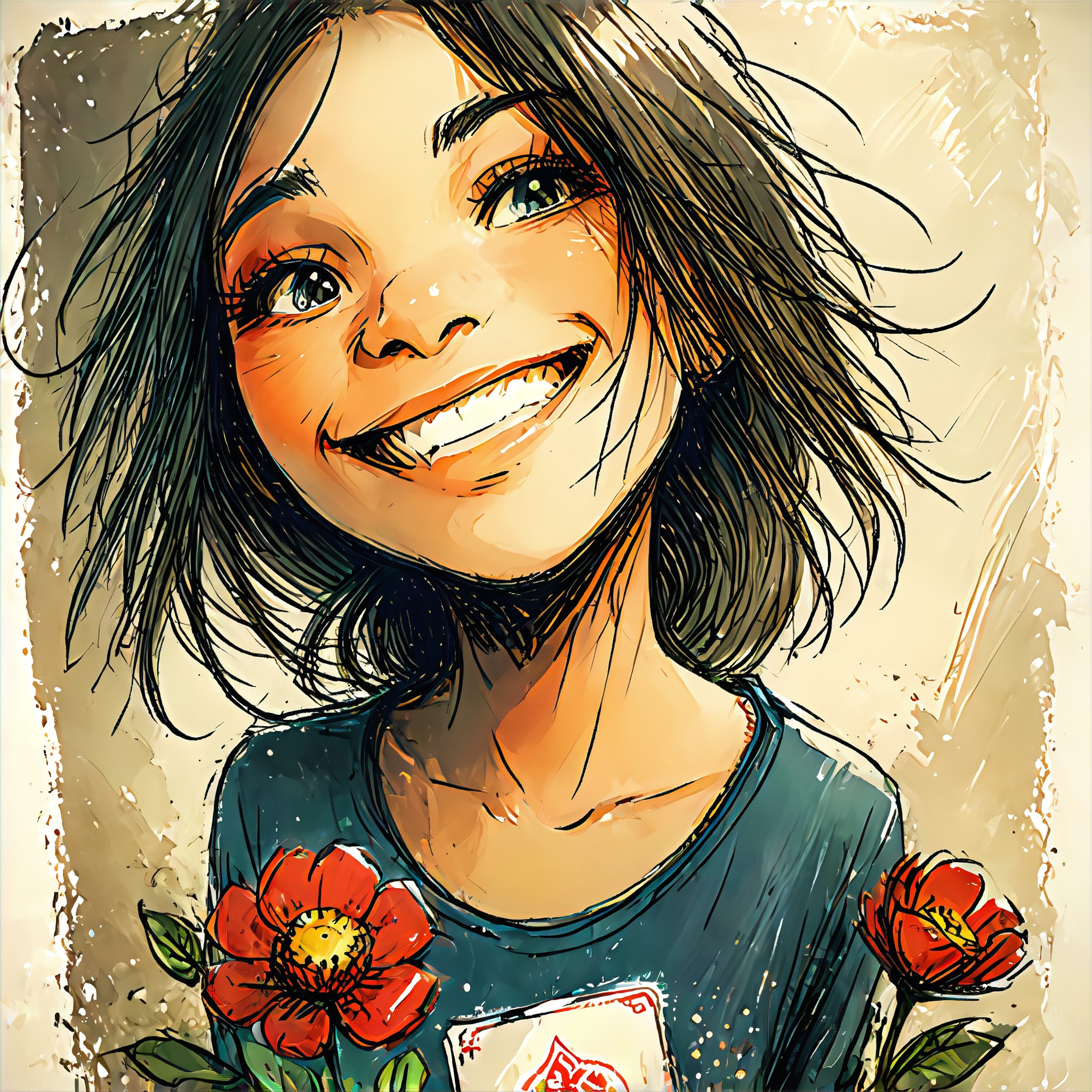
32Use
APP"Stray Art"
How to Create AI Removing Art?
Follow these simple steps to effortlessly generate stunning Removing art with the power of a1.art.

Step 1
Select the AI Removing Art Generator that interests you most on this page.

Step 2
Upload your picture or enter text according to the application requirements.

Step 3
Wait a few seconds and you can easily get your unique AI Removing art. Download for free!
2927Use
APP"magic image"
Why Use an AI Removing Art Generator?
Say goodbye to tedious editing processes! a1.art's AI removing art generator allows you to effortlessly remove unwanted elements from your photos, enhancing the final result with just a few clicks. Whether you're a professional photographer or an amateur enthusiast, our tool streamlines the editing experience, ensuring that your creativity is not hindered by technical limitations.
AI Removing Art Generator FAQs
Find answers to the most common questions about using our AI-powered Removing art generator.
How does the AI removing art generator work?
a1.art's AI removes unwanted elements from your photos using advanced algorithms. Simply upload your image and specify the area you want to edit. Our system analyzes the image and applies the necessary changes, leaving you with a clean, edited photo.
Is there a limit to the number of edits I can make per day?
Can I customize the image filters?
What happens if I run out of free credits?
Are there any privacy concerns with using a1.art?
Hear from Our Happy Customers
Read real feedback from users who have successfully built AI image generator with a1.art API and discover why they recommend it.
The AI removing art generator in a1.art is incredibly user-friendly. I was able to quickly remove a distracting element from my landscape photo, resulting in a cleaner composition.
 @ Camille Joan
I love how a1.art lets me experiment with different image filters. The ability to create custom generators has opened up new creative possibilities for me.
 @ Rupert Steele
Using a1.art's AI removing art generator has saved me countless hours of manual editing. It's perfect for both quick fixes and detailed adjustments.
 @ Gloria Browne
More Excellent Art Generator Recommendation
Discover more top-rated AI art generators that can take your art creation to the next level.
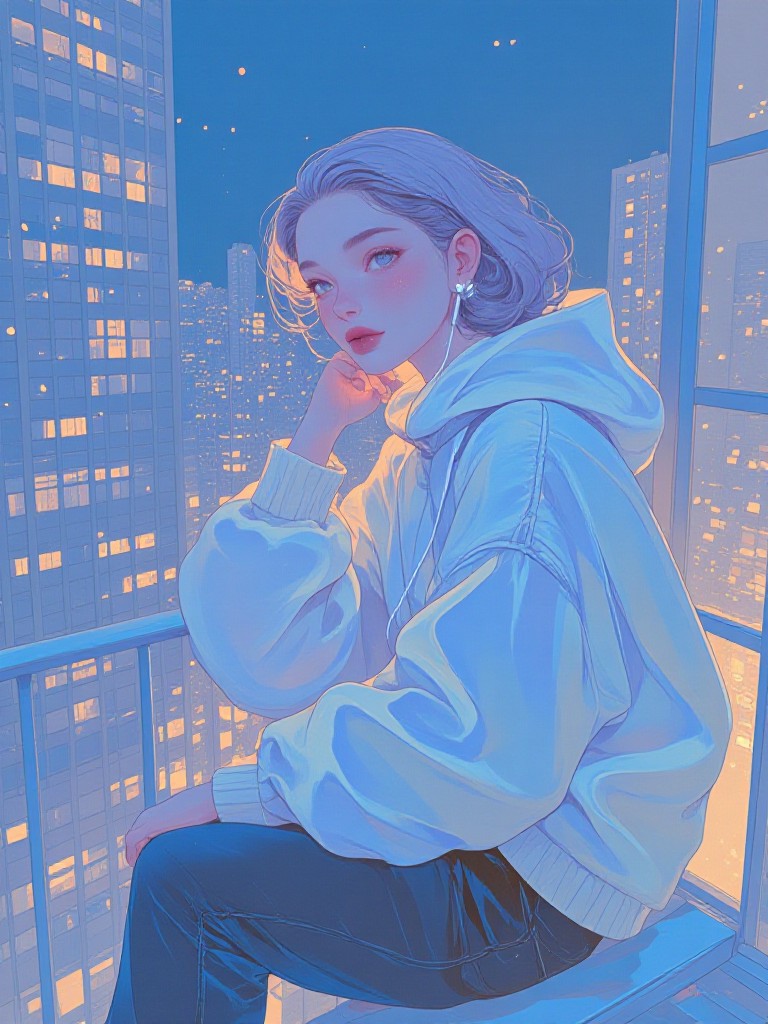
AI Subdued Colors art generator
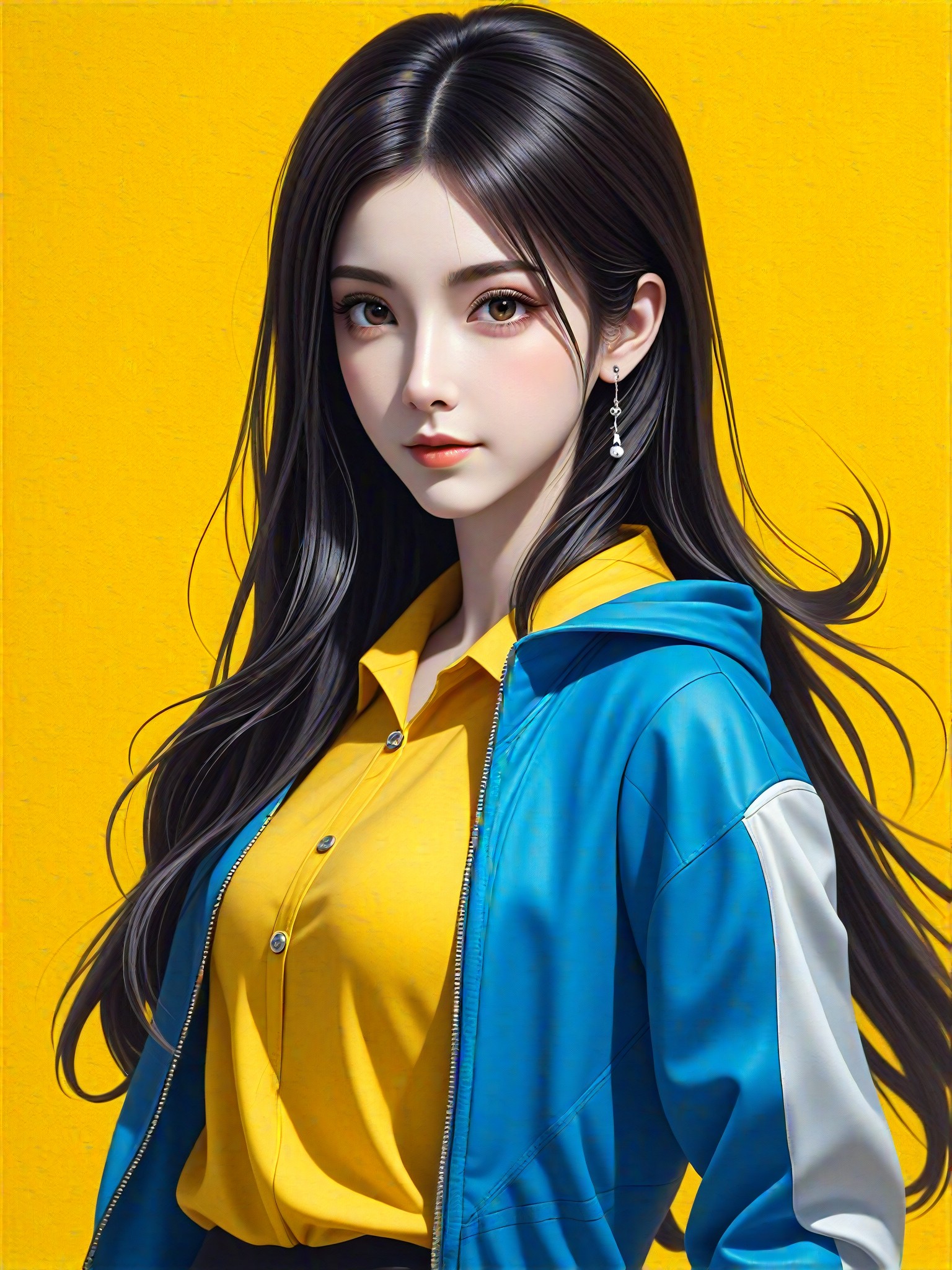
AI Shooting art generator
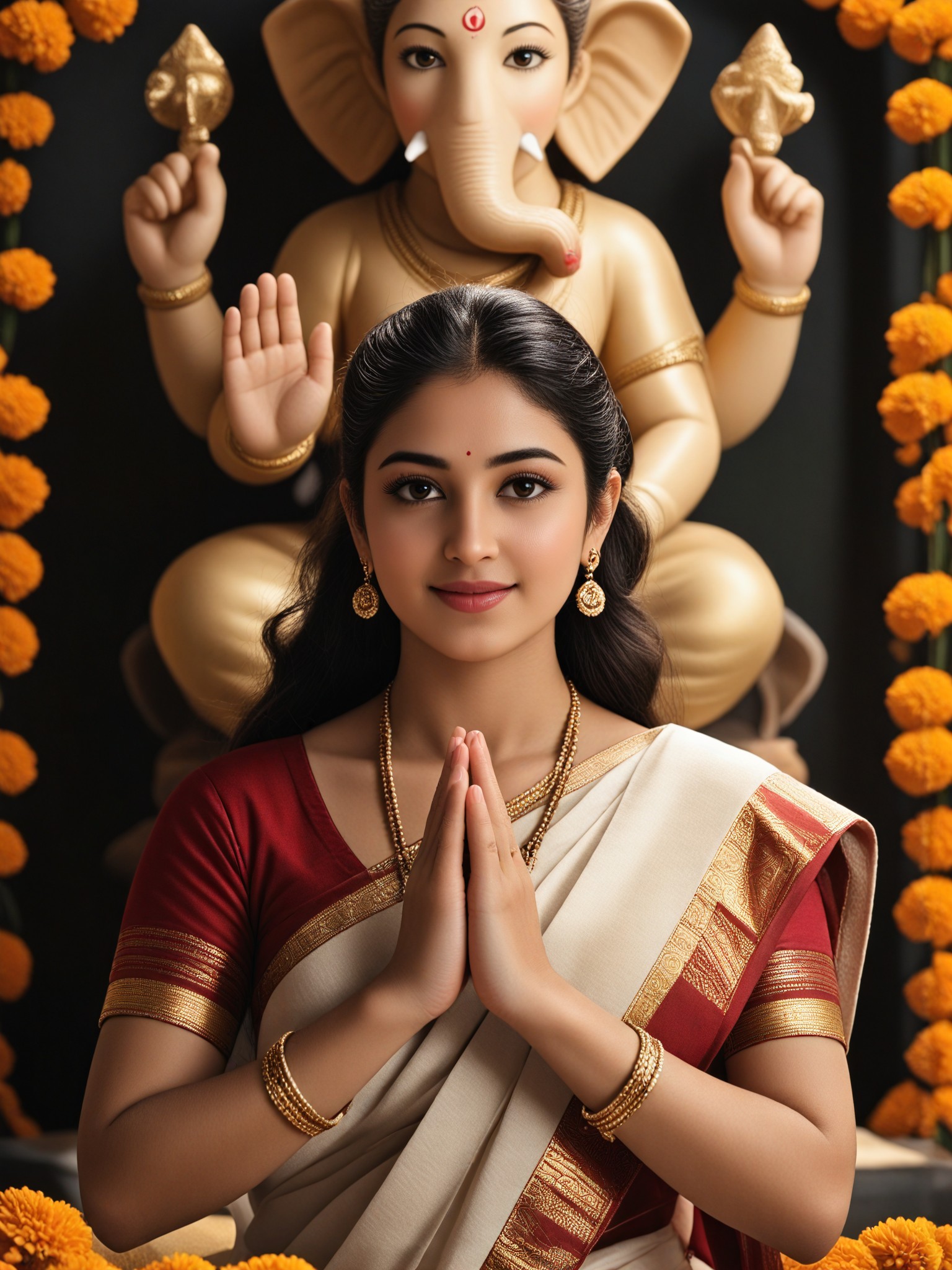
AI Idol art generator
AI Cheerful Scene art generator
AI Confident Style art generator
AI Blue And Orange Beads art generator
AI Scarab Beetle Pendant art generator
AI Simple Artwork art generator