
Home AI Minecraft Skin Art Generator
AI Minecraft Skin Art GeneratorAI Minecraft Skin Art Generator
Discover the ultimate AI art generator for creating stunning Minecraft skins with a1.art. Whether you're a seasoned player or just starting out, our platform offers a seamless experience to transform your ideas into unique, personalized Minecraft skins. Register today and unlock endless creative possibilities for your Minecraft adventures.

Input
Result
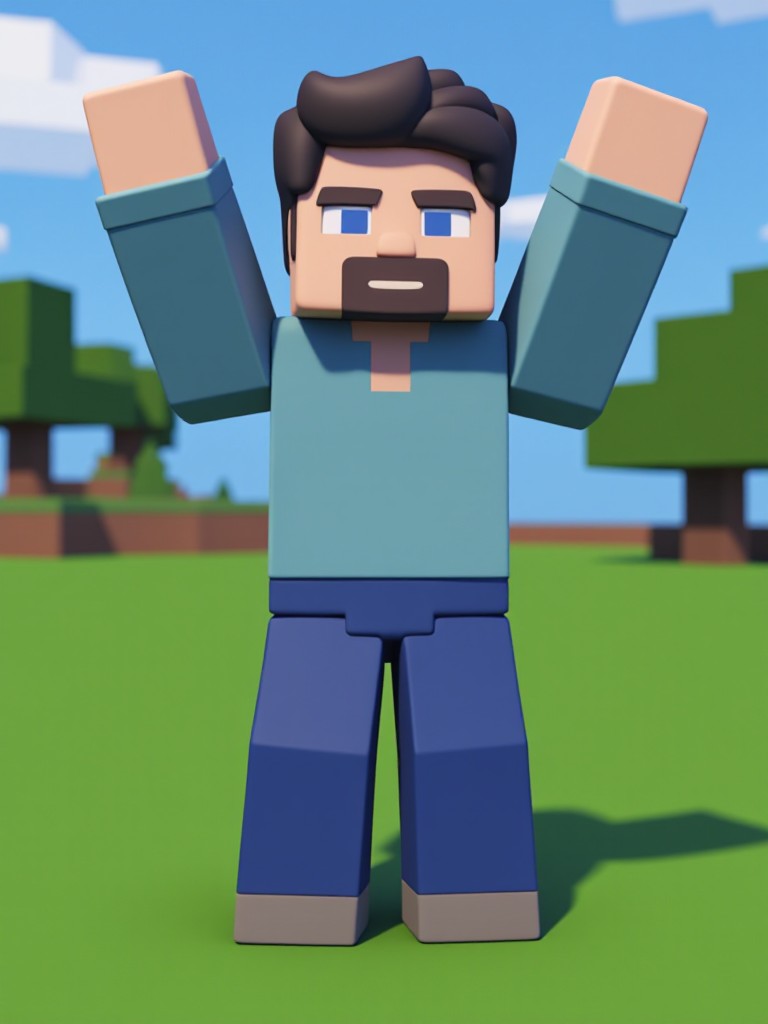
Minecraft game style
 大福
大福 141
141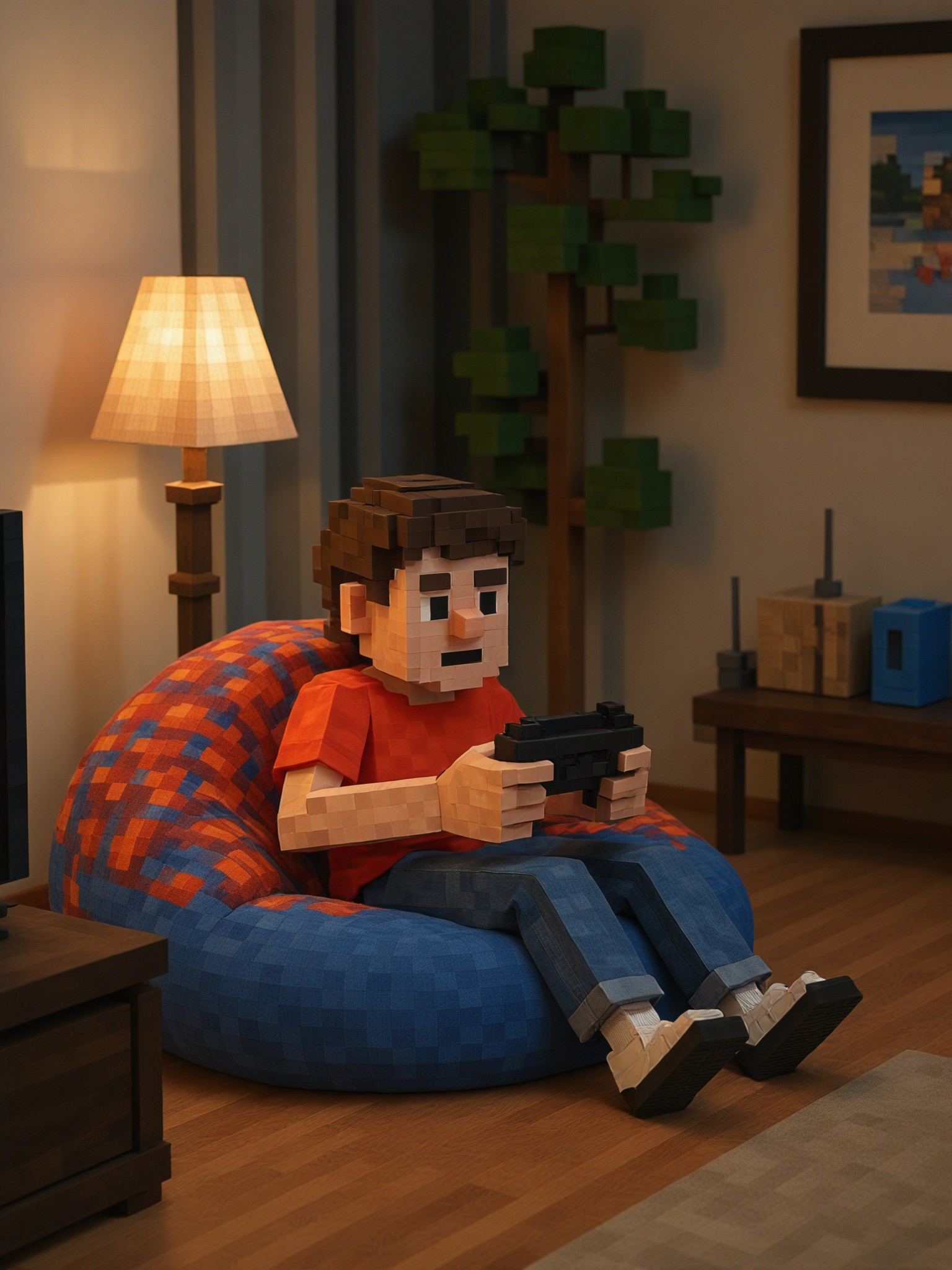
Input
Result
Minecraft Scene Generator
 Woosevelt35
![[Master_Movie Portrait] 🌟 I have a big lion image](https://txcdn-prod-a1art.xiaopiu.com/assets/images/app_1861950270915141634/1865739002896179202/22a31eb5-e052-4824-9b63-a5cbad77a1cc.jpeg?imageMogr2/format/webp/thumbnail/700x/quality/1)
Input
Result
[Master_Movie Portrait] 🌟 I have a big lion
 陳文舟41.9k
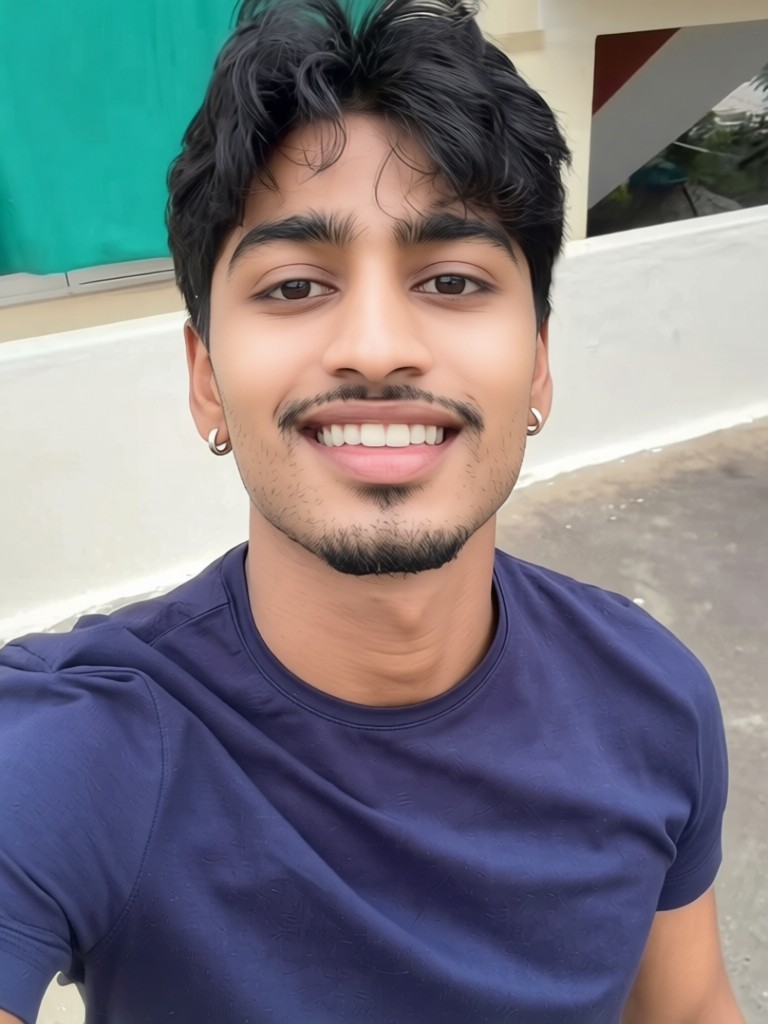
Input
Result
Skin whitening
 CC1.0k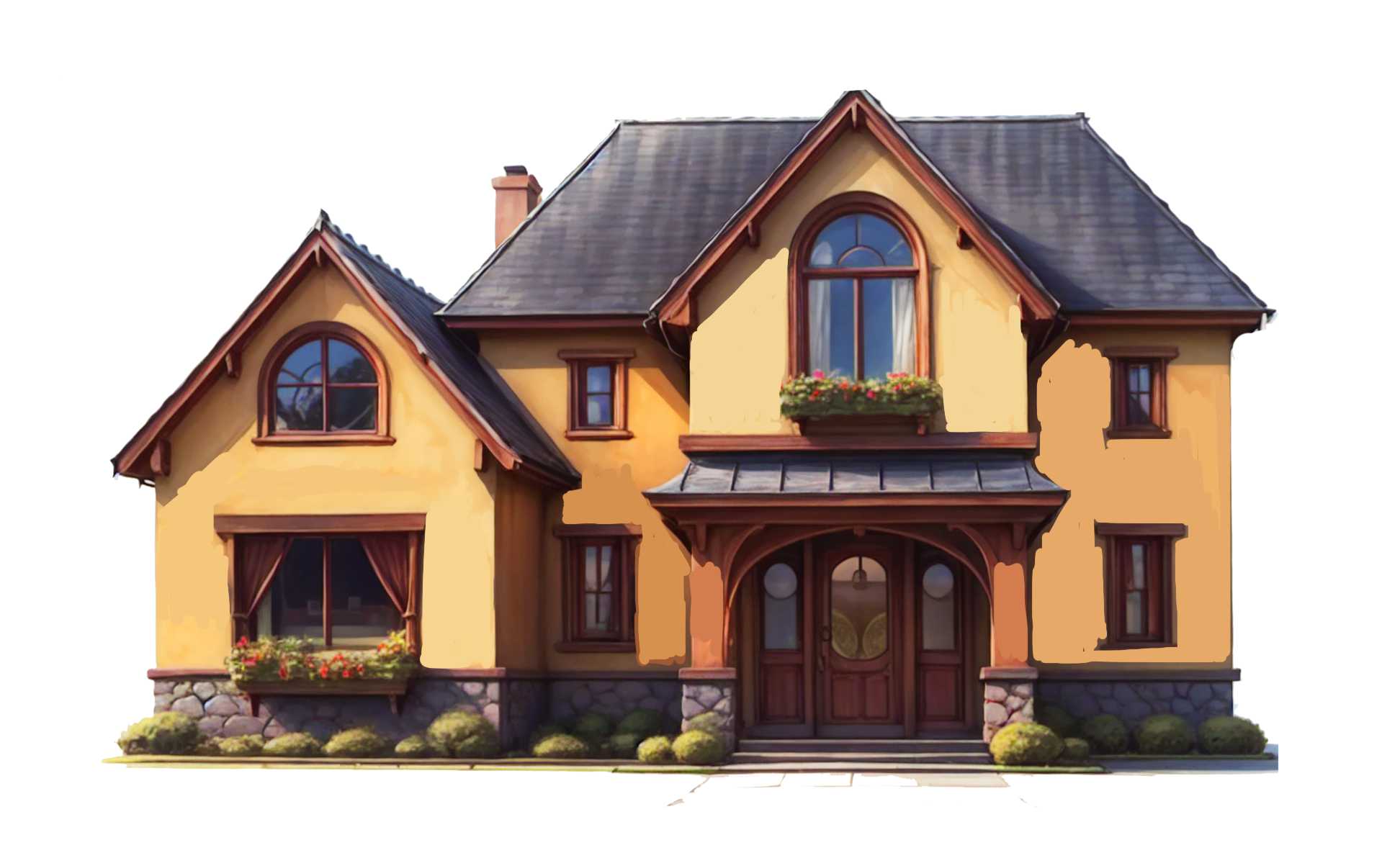
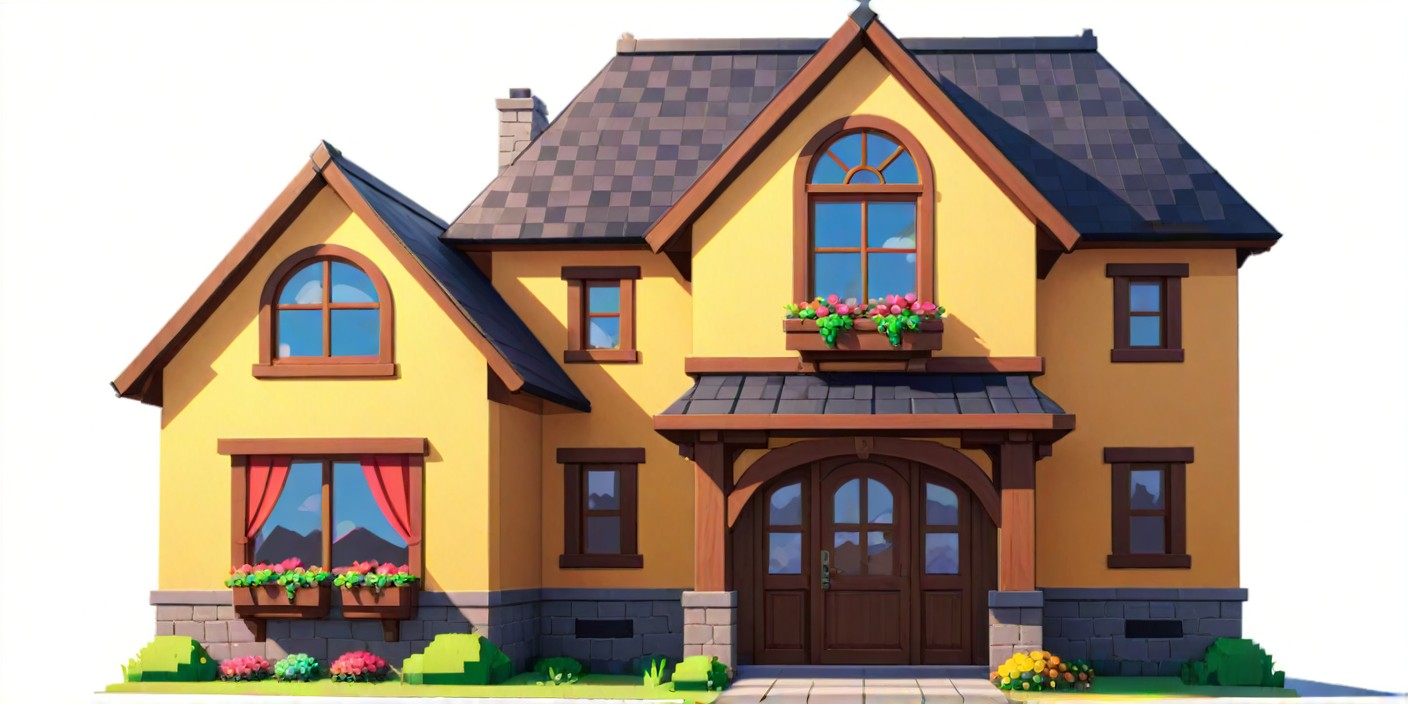
Input
Result
Minecraft World Style(fork)
7
740880047165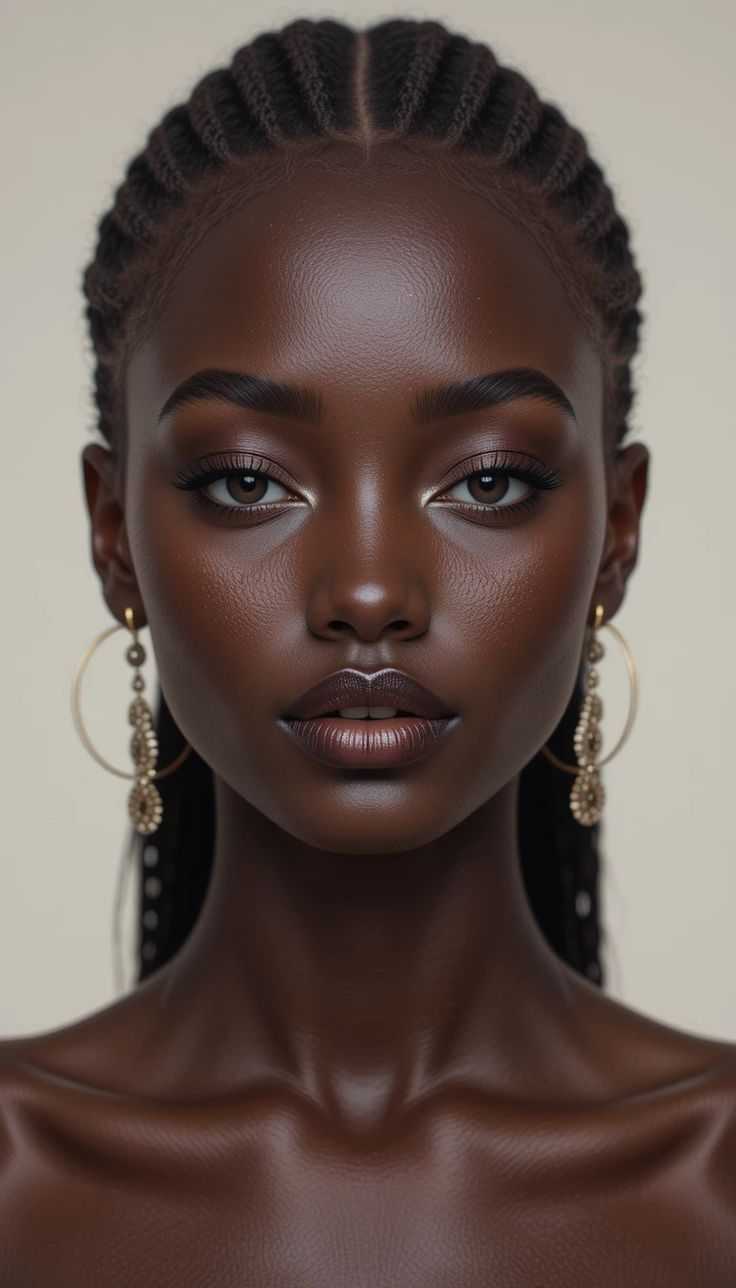
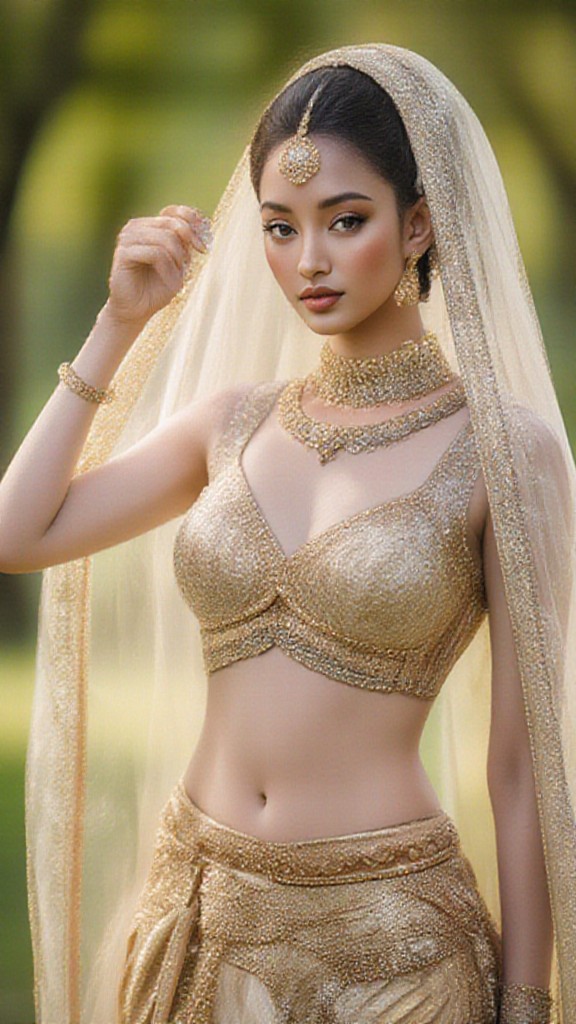
Input
Result
Look at myself with fair skin.
 Lizzie-R125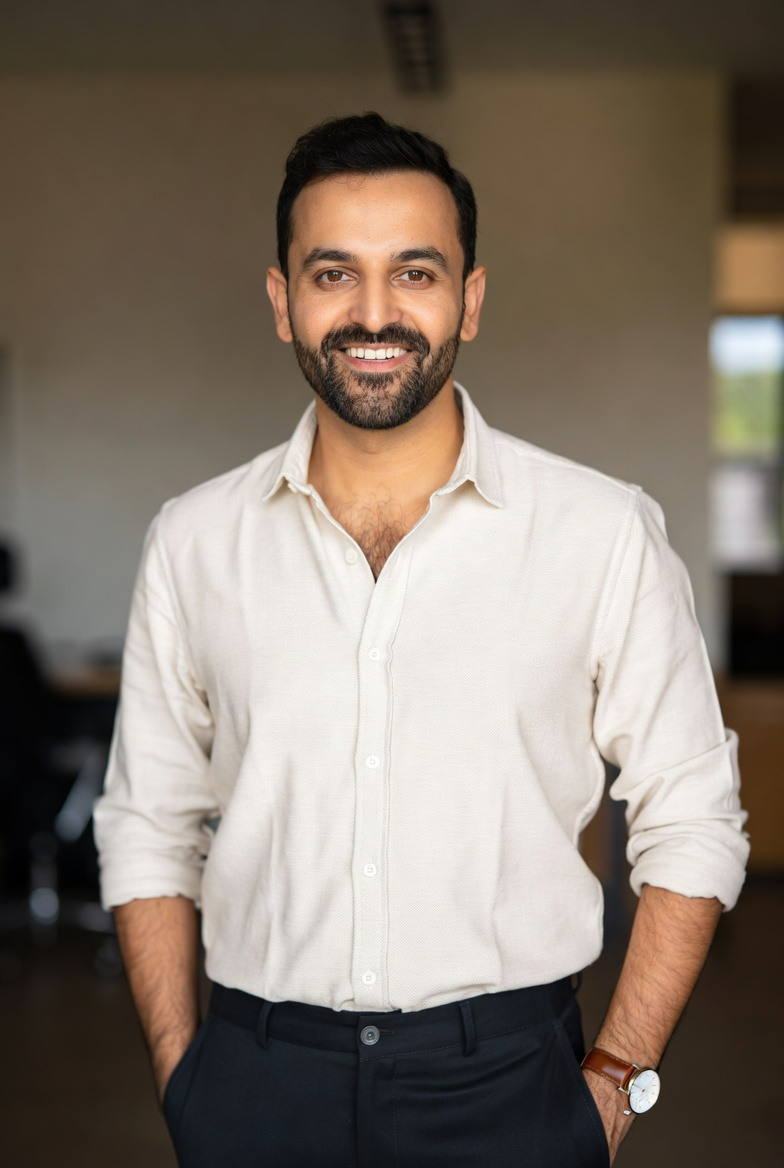
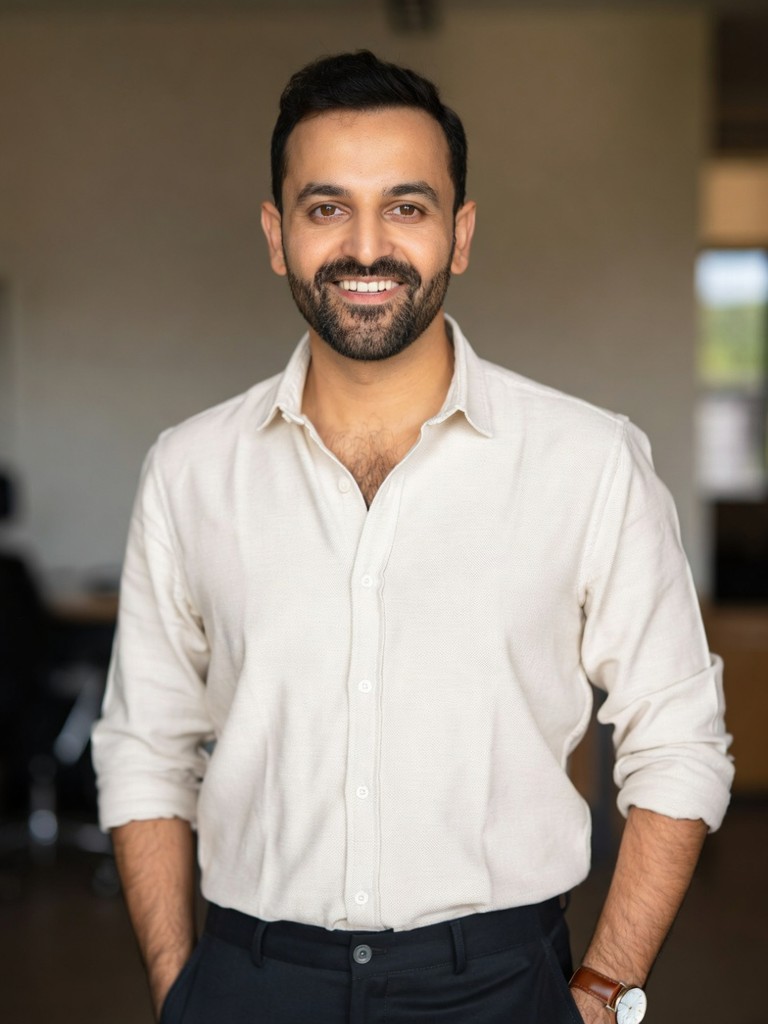
Input
Result
Skin Morph - Male to Female
CC92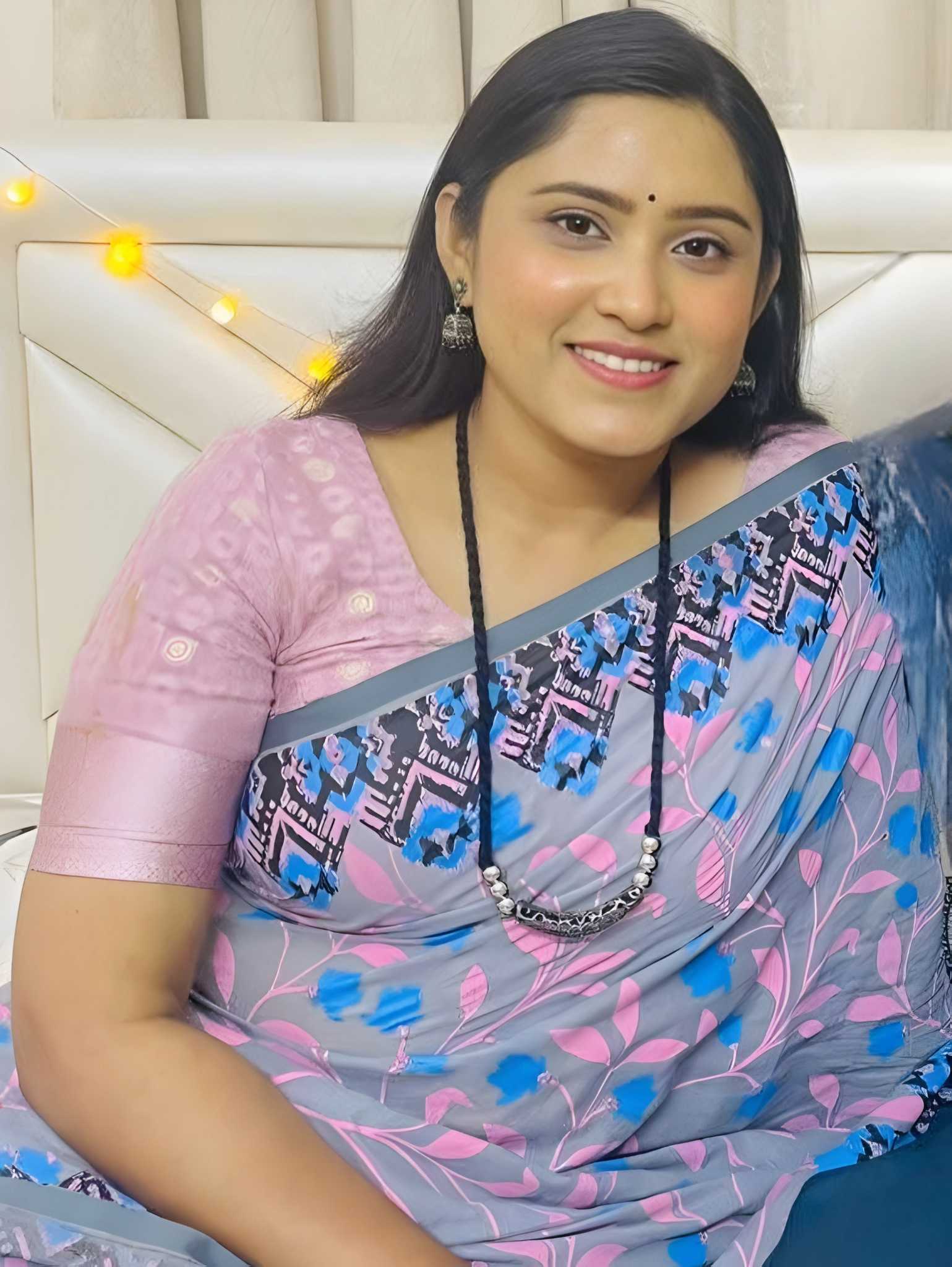
Input
Result
skin color clothing dance
 brasschastity82
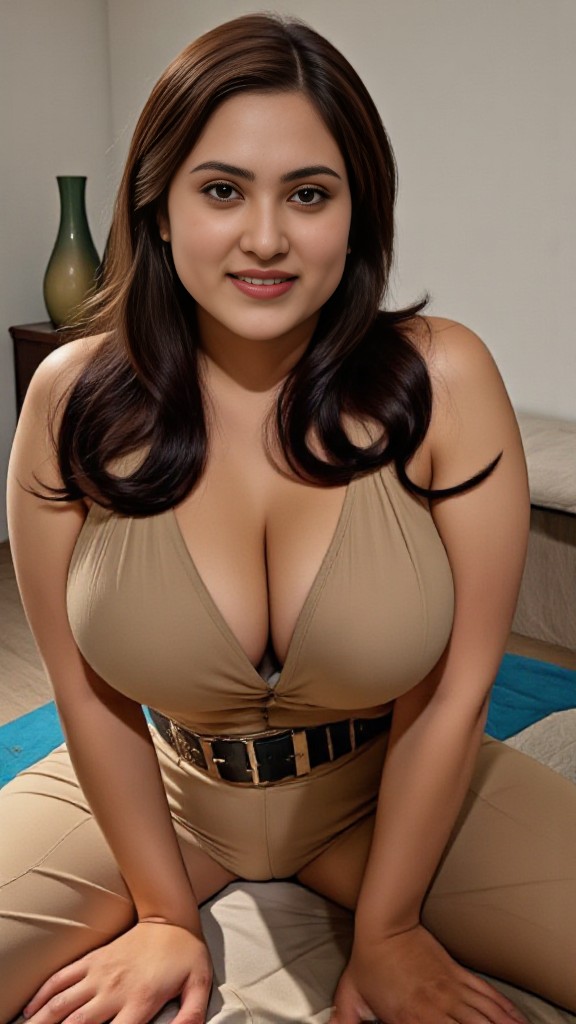
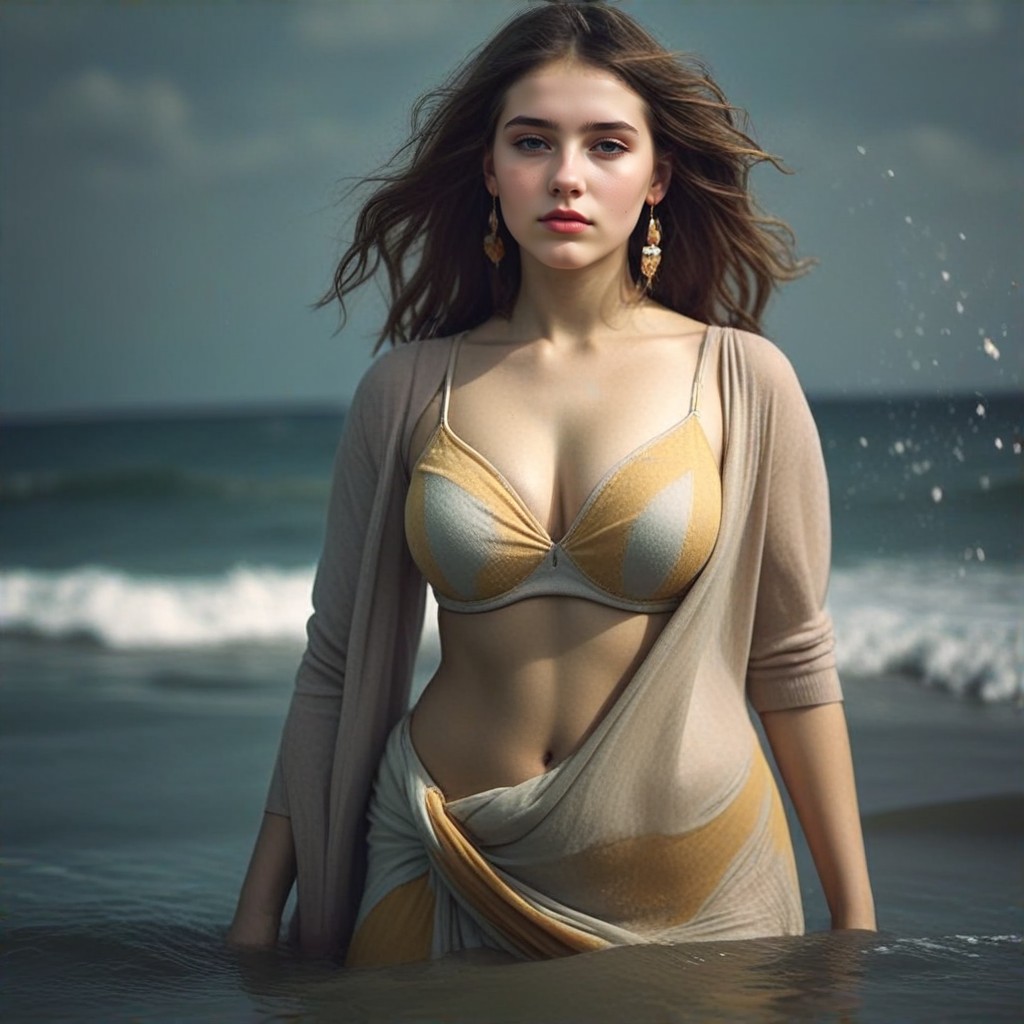
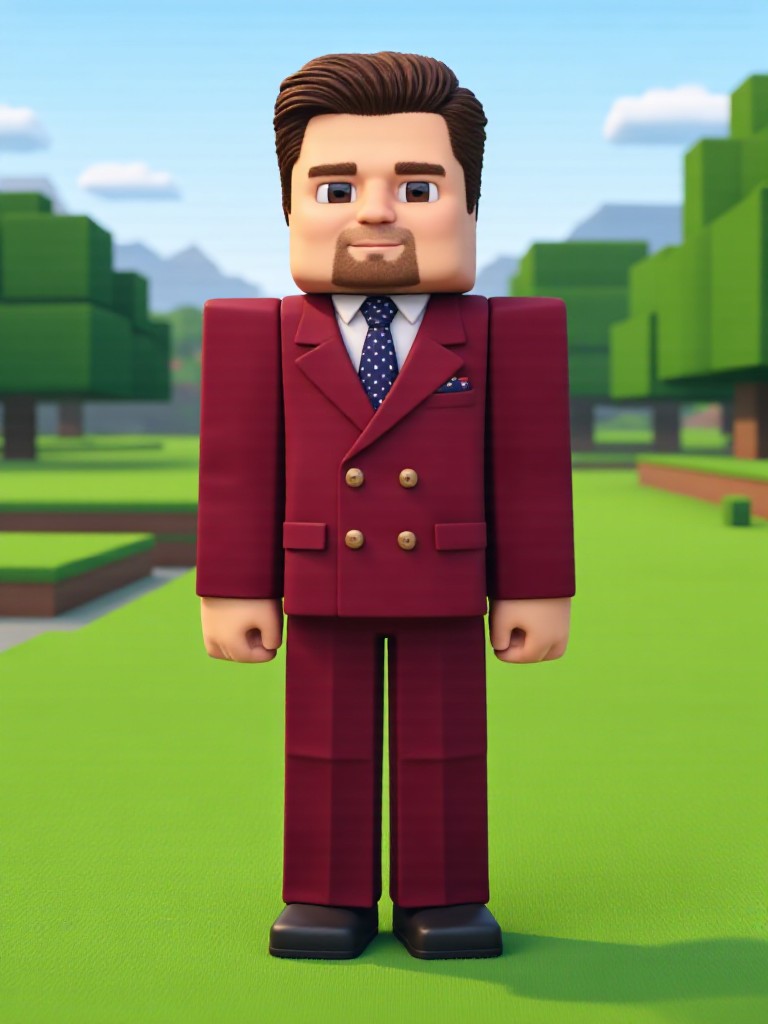
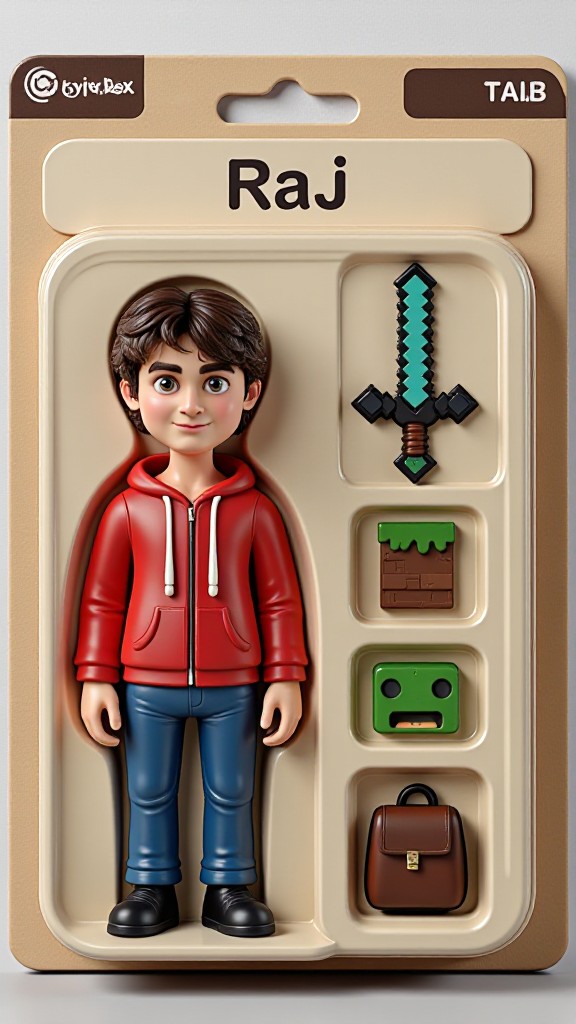
Stylish AI-Generated Minecraft Skin Art
Discover unique and innovative Minecraft Skin art created with cutting-edge AI technology.
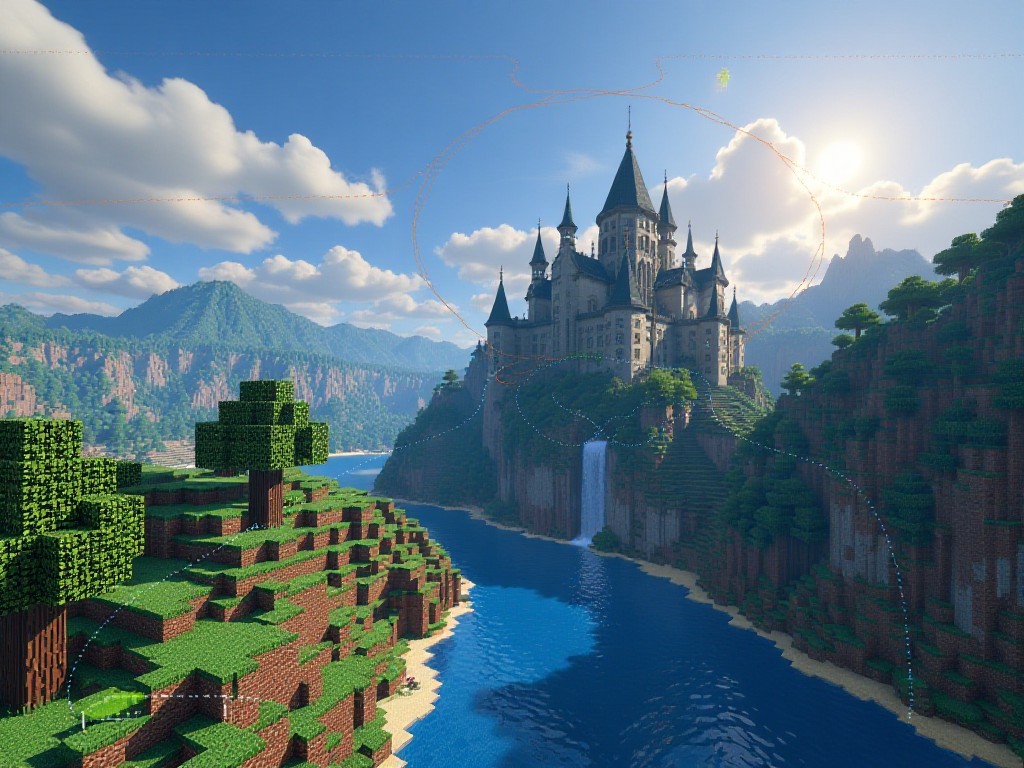
AI Minecraft Skin Art Generator Key Features
Explore the powerful features that make our AI-driven Minecraft Skin art generator a game-changer for creativity.
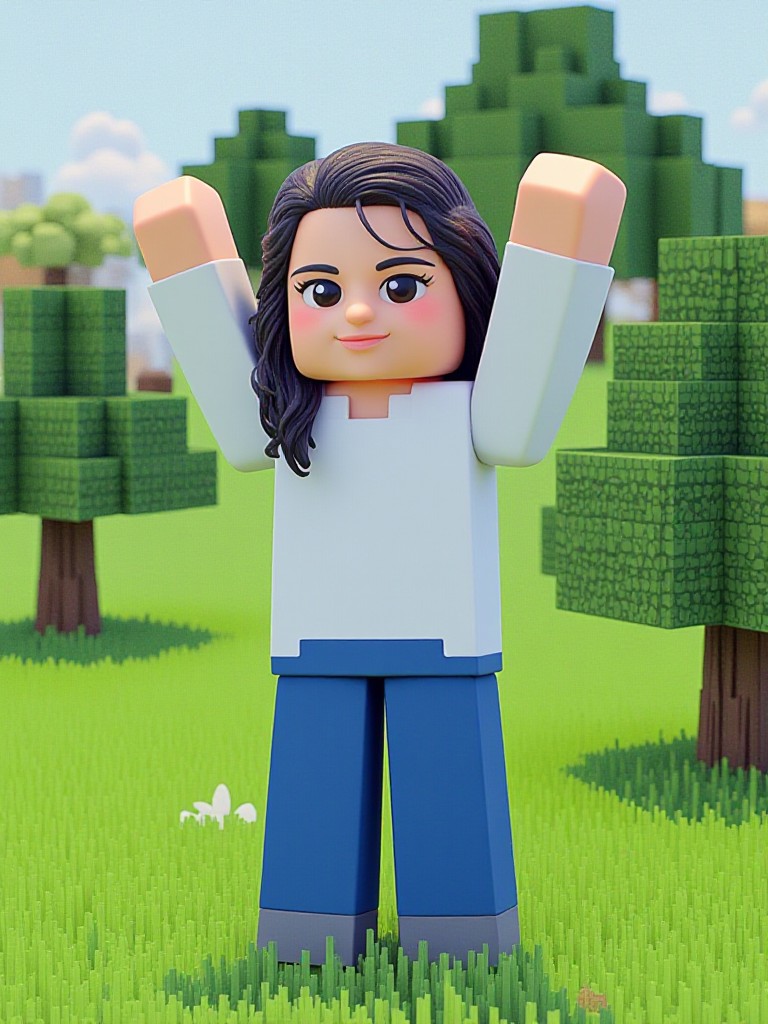
29Use
APP"Minecraft game style(remix)"
KEY FEATURES
Customizable Skin Filters
a1.art provides a wide range of customizable skin filters that allow users to tailor their Minecraft skins to their preferences. Whether you want a realistic portrait, a fantasy character, or a whimsical design, our filters offer endless options. Users can adjust colors, textures, and details to create skins that perfectly match their vision. With intuitive tools and a user-friendly interface, even beginners can achieve professional-looking results.
KEY FEATURES
Advanced Component Support
Our platform supports advanced components such as Flux, enabling users to create complex and dynamic skin generators. This feature allows for greater creativity and flexibility, letting users combine different elements to produce unique skins. Whether you're designing a skin for a specific event or crafting a custom look for your avatar, Flux ensures that your creations are both innovative and visually striking.
22Use
APP"Minecraft Scene Generator"
How to Create AI Minecraft Skin Art?
Follow these simple steps to effortlessly generate stunning Minecraft Skin art with the power of a1.art.

Step 1
Select the AI Minecraft Skin Art Generator that interests you most on this page.

Step 2
Upload your picture or enter text according to the application requirements.

Step 3
Wait a few seconds and you can easily get your unique AI Minecraft Skin art. Download for free!
21Use
APP"Grinding skin"
Why Use an AI Minecraft Skin Art Generator?
Choosing a1.art for your Minecraft skin art needs means gaining access to a powerful and versatile AI art generator. Our platform is designed to cater to both casual players and experienced designers, offering a range of features that make skin creation easy and enjoyable. With daily free credits, you can experiment with different styles and techniques without any cost. The ability to use advanced components like Flux adds an extra layer of creativity, allowing you to push the boundaries of what's possible. Plus, our user-friendly interface ensures that anyone can create professional-quality skins, regardless of their skill level. By registering today, you'll not only enhance your Minecraft experience but also join a community of creators who share a passion for innovation and artistry.
AI Minecraft Skin Art Generator FAQs
Find answers to the most common questions about using our AI-powered Minecraft Skin art generator.
What types of skins can I create with a1.art?
With a1.art, you can create a wide variety of Minecraft skins, including realistic portraits, fantasy characters, and whimsical designs. Our customizable filters and advanced components like Flux allow you to tailor every aspect of your skin, from colors and textures to intricate details. Whether you're looking to create a skin for a specific event or craft a unique look for your avatar, a1.art provides the tools and flexibility to bring your vision to life.
How do I get started with a1.art?
Can I use a1.art for free?
What is Flux and how does it work?
Is a1.art suitable for beginners?
Hear from Our Happy Customers
Read real feedback from users who have successfully built AI image generator with a1.art API and discover why they recommend it.
I was amazed by how easy it was to create my first Minecraft skin using a1.art. The customizable filters allowed me to tweak every detail until it looked exactly how I wanted. Highly recommend!
 @ Jeffrey Marcus
The Flux component really took my skin designs to the next level. I could experiment with different styles and create something truly unique. The free credits were a great way to try it out before committing.
 @ Camille Joan
As a beginner, I found a1.art incredibly user-friendly. The interface was intuitive, and the results were fantastic. I'm excited to keep exploring and creating more skins!
 @ Winni Buckle
More Excellent Art Generator Recommendation
Discover more top-rated AI art generators that can take your art creation to the next level.
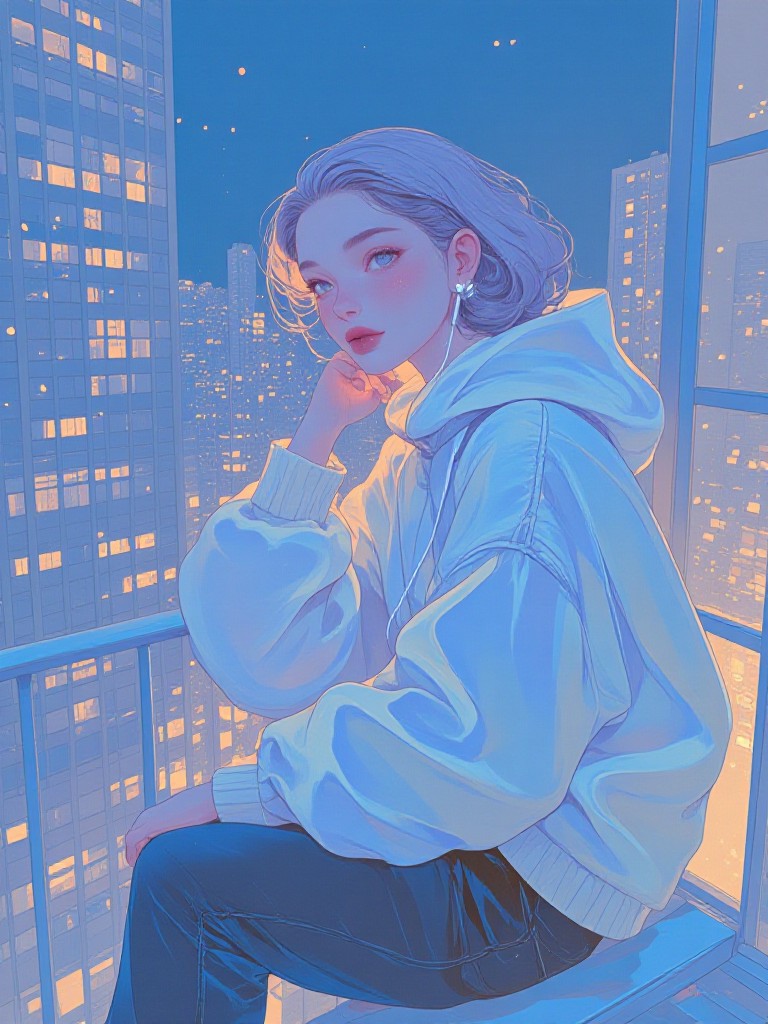
AI Subdued Colors art generator
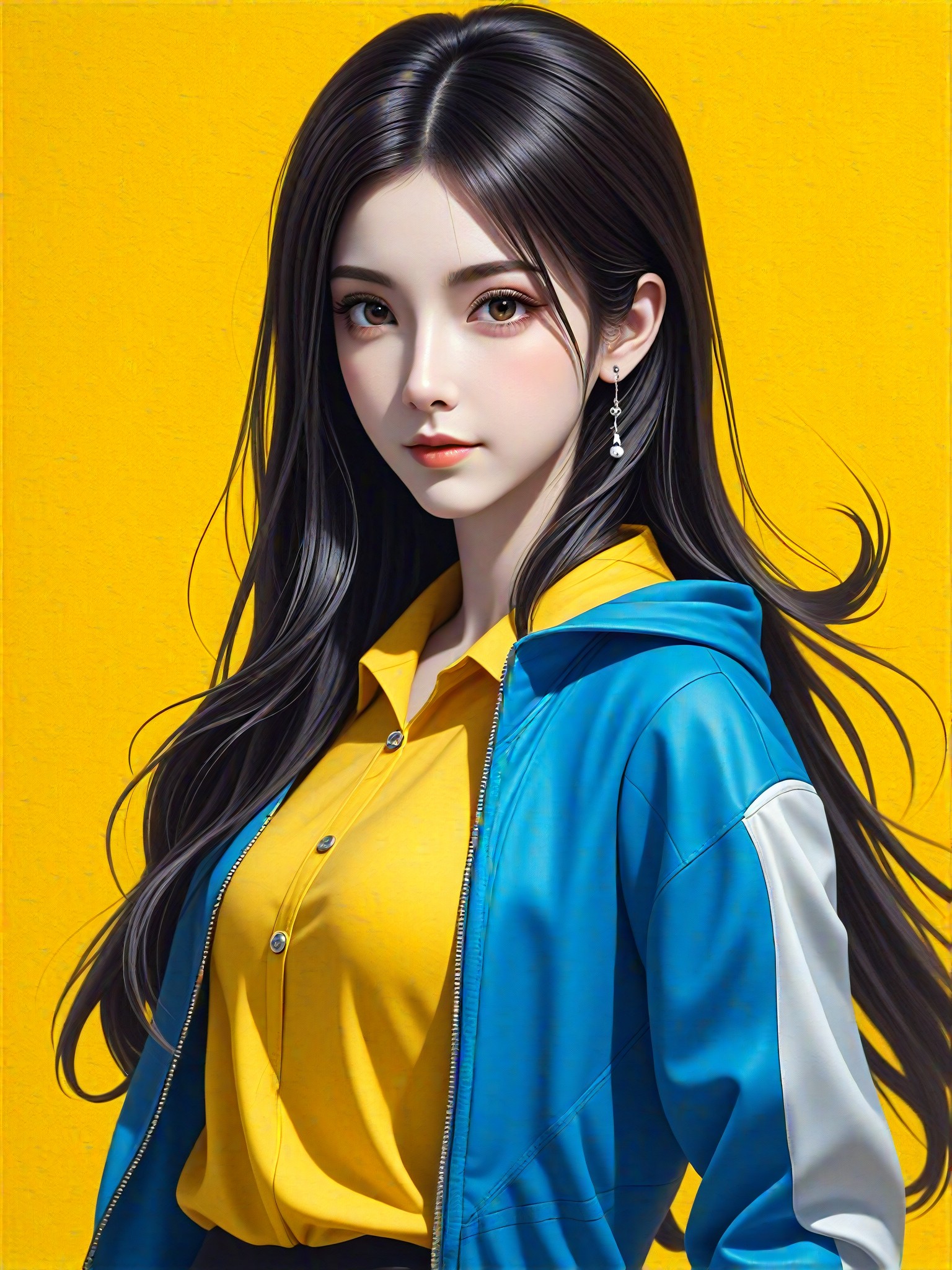
AI Shooting art generator
AI Idol art generator
AI Cheerful Scene art generator

AI Confident Style art generator
AI Blue And Orange Beads art generator
AI Scarab Beetle Pendant art generator
AI Simple Artwork art generator