
Home AI Change Skin Tone Art Generator
AI Change Skin Tone Art GeneratorAI Change Skin Tone Art Generator
Transform your photos with the AI change skin tone art generator from a1.art. Easily adjust and enhance skin tones in your images, creating stunning visuals with just a few clicks. Get free credits daily and enjoy the flexibility of a subscription for more advanced features.

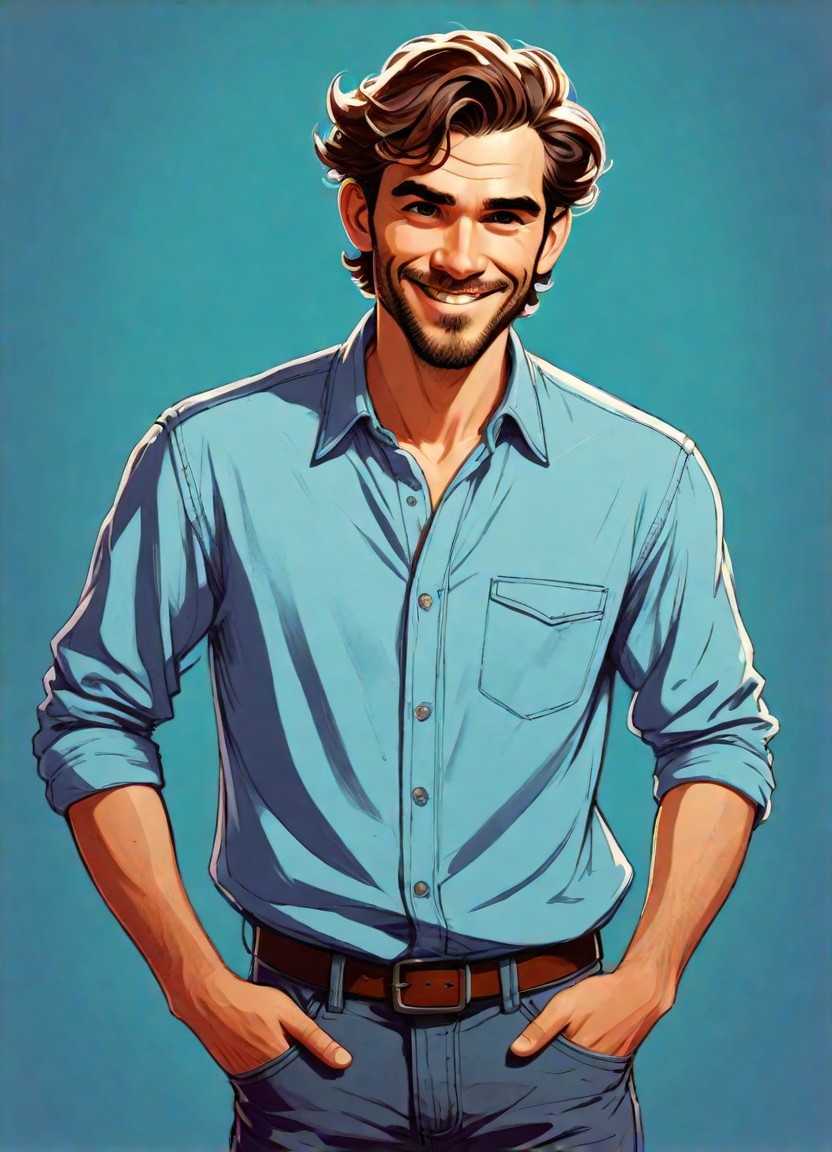
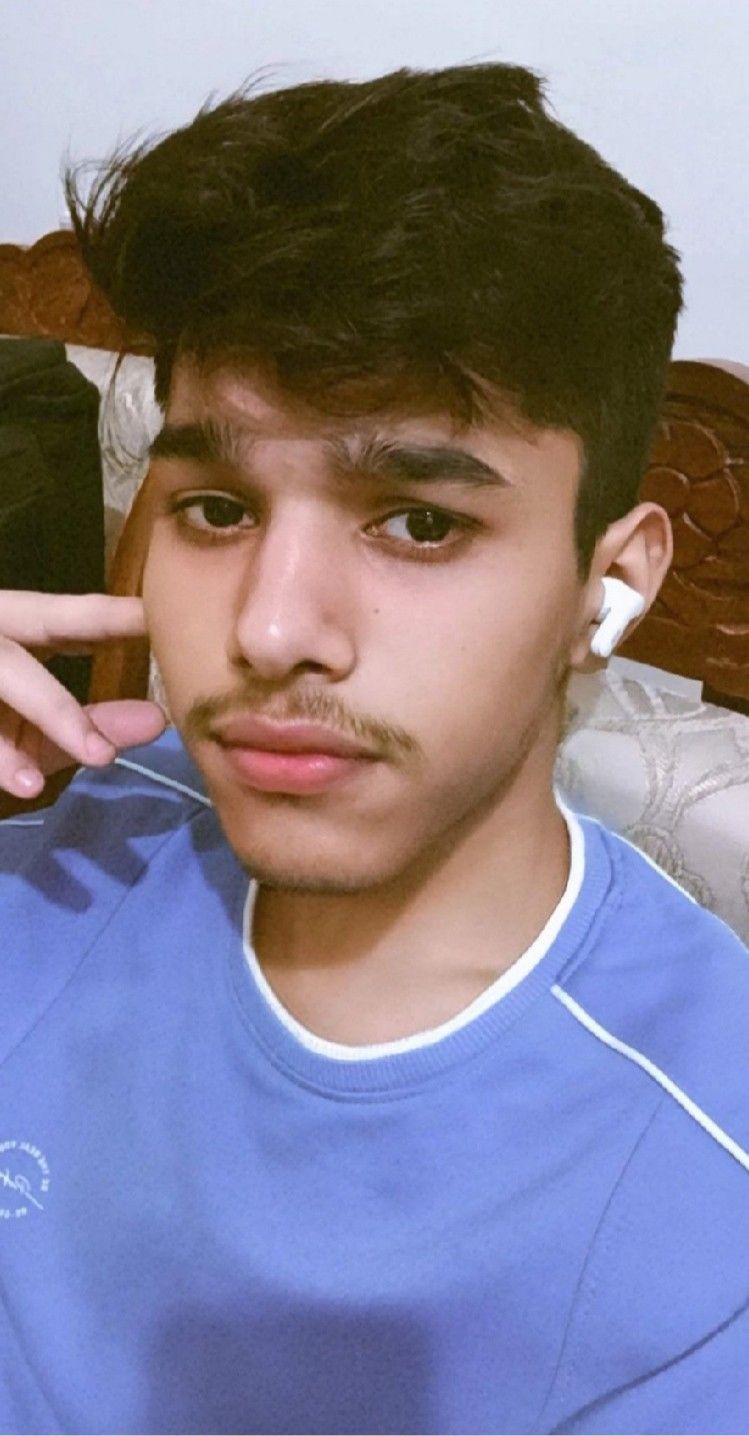
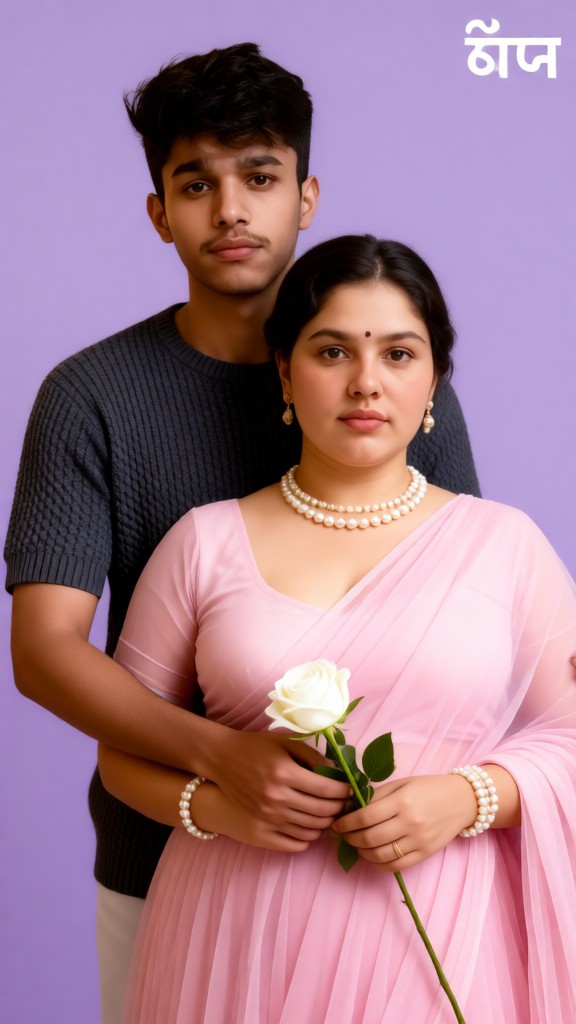
Input
Result
Purple Tone Rose · Warm Portrait
 艺术创作家
艺术创作家 4.5k
4.5k
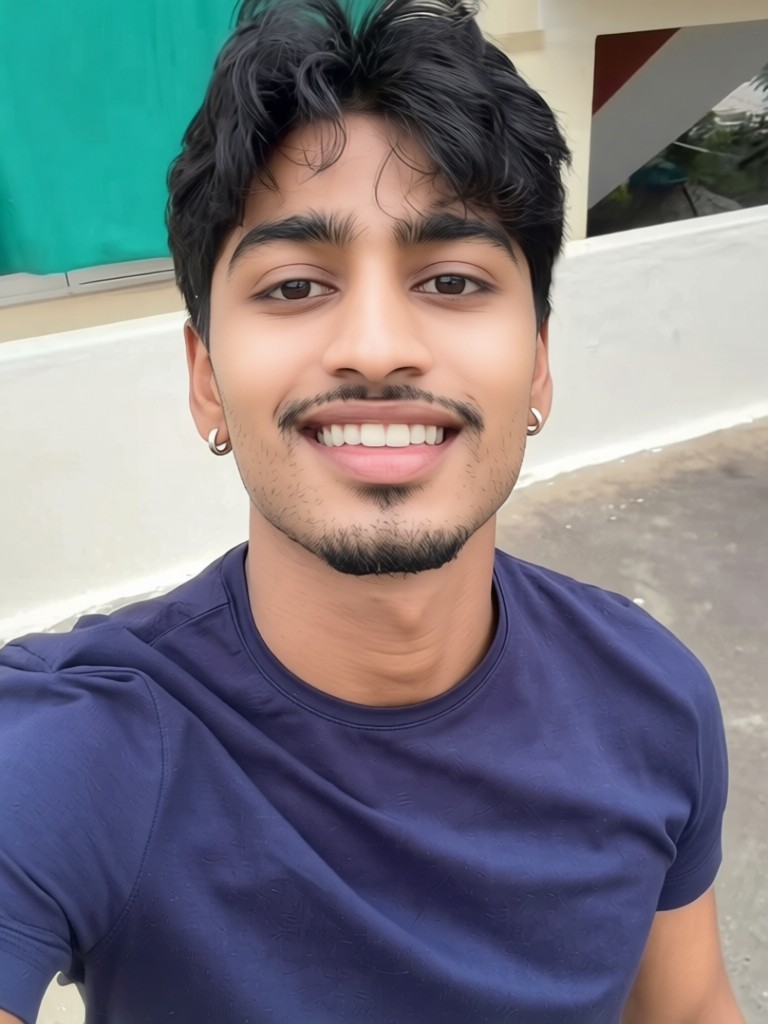
Input
Result
Skin whitening
 CC868
CC868
Input
Result
Baby Growth Album
 The Monkey King735
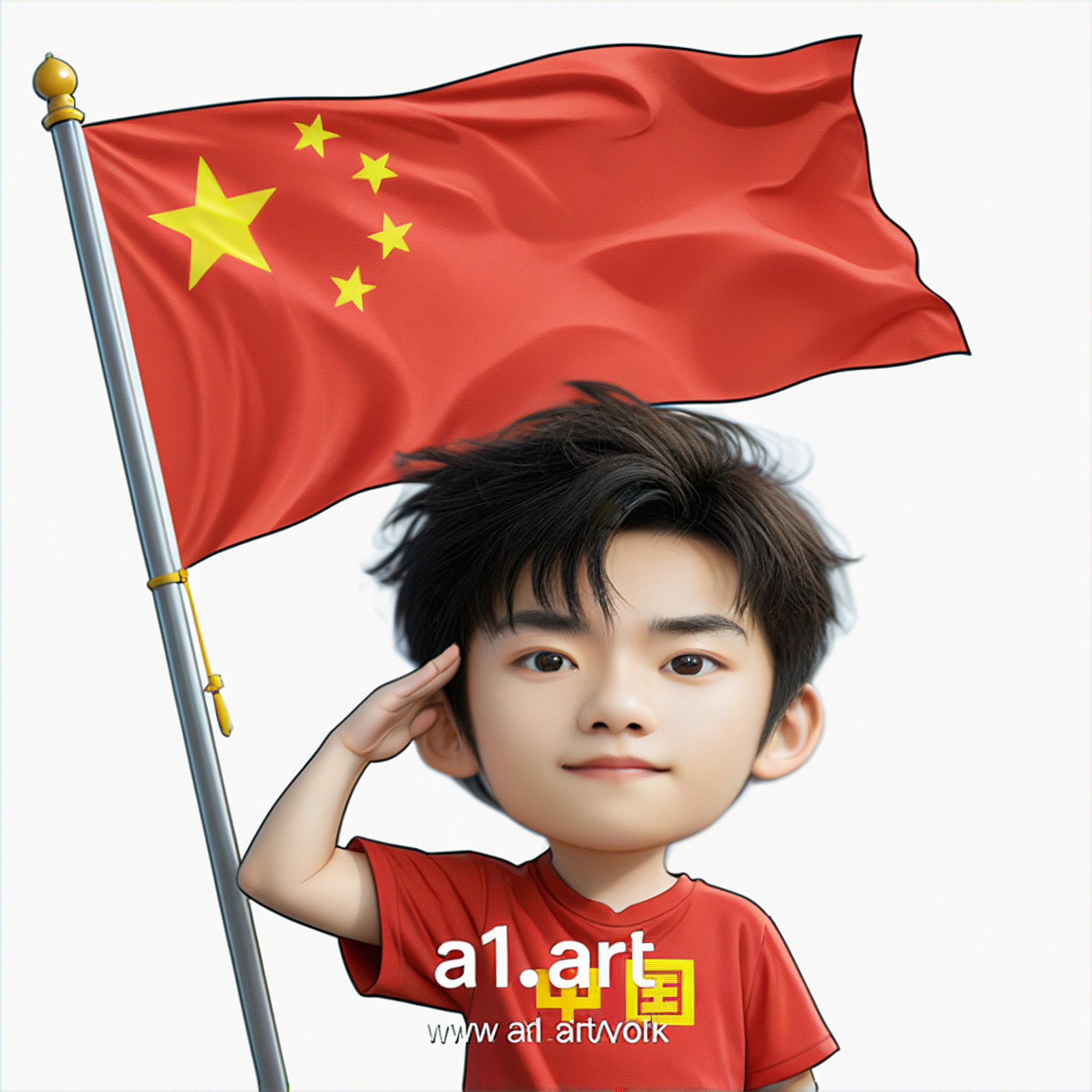
Input
Result
Q version of the National Day avatar
 Ben231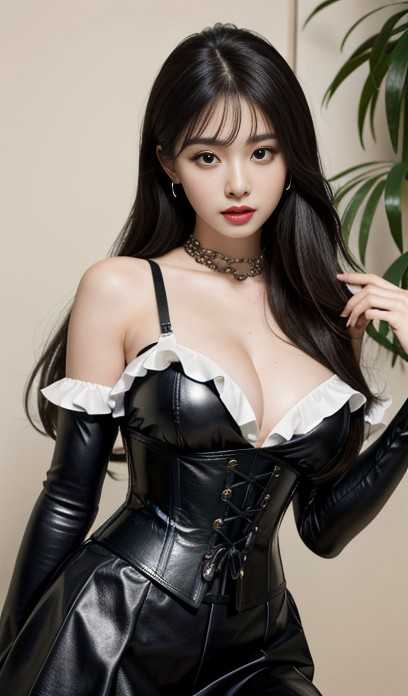
Input
Result
Rider Change
 CHZE195

Input
Result
Skin Morph - Male to Female
CC83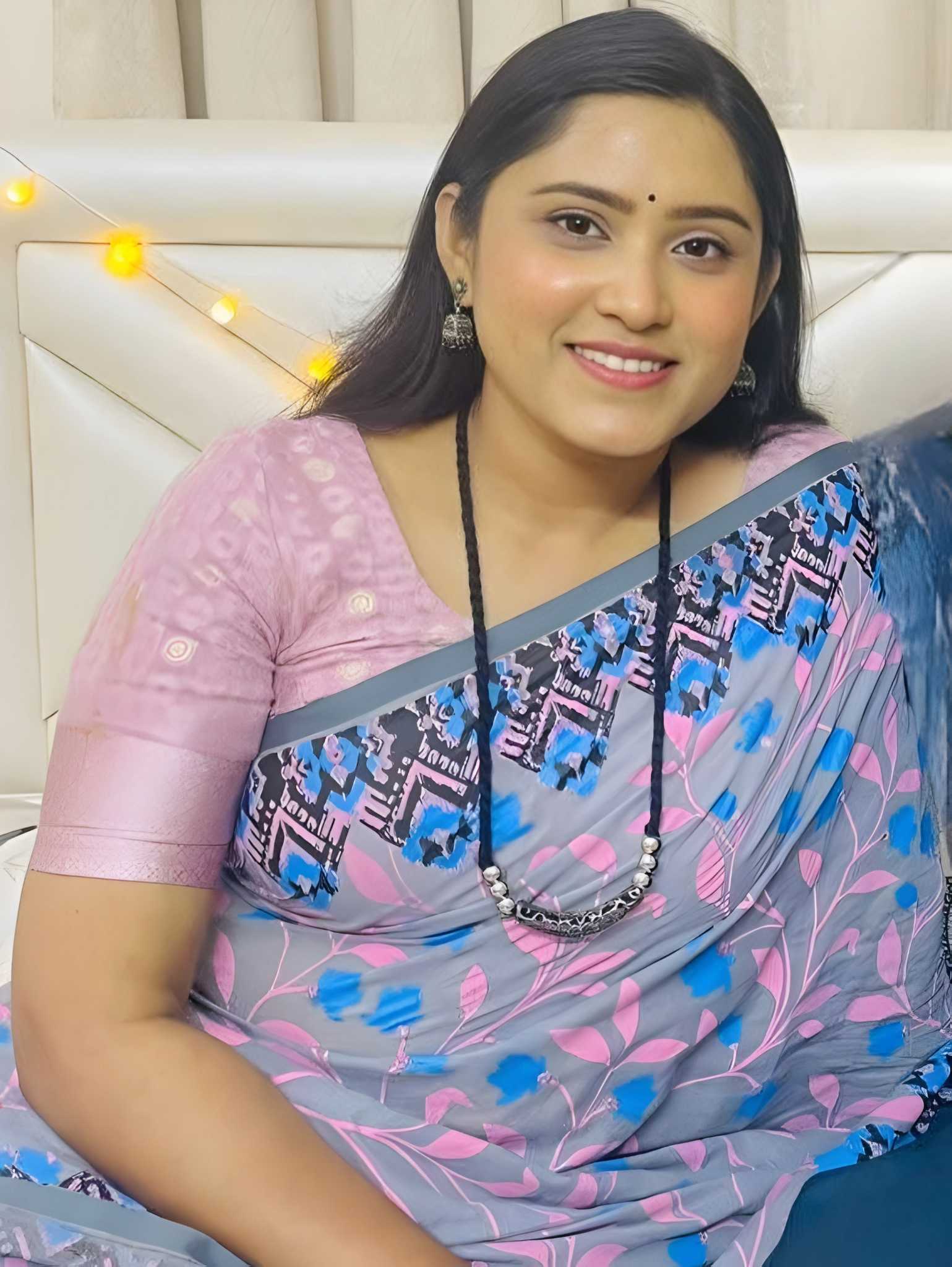
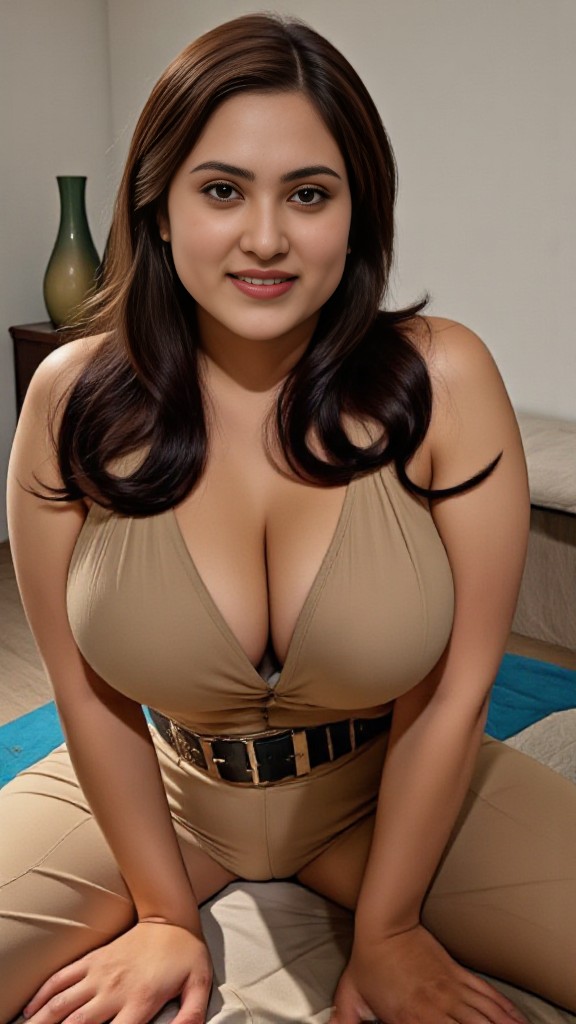
Input
Result
skin color clothing dance
 brasschastity67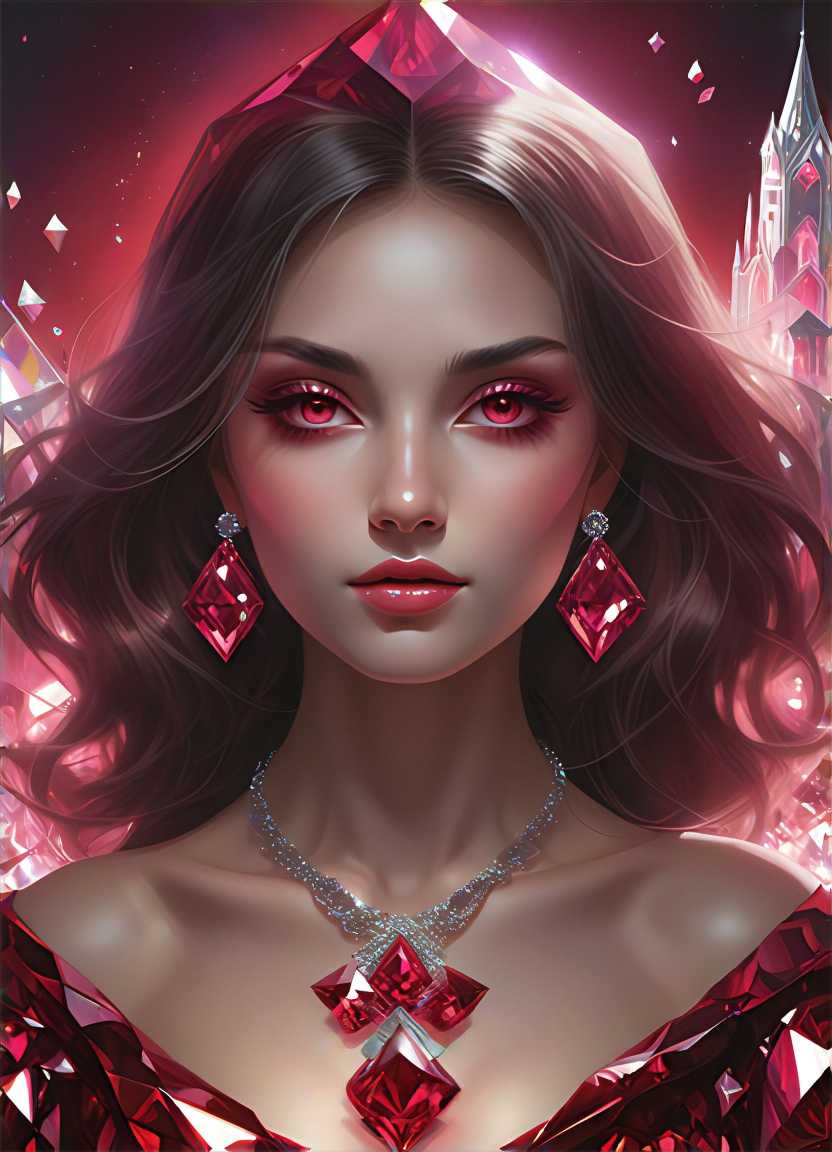
Input
Result
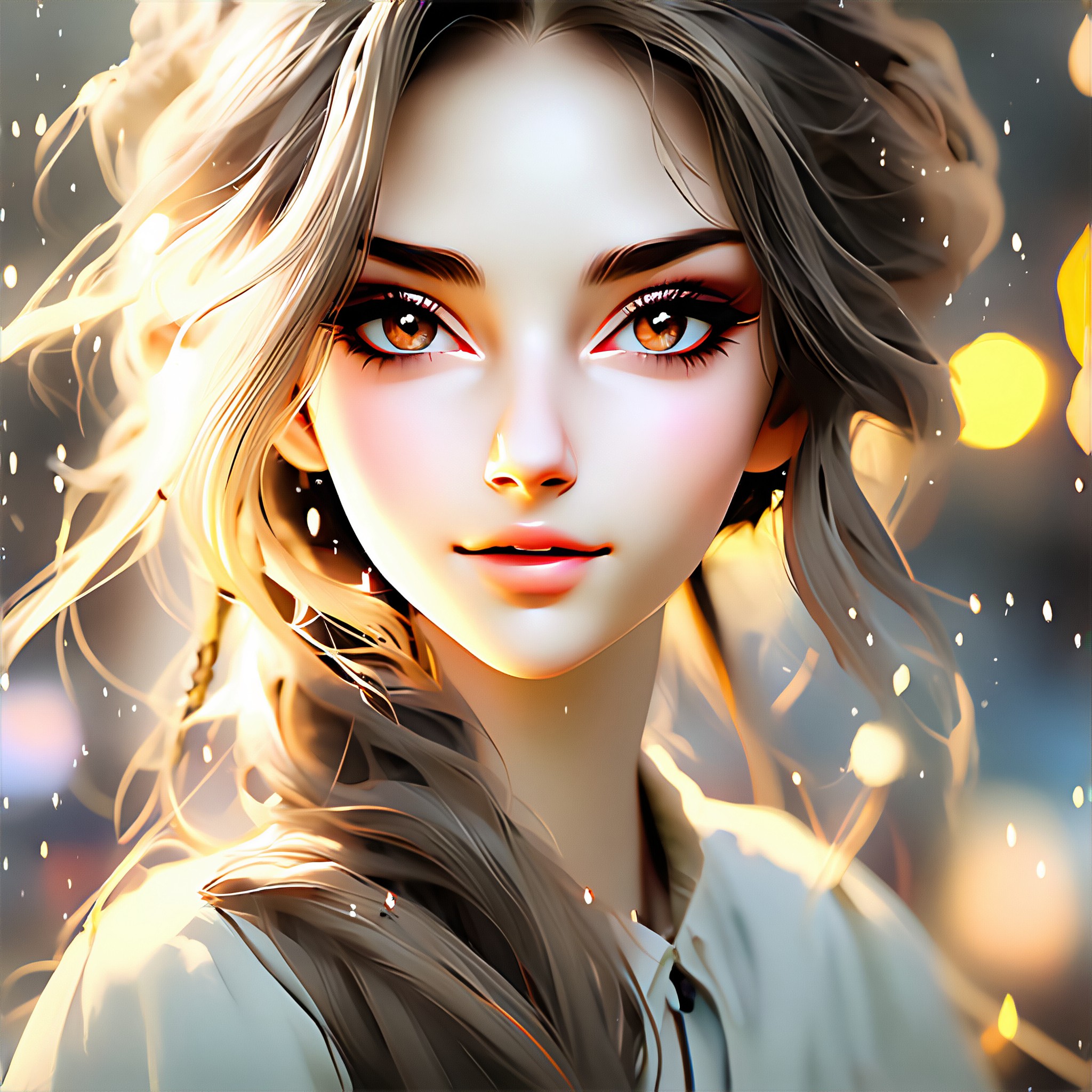
Pastel Tone Filter
 fancy55
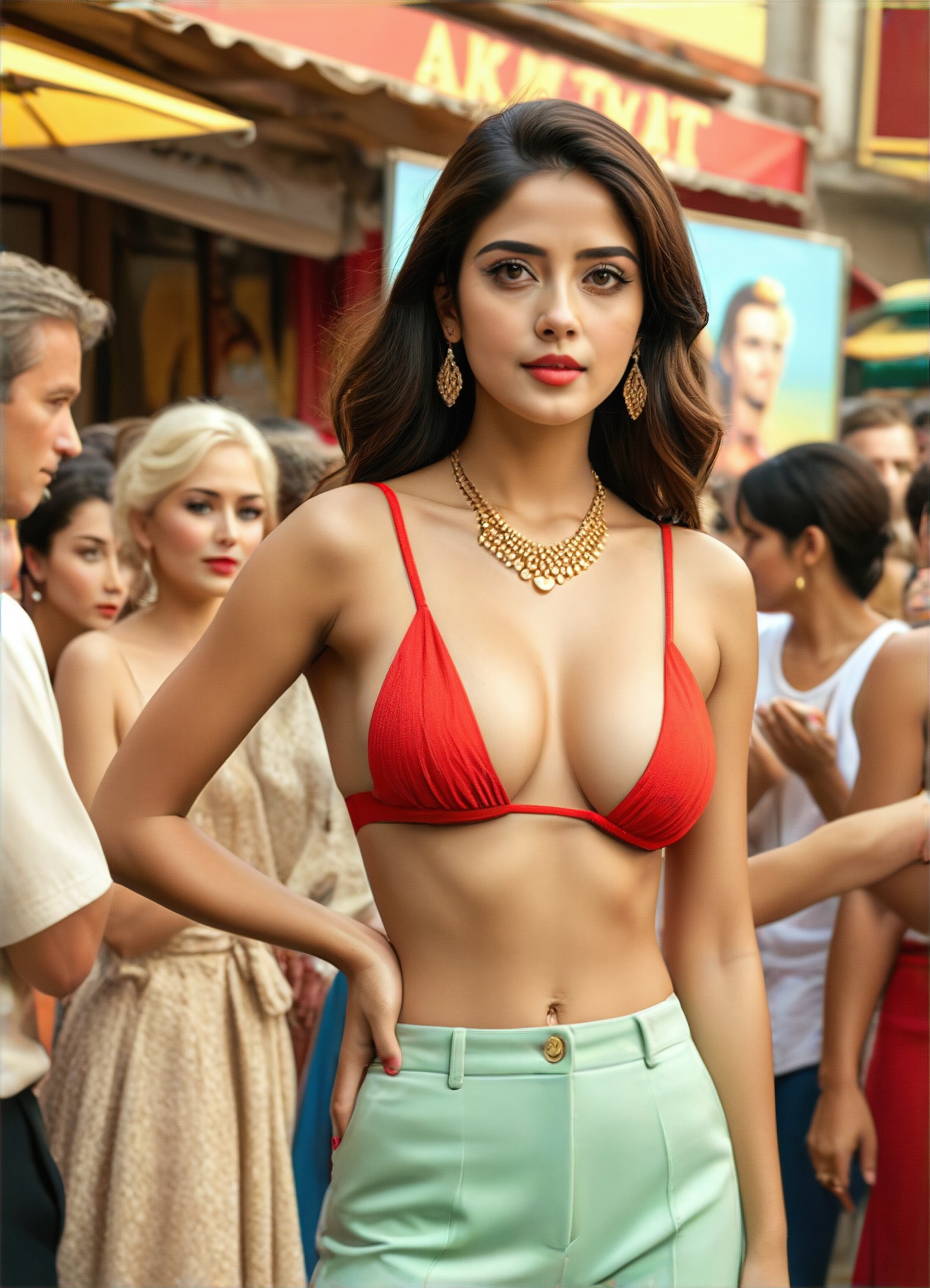
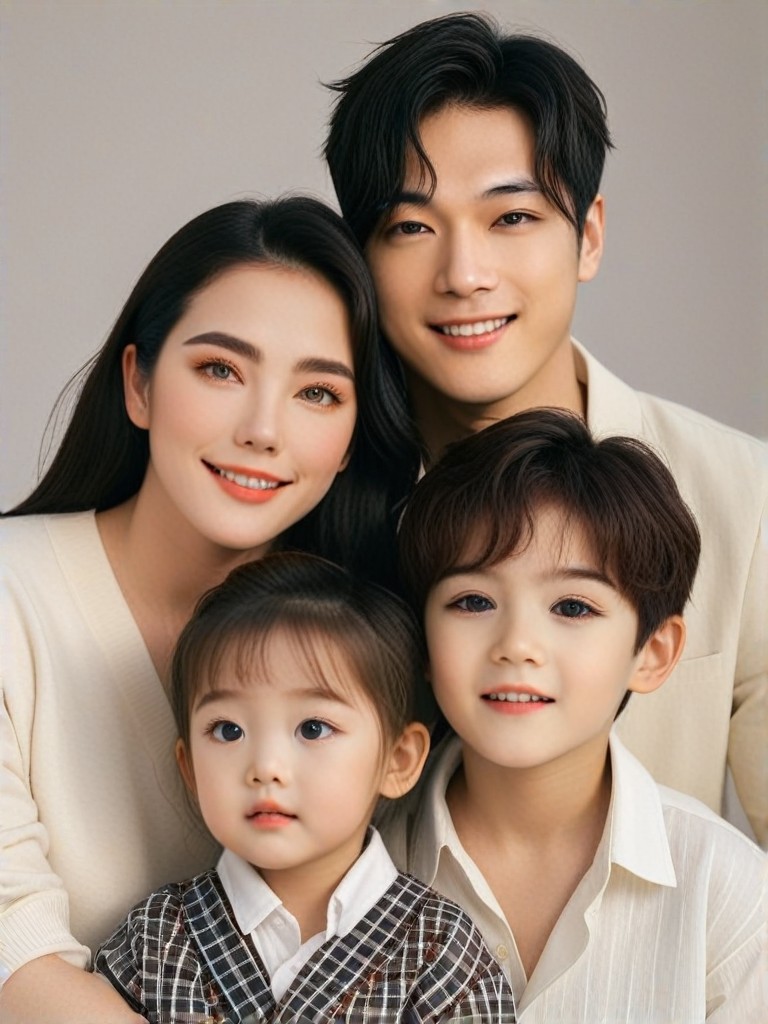
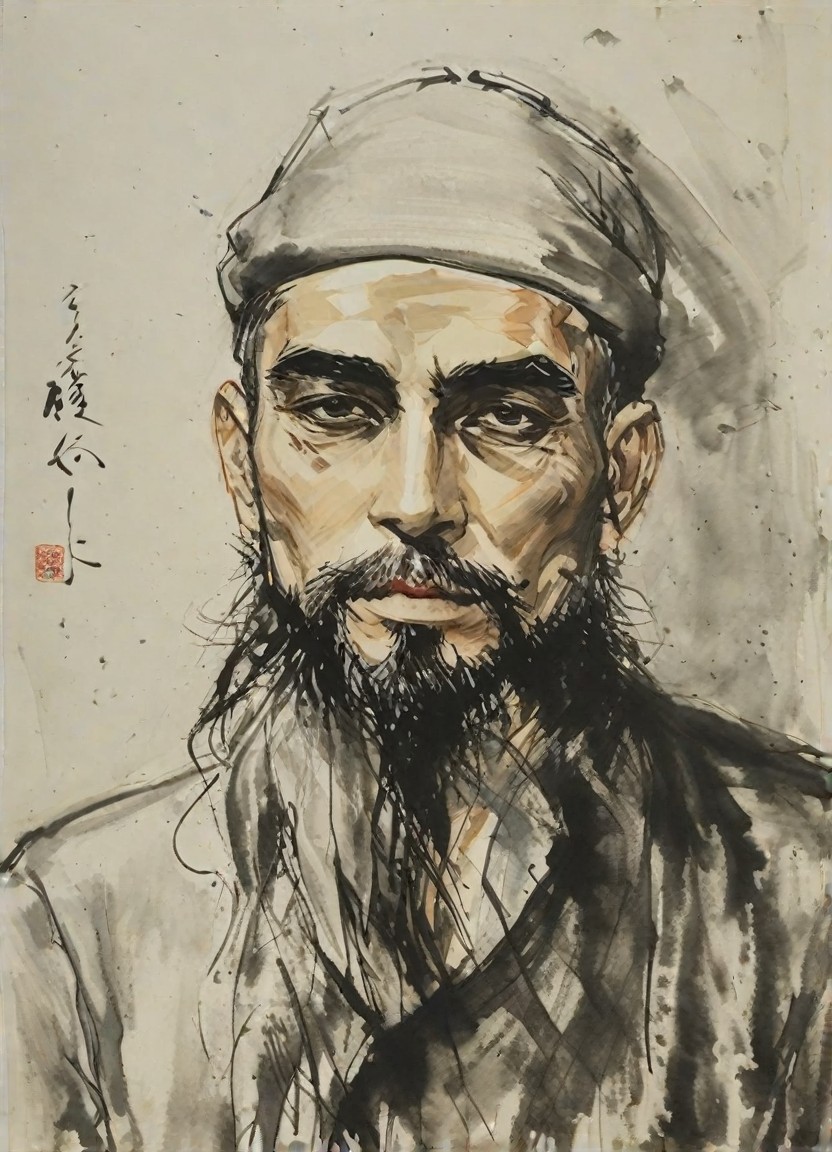
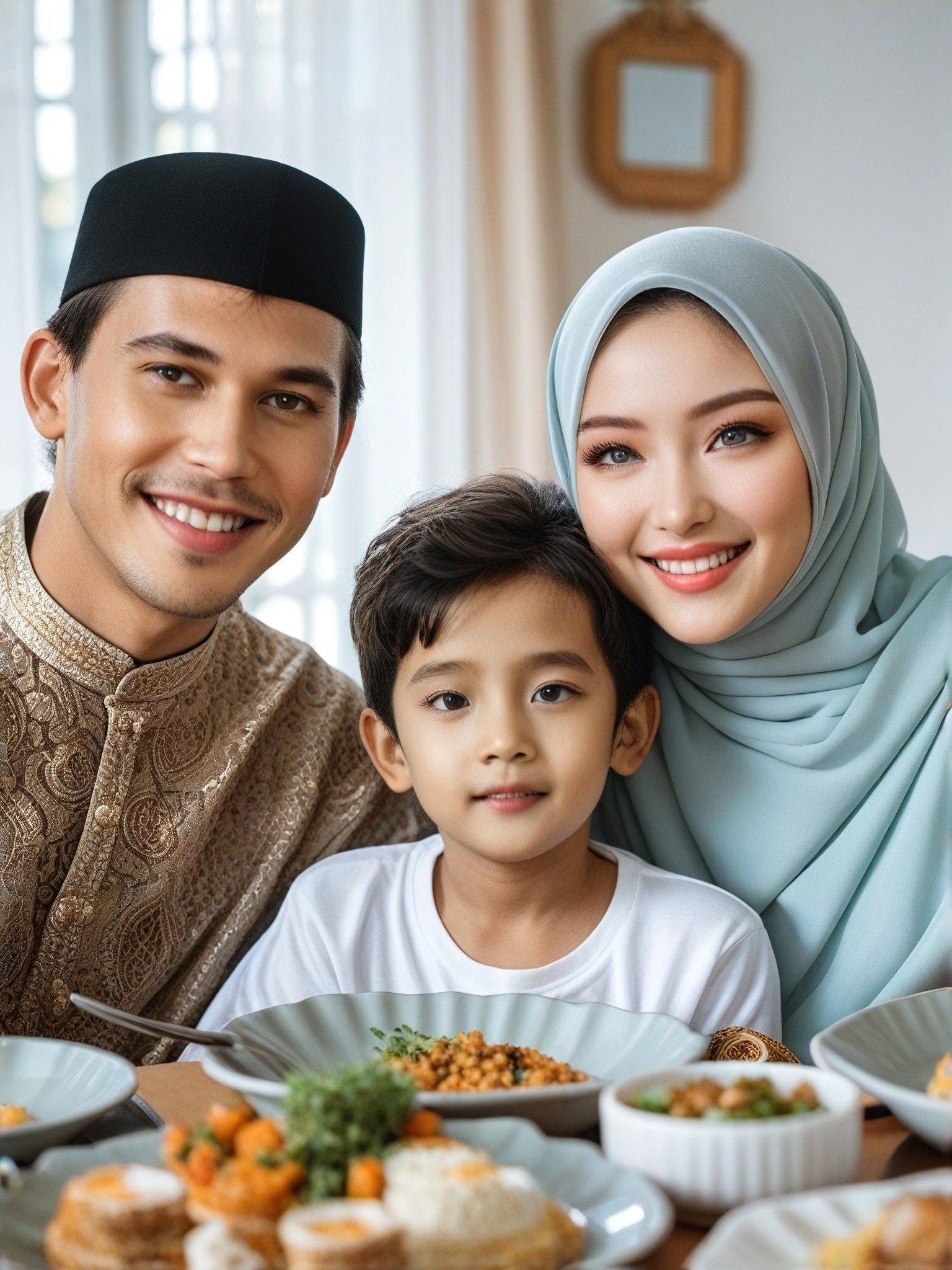
Stylish AI-Generated Change Skin Tone Art
Discover unique and innovative Change Skin Tone art created with cutting-edge AI technology.

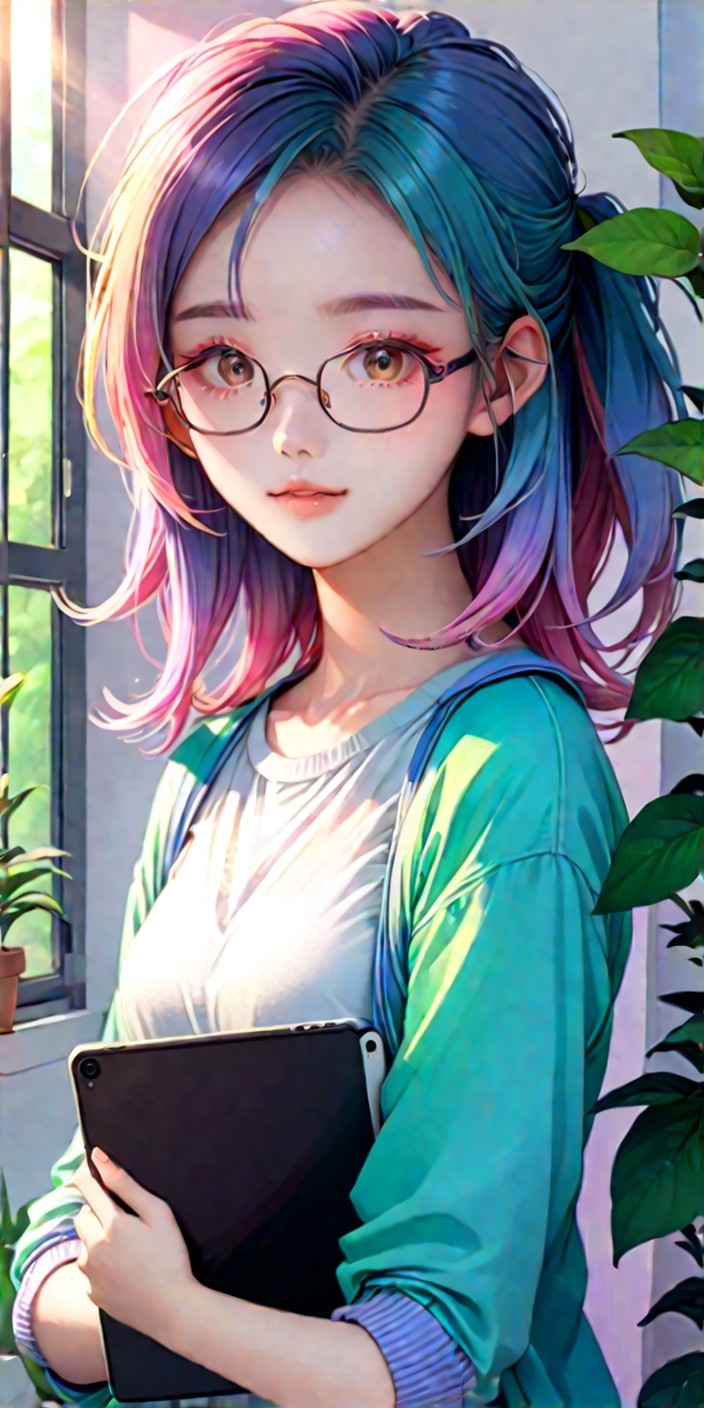

AI Change Skin Tone Art Generator Key Features
Explore the powerful features that make our AI-driven Change Skin Tone art generator a game-changer for creativity.
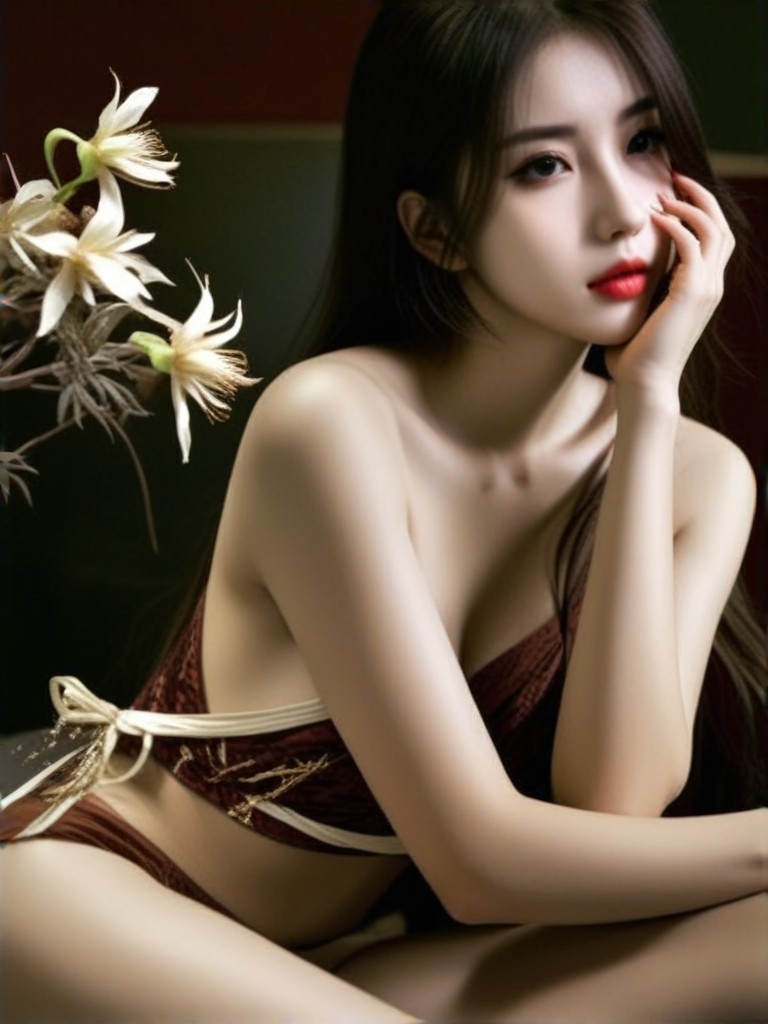
2796Use
APP"Change your style/ looks"
KEY FEATURES
Easily Adjust Skin Tones
Upload your photos or texts, and let the AI change skin tone art generator do the rest. Choose from various filter styles to achieve the perfect look you desire. Flux support allows you to create custom image generators for unique results.
KEY FEATURES
Free Credits Daily & Subscription Options
Experience the power of a1.art with free credits available daily for online use. Upgrade to a subscription for access to additional features and tools, enhancing your creative possibilities.
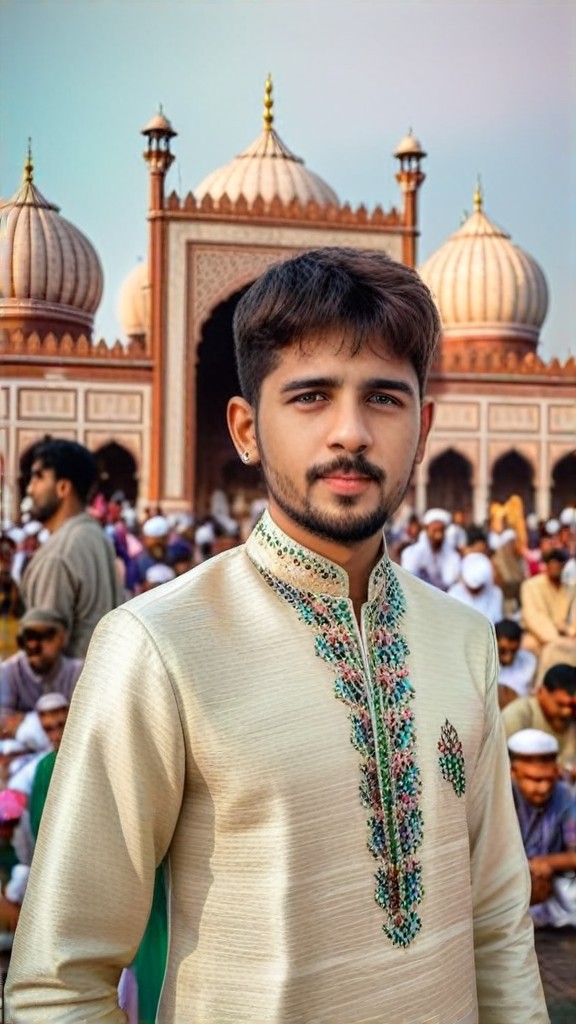
2238Use
APP"Jama Mosque"
How to Create AI Change Skin Tone Art?
Follow these simple steps to effortlessly generate stunning Change Skin Tone art with the power of a1.art.

Step 1
Select the AI Change Skin Tone Art Generator that interests you most on this page.

Step 2
Upload your picture or enter text according to the application requirements.

Step 3
Wait a few seconds and you can easily get your unique AI Change Skin Tone art. Download for free!
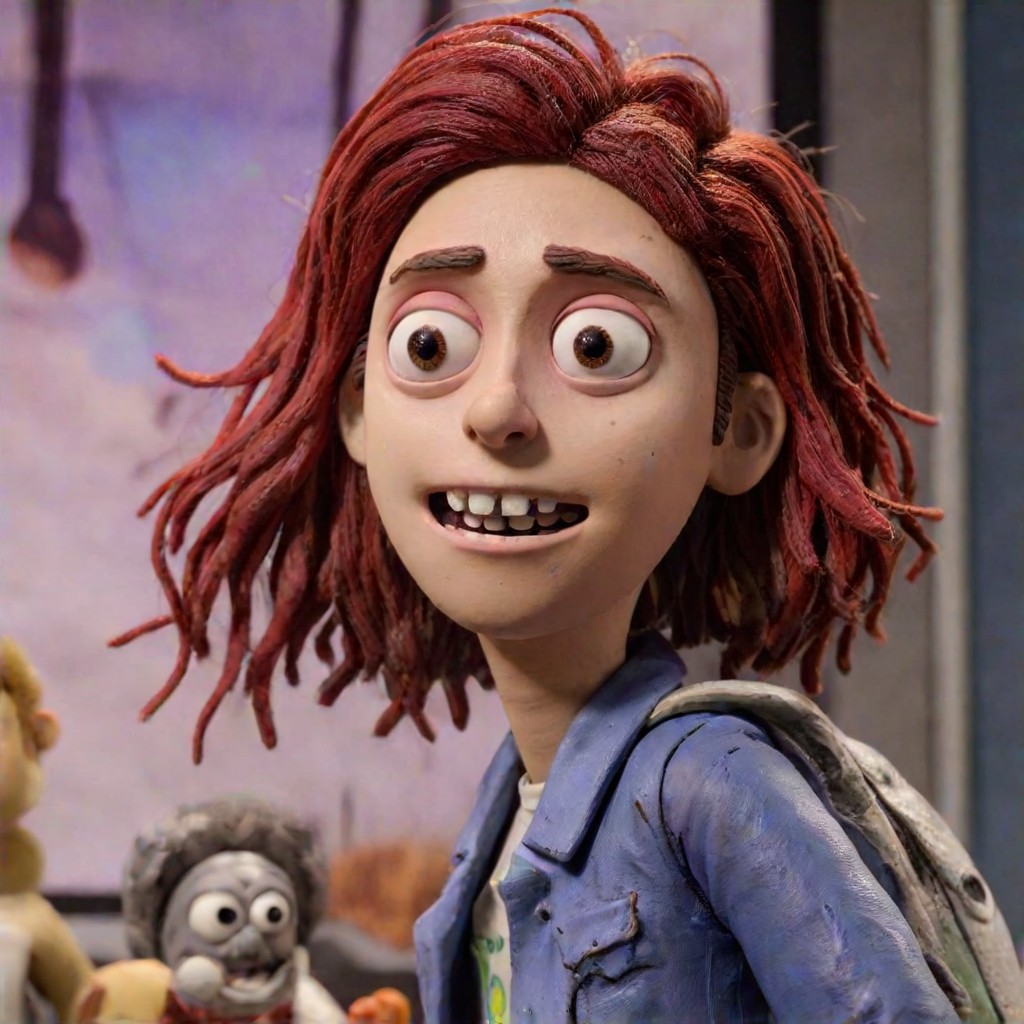
2233Use
APP"Clay Style Change 2.0"
Why Use an AI Change Skin Tone Art Generator?
Enhance your photos with the AI change skin tone art generator from a1.art. Perfect for artists, photographers, and anyone looking to add a personal touch to their images. Free credits ensure you can start experimenting right away, while subscriptions offer more advanced capabilities.
AI Change Skin Tone Art Generator FAQs
Find answers to the most common questions about using our AI-powered Change Skin Tone art generator.
How does the AI change skin tone work?
The AI analyzes your photo and applies filters to adjust the skin tone according to your preferences. It's easy to use and offers a wide range of styles to choose from.
Can I customize the skin tone changes?
Are there any limitations with free credits?
Is it safe to use a1.art?
How long does it take to get my credits?
Hear from Our Happy Customers
Read real feedback from users who have successfully built AI image generator with a1.art API and discover why they recommend it.
I love how effortlessly the AI adjusts skin tones in my photos. The variety of styles is amazing!
 @ Steward Thomas
The free credits are a game-changer. I've been able to experiment with different looks without worrying about costs.
 @ Wendell Carmen
Creating custom image generators with Flux has opened up new creative avenues for me. Highly recommend!
 @ Polly Conan
More Excellent Art Generator Recommendation
Discover more top-rated AI art generators that can take your art creation to the next level.
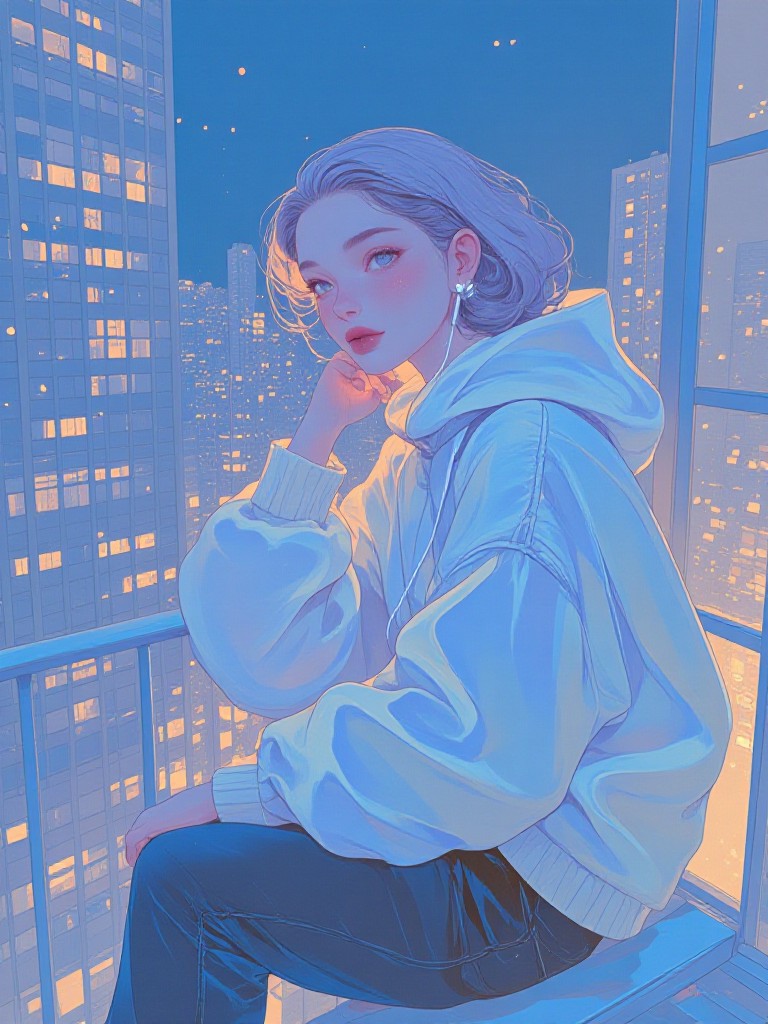
AI Subdued Colors art generator
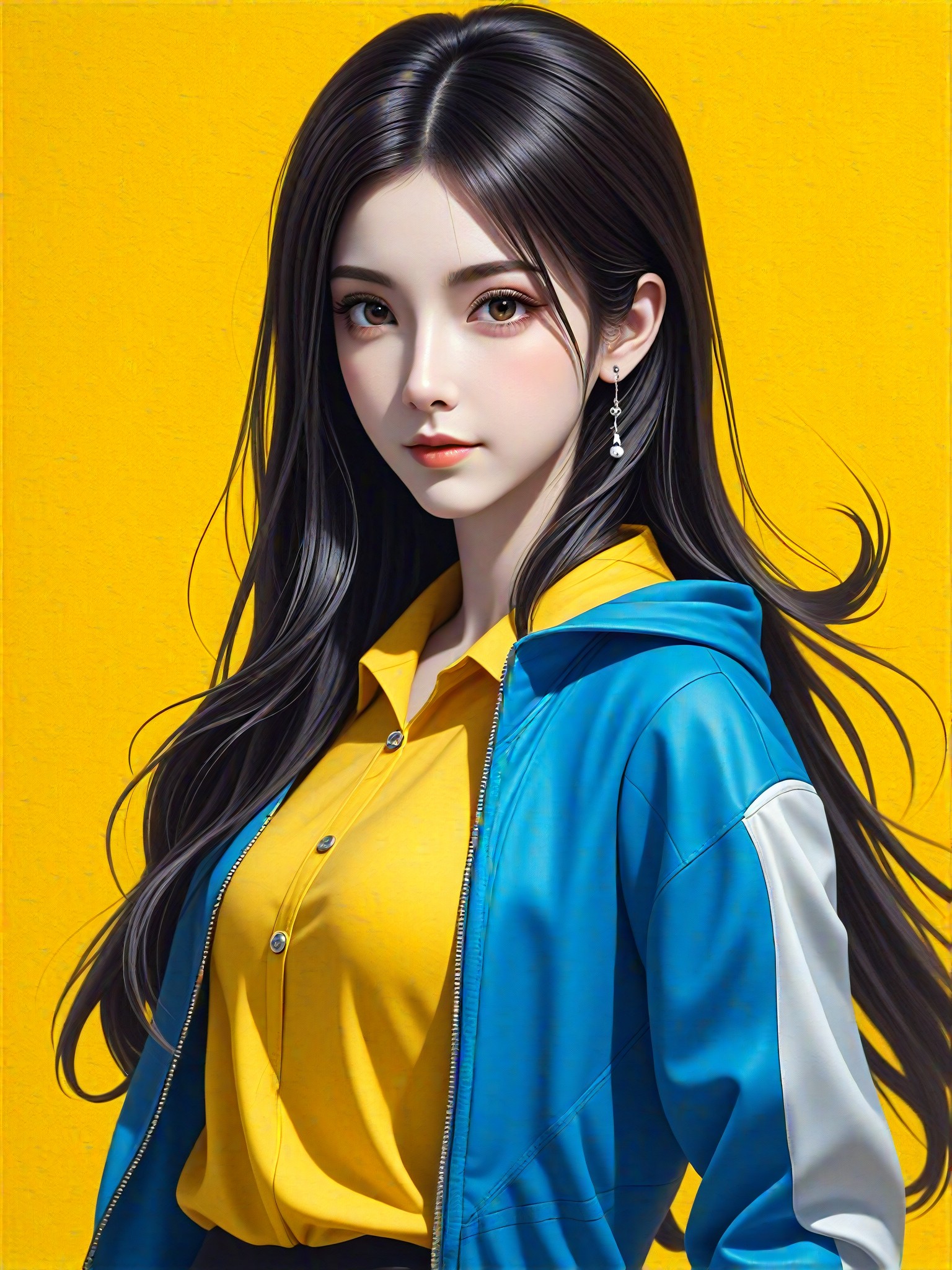
AI Shooting art generator
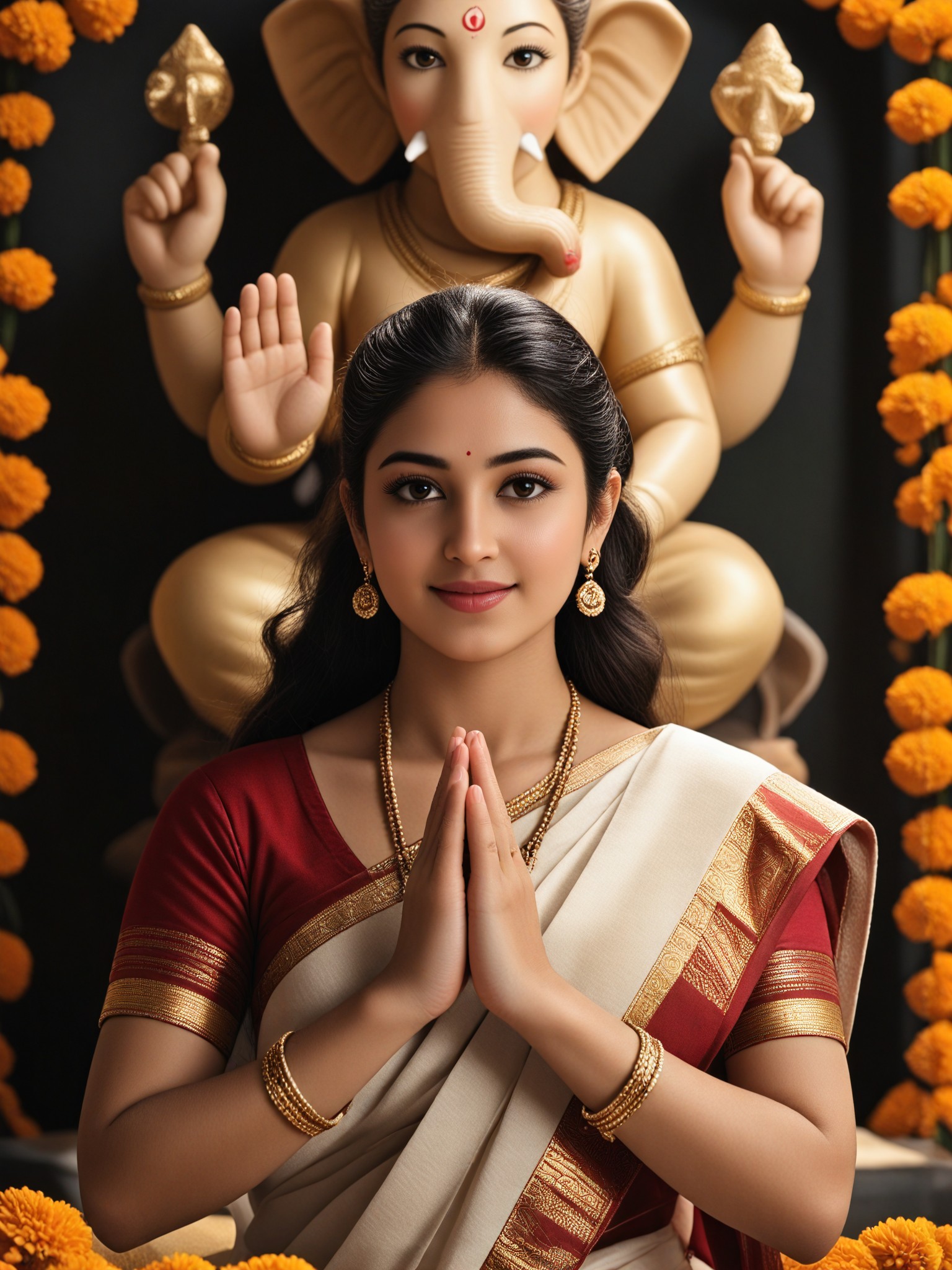
AI Idol art generator
AI Cheerful Scene art generator
AI Confident Style art generator
AI Blue And Orange Beads art generator
AI Scarab Beetle Pendant art generator
AI Simple Artwork art generator